


Get quote
Get Free Consultation!
We are ready to answer right now! free consultation.
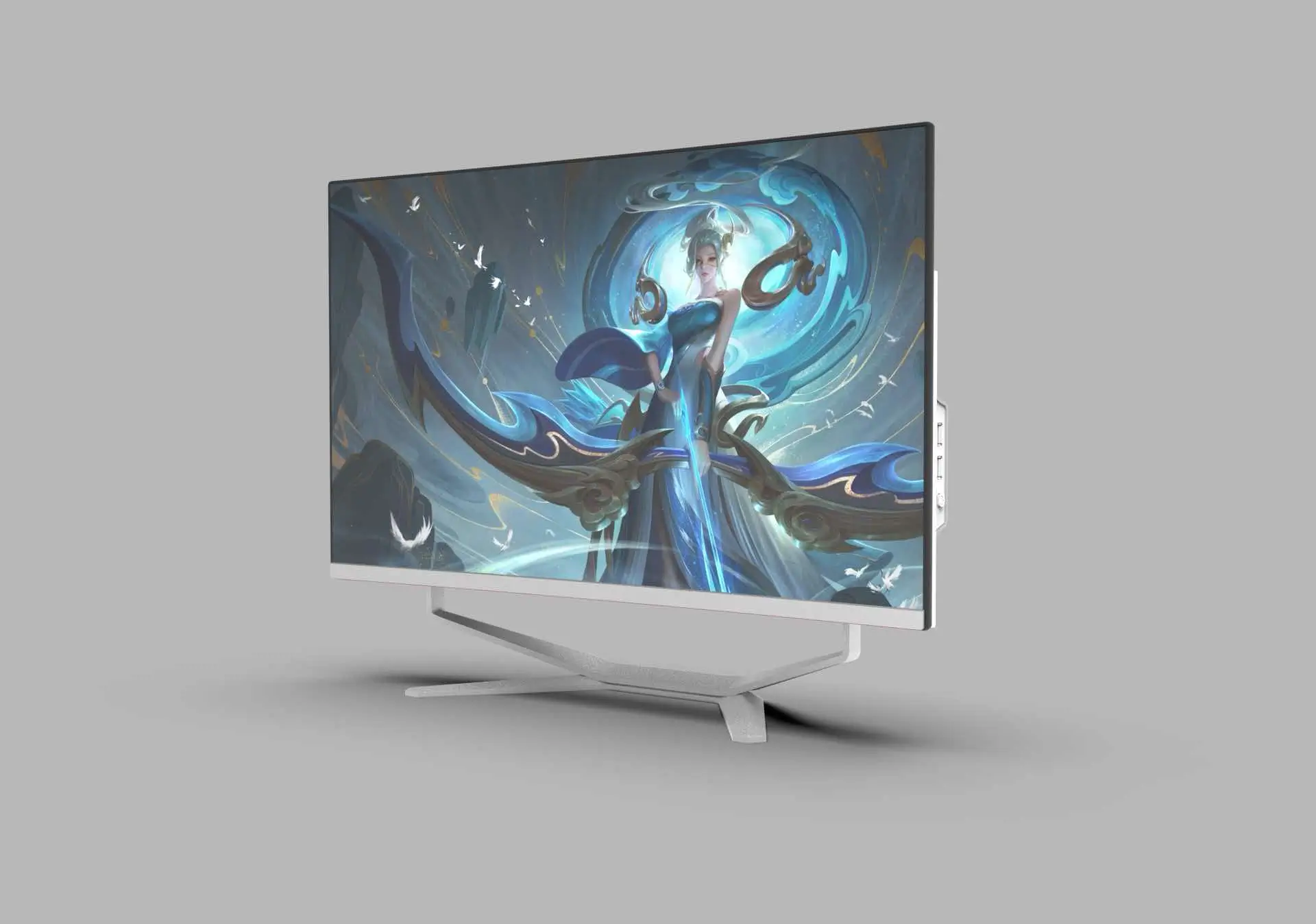
A touch screen all in one PC manufacturer can supply the display and computer, but a customer-facing workstation also needs an application that works without a mouse demonstration. Before approving a quantity order, follow the customer’s entire interaction on the proposed hardware: start, selection, correction, completion and the return to a clean starting screen. The ability to detect a finger is only the beginning of that acceptance process.
The LINGHUFOX 32-inch all-in-one computer explicitly describes capacitive touch, an integrated Windows 11-ready platform and connections for peripherals. It is a candidate for shared content, presentations and direct interaction. Its public description does not identify a particular customer-service application, unattended operating mode or complete payment system. Establish those requirements with the responsible software provider before treating the computer as a finished service terminal.
Choose the exact activity the workstation must support. Examples include viewing a product comparison, selecting a service category or checking information with an employee nearby. These are proposed uses, not completed LINGHUFOX installations. Identify whether the customer works alone, shares the screen with staff or only touches it during a guided presentation. Each arrangement changes the software and physical setup.
Write down the successful result in a sentence. A catalogue viewer might need to display the selected product without collecting personal information. An appointment application may need to return an authorized confirmation from another system. Keep these results distinct. A displayed button animation is not proof that a record was created or that another business system received it.
Some tasks should remain staff-assisted. Identify the point where the employee takes over and how the application makes that transition clear. Do not label a workstation fully self-service when visitors need an administrator, hidden keyboard shortcut or personal staff account to finish. An honest assisted workflow is more useful than an unattended promise the delivered system cannot support.
Where the project needs a purpose-built enclosure, integrated scanner, receipt printer or payment-device location, compare the self-service kiosk planning guide. An AIO desktop and a dedicated kiosk can both display an interface, but they should not be treated as the same hardware package. Select the format from the actual service boundary.
The 32-inch LINGHUFOX AIO is the relevant starting point for a touchscreen requirement because its description explicitly states capacitive touch. Request the exact computing configuration, operating-system edition, touch-controller information and supported driver route for the quotation. The page does not establish a fixed touch-point count, active-pen capability or compatibility with every specialist application.
The 23.8-inch model emphasizes compact reception and office work, while the 27-inch model describes a larger business desktop. Their current descriptions do not establish the same touch configuration. A smaller diagonal can be considered where appropriate, but touch supply must be separately confirmed rather than copied from the 32-inch description.
Record the application version, operating-system build, display resolution and scaling used in acceptance. Where the application runs in a browser, record that browser and its approved configuration. These details help explain a control that becomes too small or moves unexpectedly after installation. A photograph of the front of the computer cannot preserve this information.
Distinguish Windows-ready hardware from included software and licensing. Have the supplier confirm what is installed and licensed on delivery, and have the customer identify its own application and management responsibilities. The existing touch configuration guide addresses those hardware boundaries; the additional step here is to accept the customer interaction on that identified build.
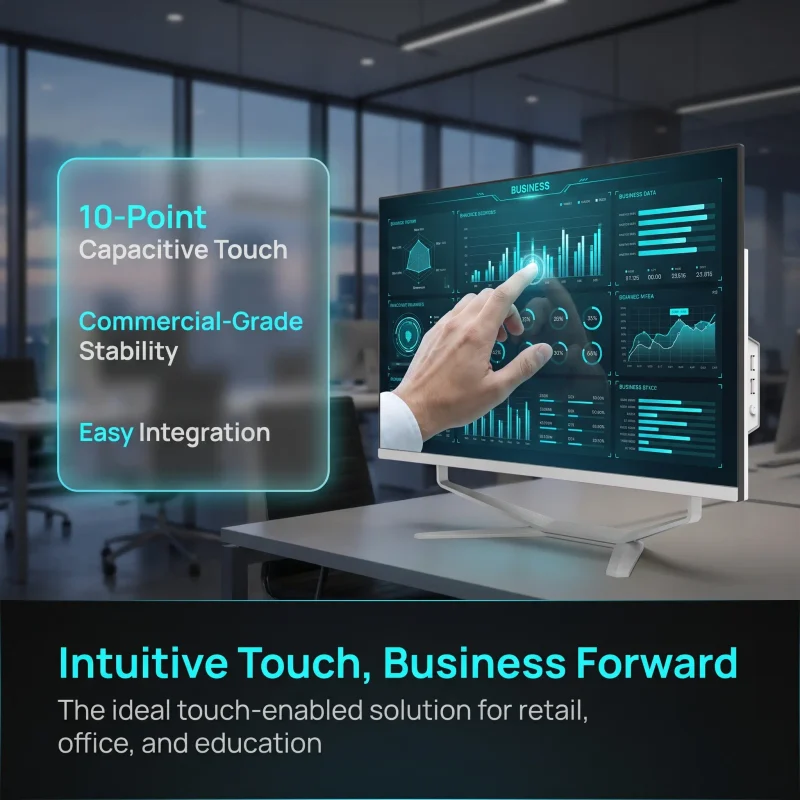
Demonstrate every required action through the intended input method. Open a category, choose an item, change the selection and return to the previous screen. Check controls near the edges as well as the large buttons in the middle. Record whether a staff member has to intervene. A demonstration using a mouse may conceal difficulties that appear when a customer uses a finger.
For web applications, W3C’s target-size guidance explains why the size and spacing of controls affect accurate activation. Its criteria concern the interface, with defined exceptions; they are not a physical mounting specification or a certificate for the computer. Have the software team evaluate the real application rather than assuming a larger screen fixes small or crowded controls.
A useful sample scenario includes a deliberate wrong selection followed by correction. Check that the application shows what changed and preserves the information that should remain. Try the permitted cancellation route before the final action. The person operating the station should understand whether the process is cancelled, still waiting or already complete.
Test the response to a repeated tap in a safe demonstration environment. The application owner should establish how duplicate submissions are prevented or handled. Do not assume that the touchscreen controller makes a business transaction unique. A delayed screen response and a repeated service request are different problems, and the acceptance record should distinguish them.
Where text is required, check the intended on-screen keyboard or approved physical keyboard. Use the required languages and character types in a non-confidential test record. Confirm that the keyboard does not cover the active field, error message or completion control. A simple numeric field may behave differently from a long address or a name containing punctuation.
Also check how the application explains an invalid entry. The customer needs a visible correction route, not an error that disappears behind the keyboard. If the task is too cumbersome for the intended setting, revise the workflow or provide the agreed assisted route. Do not solve the problem by quietly adding a keyboard that the final installation will not have.
Review completion, cancellation and abandonment as separate states. After a completed task, the application should show the agreed result and follow the organization’s approved return-to-start process. After cancellation, it should explain what was discarded. When a visitor walks away, the operator needs an agreed way to end the interaction without making assumptions about a business action that might already have occurred.
Use non-sensitive sample data to inspect what remains visible. Check the first screen presented to the next user, any recent items exposed by the application and any printer output left nearby. The organization should decide the appropriate retention and privacy behaviour. Do not set a universal timeout merely because a demonstration used one.
Microsoft’s Assigned Access documentation describes a supported single-app kiosk experience and its operating-system and application prerequisites. That is one possible route for an authorized IT team, not a feature established by an AIO product photograph. Confirm the correct Windows edition and application type before selecting the management approach.
Keep customer interaction separate from administrative maintenance. Define who may update the application and how staff obtain help without exposing administrative credentials at the station. A browser shown full-screen during a demonstration does not by itself prove that other applications, accounts or stored information are appropriately restricted.
If the workstation prints a confirmation or reads a code, identify the exact peripheral and its software connection. The 32-inch page describes multiple ports but does not define a complete peripheral bundle. Ask for the applicable port functions, supported driver and approved connection arrangement. A device that appears in the operating system still needs to produce the correct result through the business application.
For a printer, inspect the actual output from the permitted test workflow. For a scanner, confirm that the application receives and interprets the intended data. Do not claim payment compatibility from either result. Payment acceptance requires a separately approved terminal, provider and integration route where the project includes it; this article does not establish those approvals.
Have authorized staff restart the sample through its normal procedure and verify the expected customer screen afterward. Confirm the input method and required peripherals again. Then ask the application owner to demonstrate its approved unavailable-service response in a test environment. A blank desktop or unexplained error should not be the customer’s only indication that assistance is needed.
Do not perform destructive resets, unapproved network disruption or live charges to create an acceptance example. Agree safe test conditions and record them. The objective is to identify a usable recovery or assistance path, not to assert that the system has survived a reliability trial that has not actually been performed.
| Check | Observation to retain | Responsible party |
|---|---|---|
| Model and application | Exact hardware, software version and display settings | Supplier and application owner |
| Selection and correction | Intended touch actions, visible feedback and any assistance needed | Application owner |
| Text entry | Keyboard method, language and error visibility | Software and operations teams |
| Completion and next user | Authorized output and agreed clean starting state | Operations and IT |
| Restart and peripheral | Expected application return and usable output | IT and integrator |
Give each unresolved issue an owner. An inaccurate touch response, an unsuitable button layout and an unavailable business service should not all be assigned to the hardware factory without evidence. Keep the accepted sample identity and approved changes together so a revised application or substitute computer does not silently invalidate the result.
Release the quantity order when the hardware offer and the demonstrated workflow agree. Keep the limits visible: the proposed checks are not independent certification, a measured uptime claim or proof of every customer’s experience. They provide a concrete basis for a buyer, supplier and integrator to agree what the delivered workstation must do.
No. Demonstrate the actual controls, text entry and correction routes on the offered screen with the intended input method. Small targets, keyboard overlap or hidden controls may require application changes. Approval should identify any keyboard, mouse or staff assistance that remains part of the delivered service.
The current 32-inch product description explicitly identifies capacitive touch. The 23.8- and 27-inch descriptions do not establish the same configuration. Confirm availability and the exact supported input on each quoted model. Screen size, an integrated computer and Windows readiness are not substitutes for that confirmation.
It establishes the observed task on an identified hardware and software configuration under recorded conditions. It does not automatically establish licensed software supply, payment approval, accessible installation or future reliability. Preserve those boundaries in the order so the final delivery reproduces what the customer actually accepted.
