


Get quote
Get Free Consultation!
We are ready to answer right now! free consultation.
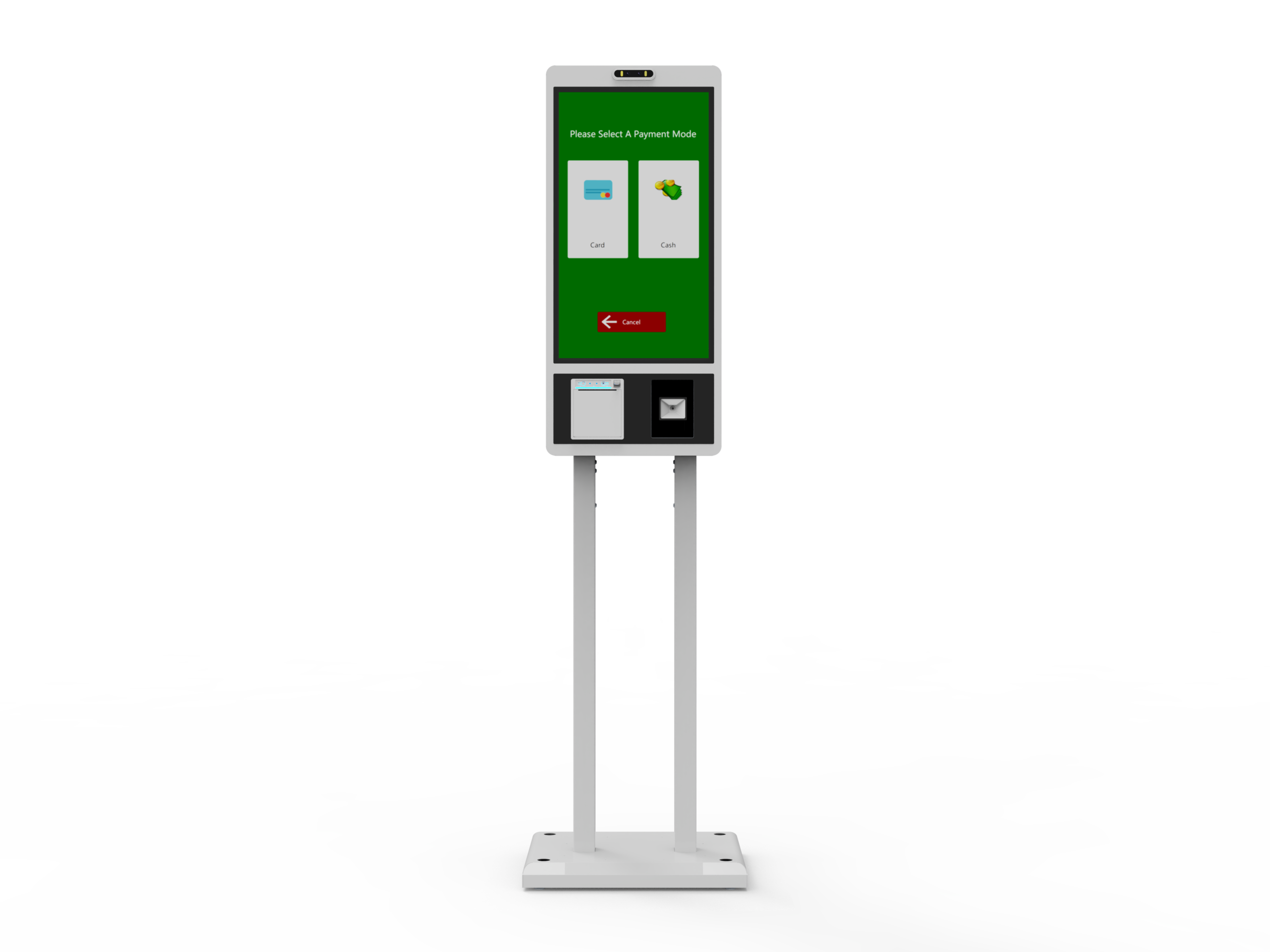
Tell a self service kiosk manufacturer what a customer should know or be able to do when the session ends. “The customer has chosen a meal” is different from “the restaurant has accepted an order.” “The item appears on screen” is different from “the purchase is complete.” Defining that final result makes it possible to choose a suitable LINGHUFOX product and identify the application, peripherals and staff process needed around it.
Begin the discussion with the last customer screen and the corresponding staff record. Then work backward through the actions required to reach them. This guide uses the Touch Table and the 21.5-inch and 27-inch ordering and checkout families to show how those endings change the equipment brief. The scenarios are proposed planning exercises, not reports of completed installations.
A welcome page is easy to demonstrate. A completed service requires more agreement. Write down the customer’s intended result, the information needed by the business and the event that connects them. For browsing, that event might simply be the visitor opening the relevant product detail. For an order, a selected basket must reach the agreed order system. For checkout, the application must establish the intended transaction result before inviting the customer to leave.
| Intended result | Customer evidence | Business evidence to define |
|---|---|---|
| Find information | The requested detail, location or comparison is visible | Correct content was available; any separate follow-up was actually submitted |
| Place an order | An accepted order reference and clear next step | The receiving system has the intended items and fulfillment instructions |
| Complete a purchase | A clear transaction outcome and the agreed receipt or record | The relevant order and payment records agree with that outcome |
These are planning definitions, not promises about a particular software package. Square’s Orders API documentation illustrates why the distinction matters: orders contain purchase details and progress through fulfillment while interacting with payment and inventory functions. The selected platform determines the actual sequence. Citing that example does not establish a Square integration in any LINGHUFOX terminal.
Once the table is filled, identify the shortest customer route that produces the required result. Extra screens should earn their place by collecting a necessary choice or explaining the next action. If staff must complete part of the service, say where that handoff happens. A kiosk can support a deliberately assisted process without pretending that the customer has completed everything independently.
Consider a showroom visitor comparing finishes with an employee. The useful ending may be a clear view of the chosen material and its technical information, followed by a conversation elsewhere. LINGHUFOX’s Touch Table offers a 4K anti-glare display, an angled surface, an integrated pedestal and 20-point multi-touch for browsing and presentation. Those characteristics support examining information together; the software still determines what the visitor can select and retain.
Bring an actual sample of the showroom content to the review. Ask the application supplier to show two similar products, a change of selection and a return to the previous view. The final screen should make the chosen product or finish unmistakable. A large image is useful only if the accompanying identifier stays attached to the correct selection.
If the visit ends at that information screen, the completion requirement can remain simple. If the customer expects a saved comparison, a printed detail sheet or a message sent elsewhere, each addition becomes a separate function to supply. The Touch Table page does not establish that a printer, customer database or messaging service is included. Put any such requirement into the application and peripheral scope before treating it as part of the product.
The listed 20 touch points also need a meaningful application test. Two people browsing together may produce conflicting selections unless the interface deliberately handles shared input. Ask for the actual interaction you need: a presenter controlling one detail view or visitors exploring separate content. The hardware figure does not tell you which approach the software supports.

The ending also affects placement. A shared tabletop discussion needs room for the intended participants, while a private form may require a different position and screen arrangement. Review the proposed location with the real interface. The product’s general showroom or hotel application description cannot establish privacy, reach or circulation for a particular site.
For menu ordering, the last screen has a different job: it must explain what has happened and what the customer should do next. The 21.5-inch self order kiosk is described with a touchscreen, an integrated payment area, a slim freestanding design and receipt output. That arrangement is a starting point for selecting a meal and receiving an order-related output. It does not establish your menu software, payment provider or connection to staff.
Imagine a customer choosing a meal and then walking to a counter. Is the paper a request that staff must review, a reference for an accepted unpaid order, or evidence of a completed payment? The screen wording and receipt must agree. Give the manufacturer and integrator a sample showing the exact role of that output. A paper slip with a number is not enough to resolve the distinction.
For the 21.5-inch design, check the relationship between the final message, the receipt outlet and the customer’s route toward collection or staff. The person should be able to identify the correct output without losing sight of the instruction. Confirm the offered printer model, paper specification and access for replenishment; the visible outlet alone does not settle the operating arrangement.
The 27-inch self order kiosk listing describes menu choices, payment and printing functions, together with remote content updates and offline capability. Ask which application provides those functions in the offered build. In particular, distinguish a menu remaining visible without a connection from an order being accepted by the business. The phrase “offline capability” does not identify which transaction steps remain available.
Compare the 21.5-inch and 27-inch units using the same actual final screens. A larger diagonal may allow a different layout, but it does not define a larger readable control or a simpler order path. W3C’s target-size guidance explains the importance of usable pointer targets and spacing. For a web-based interface, it provides a design reference; it is not evidence that a cabinet or complete installed kiosk meets every accessibility requirement.
The receiver matters as much as the customer screen. In a proposed demonstration, have the staff operator locate the same order reference and verify the chosen options. Keep this comparison focused on completion and handoff. Detailed menu routing and kitchen integration need their own agreed workflow; they should not be inferred from the terminal’s ability to print.
A retail checkout session introduces goods that the customer must hold, identify and move. LINGHUFOX’s 21.5-inch self order and checkout kiosk combines a tilted touchscreen with a counter and item area, an adjustable payment mount and a freestanding base. Here the surrounding surfaces are part of the workflow: they determine where the customer puts an item while reading, presenting it or using a payment device.
Use representative packages to review the offered configuration. Start where the customer arrives, follow the intended identification action, and identify where each item goes afterward. If the design uses scanning, confirm the actual scanner model and location. Do not treat a broad counter as evidence of a scale, a bagging sensor or automatic loss-prevention behavior; those would require separately specified equipment and software.
The 27-inch self order and checkout kiosk page lists a scanner, thermal printer, card/NFC reader and a wide item tray. Compare that described configuration with the specific peripheral schedule in the offer. Reader identity, approved service compatibility and software integration still need confirmation. A listed NFC reader does not prove that every contactless payment method is available in the intended country or account.
The 21.5-inch checkout drawing identifies a 20-degree display tilt, while the product description calls out an adjustable payment mount. Use the selected mount position in the layout review rather than assessing the screen alone. Check whether the customer can see the final message while operating the proposed reader and collecting an output. Ask for the accepted assembly drawing before fixing surrounding furniture. The 27-inch model needs its own review; do not transfer the smaller unit’s geometry to it.
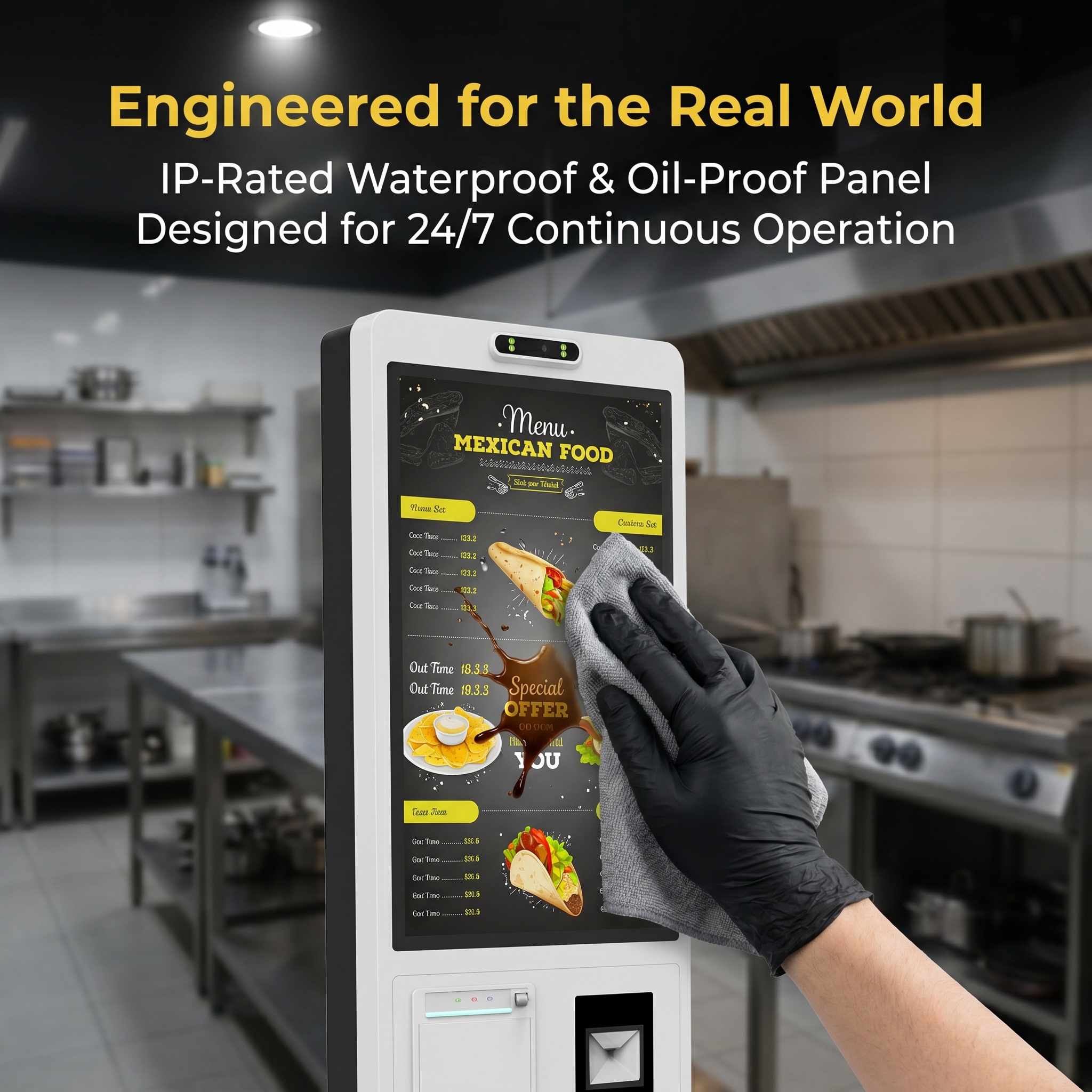
Scanning also needs a defined data result. GS1 explains that ordinary retail barcode identification relies on product information held in a database, with specialist exceptions for systems such as variable-measure items. A successful scan is therefore not proof that the right description or current selling price has been retrieved. Use known products and verify the displayed result with the retailer’s actual application.
Then inspect the end of the purchase. Does the customer know whether to collect a receipt, seek assistance or continue to an exit? Can staff locate the same transaction when asked? Define who confirms the authoritative outcome. The cabinet manufacturer can provide the agreed hardware arrangement; the retailer and transaction-system provider must establish the business record that permits the next step.
Put the proposed product, application and required outputs into one short demonstration brief. For the Touch Table, it might be a correct comparison followed by a return to the starting view. For an ordering unit, it is the accepted reference and staff handoff. For a checkout configuration, it includes the actual item data, transaction result and customer exit instruction. Use the equipment and software intended for delivery.
A shared station should not leave the next visitor inside an earlier basket, personal form or ambiguous result. Identify how a completed, abandoned and assisted session each returns to the agreed starting state. Microsoft’s Edge kiosk documentation describes a configurable idle session reset for that browser environment. The appropriate behavior depends on the actual platform; a browser reset is not proof that a pending business transaction was canceled.
Allow the customer enough opportunity to understand and collect the result before that transition. Have the application owner explain how staff can recover the relevant reference without reopening another person’s information on the public screen. These are functions to demonstrate in the proposed installation, not capabilities established by a product photograph.
The final product brief should name the LINGHUFOX model, exact peripherals, application owner, receiving business system and evidence of completion. Retain the sample final screen and output alongside it. A self service kiosk manufacturer can then evaluate the equipment against a service with a defined ending, and the buyer can judge whether the customer truly reaches it.
