


Get quote
Get Free Consultation!
We are ready to answer right now! free consultation.
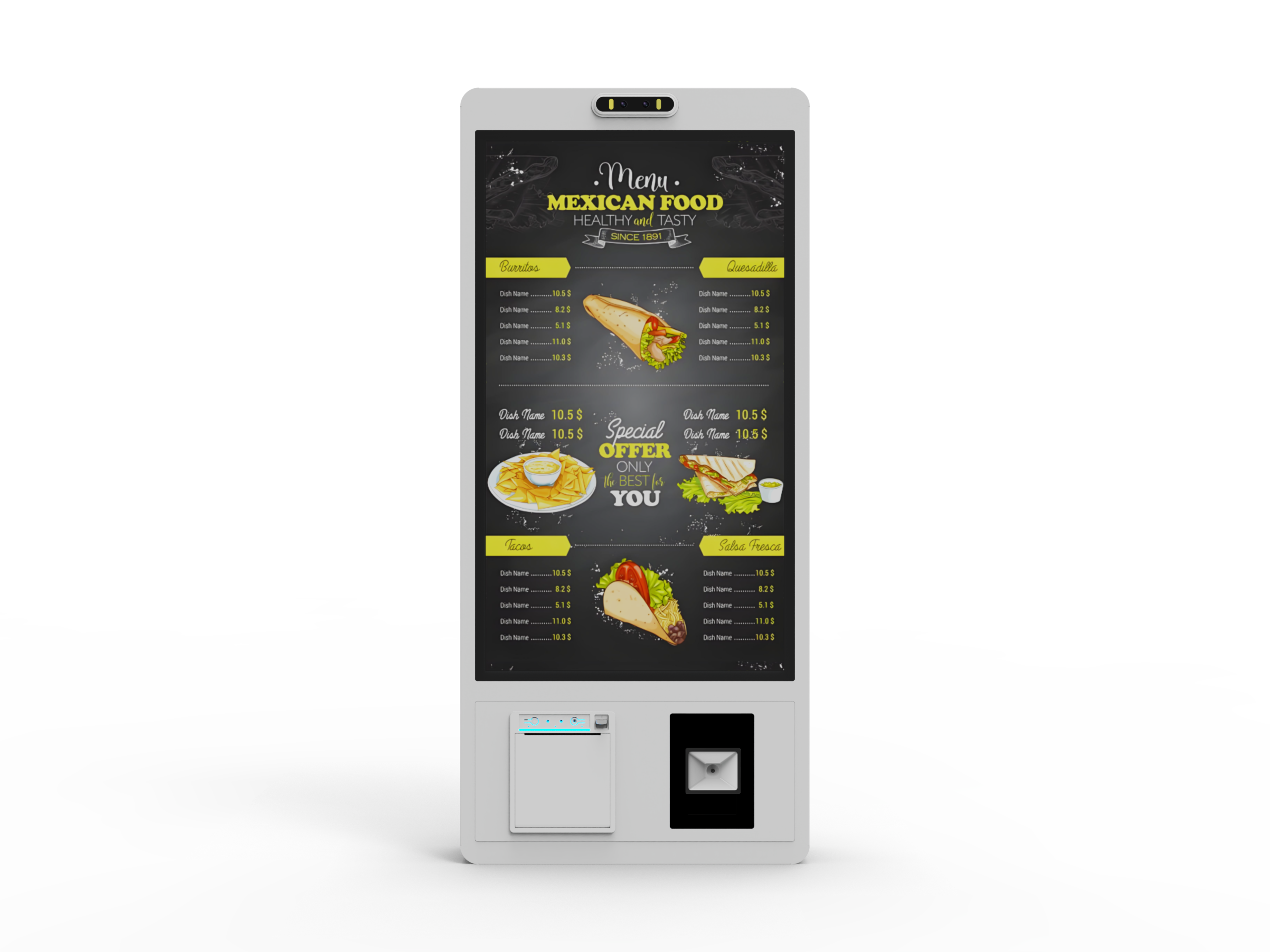
Bring a representative meal order to a self order kiosk manufacturer and follow it all the way to the people preparing it. Include a required choice, a changed option and a drink that belongs at a different preparation point. A useful demonstration shows the same order correctly on the LINGHUFOX terminal, in the receiving restaurant system and on the intended kitchen output.
The hardware review then has a concrete purpose. Screen size affects how the menu is operated; the cabinet affects customer movement and service access; the printer and payment arrangement affect the handoff. The menu application and restaurant system must also agree on what was ordered and where it goes. A cabinet with a receipt outlet does not establish that this integration has already been completed.
For a planning exercise, use a meal with a required size, an optional extra and a drink. Ask the customer operator to change the size before submission and remove an extra they initially chose. Specify whether the order is for collection or another supported dining option. These are illustrative choices; substitute actual items from the restaurant’s approved menu when arranging a project review.
Give the same expected result to the kiosk application supplier and kitchen operator. The record should identify the final item, quantity, selected options, dining instruction and expected preparation destination. Include the current menu version or date. This prevents one person judging the screen artwork while another judges a different item definition in the restaurant system.
LINGHUFOX’s self-service application overview provides a starting context for restaurant ordering. The detailed review must identify the actual terminal, software and receiving system. Claims about queue reduction or preparation speed require measurements from an operating installation; this exercise establishes the intended behavior before such results can be assessed.
The 21.5-inch self order kiosk is presented as a slim freestanding unit with a touchscreen, payment area and receipt output. It can be evaluated as a distinct ordering point in the room. Mark where the customer stands, where the next person waits and where the customer goes after collecting the output. Include the base and cable route in that layout.
The 21.5-inch wall mount self order kiosk combines menu selection with integrated payment and receipt areas on a wall-mounted form. Removing a floor base changes the installation, but customers still need space to stand and operate it. Review the proposed wall, mounting arrangement, cable access and the path between ordering and collection with the site’s installer.
Use the same sample meal on both arrangements. Check whether the customer can read the selected options while reaching the required control and whether another customer can pass without interrupting the interaction. Confirm how staff replenish receipt paper in the installed position. These observations are proposed acceptance checks; no universal mounting height or wall suitability can be established from a product-family page.
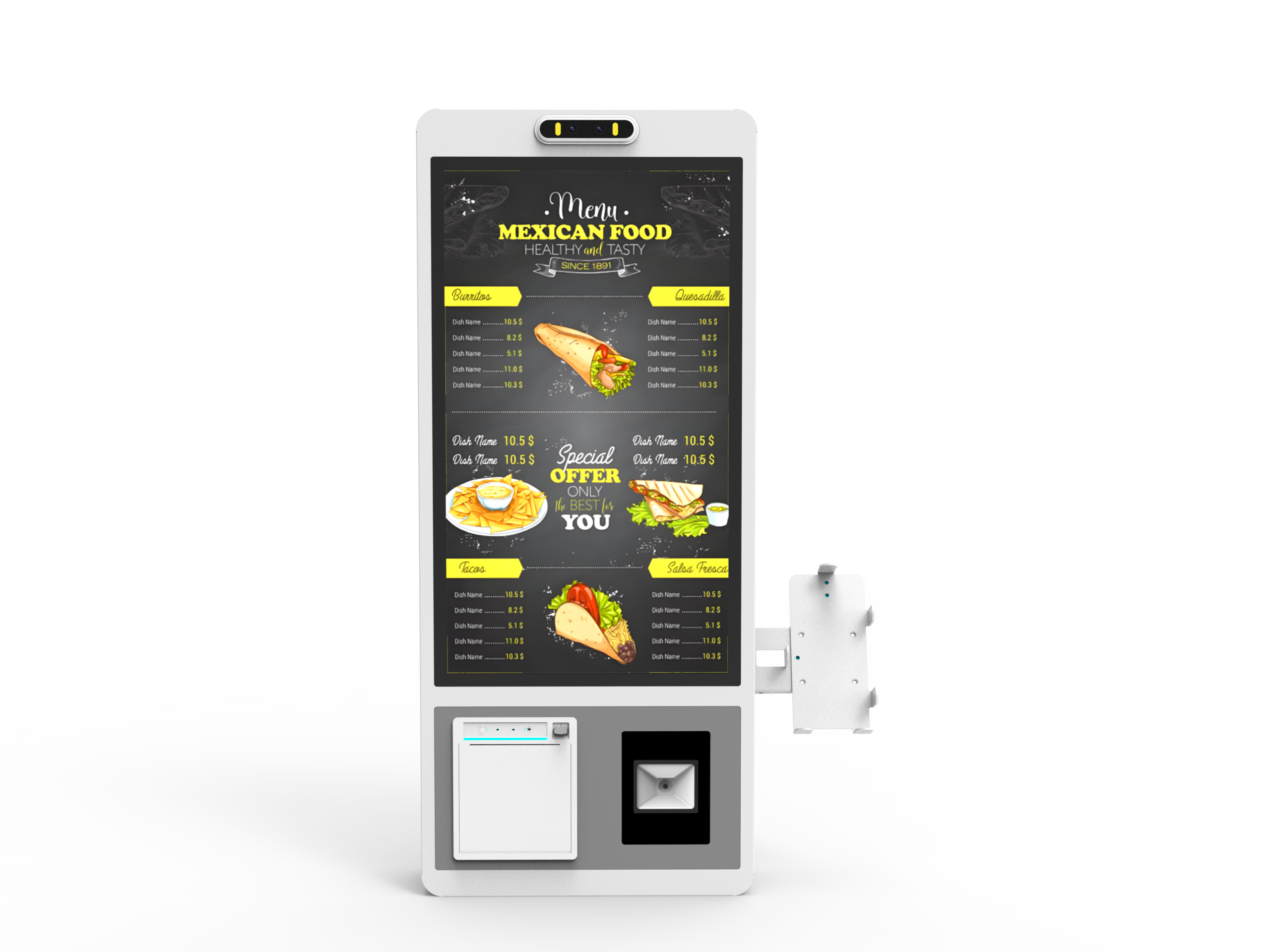
The 27-inch self order kiosk provides another menu-screen size and describes payment, printing and remote content functions. The 27-inch wall mount version offers a different installation form with receipt printing and payment options. Compare the precise quoted builds. The shared diagonal does not establish identical computers, peripheral models or installed software.
For the larger screen, evaluate the longest option list and the basket review rather than simply enlarging a food photograph. Check whether the required choice remains visible after the customer scrolls. The proposed application should be demonstrated at its intended orientation and display settings, with the actual payment and receipt positions represented in the layout.
A menu photograph describes an item visually. The ordering application also needs the restaurant’s current item definitions and selection rules. In the sample meal, the chosen size must remain associated with the correct item; an optional extra that was removed must not survive invisibly in the submitted order. Review the final basket against the expected record before moving to payment.
Ask the demonstrator to try continuing without a required selection, then complete it and continue normally. Change an option after returning from the basket. Check that the screen, displayed total and submitted choices update together. The purpose is to see whether the actual menu rules are preserved through ordinary customer actions, not to test how quickly someone can tap through a familiar example.
Toast’s current menu modifier documentation illustrates how a restaurant platform can define minimum and maximum choices and required groups. The chosen software provider must implement the applicable rules for the restaurant’s system. This is a technical example of menu structure, not a statement that Toast software or a Toast connection is supplied with a LINGHUFOX kiosk.
For a 21.5-inch unit, review how the application handles a lengthy list without separating the selected choice from its item. On a 27-inch unit, check that extra area is used for a comprehensible review rather than additional unrelated choices. Include the language and item names intended for the restaurant. Product photographs cannot establish the application’s handling of long text or the actual menu hierarchy.
After the customer submits the sample, ask the restaurant operator to open the receiving record. Compare the final choices, quantity and dining instruction with the expected result. Use an agreed test environment or a controlled demonstration arrangement provided by the software owner. The record should identify the relevant terminal and restaurant location so an order cannot be approved merely because something appeared somewhere in the system.
Agree when the restaurant treats the order as accepted and when preparation may begin. Some projects need the payment outcome before releasing an order; others have a deliberate assisted payment step. The kiosk interface, restaurant system and staff procedure must reflect the selected model. The manufacturer needs that sequence to configure the relevant hardware interfaces and outputs, while the transaction provider determines the supported payment behavior.
For the 21.5-inch freestanding and wall-mounted designs, identify what the integrated payment area actually contains in the offer. For the 27-inch versions, identify the selected payment option and the application responsible for it. Retain the exact reader and integration details. Product descriptions that mention payment do not establish merchant activation, country coverage or approval for a particular restaurant platform.
Then compare the customer receipt with the receiving record. The reference, final selections and next instruction should serve the restaurant’s agreed process. A receipt printer inside the customer terminal and a printer used by a preparation station have different jobs. Identify both outputs explicitly if the project needs both; a visible slip at the kiosk is not evidence that the kitchen received a ticket.
Now inspect the kitchen view of the sample meal. The food and drink may go to different staff positions. Ask each operator to locate the relevant items and confirm that the selected options are understandable. The restaurant should specify whether it uses printed kitchen tickets, a kitchen display system, or a combination. None of those receiving devices should be assumed to be included with the customer kiosk.
Square’s printer-routing documentation shows how item categories can determine which printers receive order information. Its kitchen display guidance describes filtering by kitchen routing category and dining option. These examples show why routing is a configured restaurant-system function rather than a property of the terminal’s screen size.
| Order element | Expected destination | Evidence to retain |
|---|---|---|
| Main item and final options | The restaurant’s designated preparation point | The received ticket or display entry with the correct selections |
| Drink | The agreed beverage preparation point | The matching order reference and drink choice |
| Dining or collection instruction | The staff position responsible for handoff | The instruction staff actually see |
If staff use shortened kitchen names, compare those with the customer-facing names before approving the example. Check that a changed option is clear in the kitchen’s normal output format. Keep the agreed mapping with the menu record so later menu edits can be reviewed against the same preparation responsibilities.
Repeat the sample with two instances of the main item carrying different extras. On either the 21.5-inch or 27-inch ordering screen, the customer must be able to review which choices belong to each instance. Follow that distinction into the received ticket or display. Ask the kitchen operator whether quantities and options remain clear in the normal print layout. If the application combines lines, confirm how it preserves the different selections before approving that behavior for the restaurant’s menu.

The 27-inch freestanding listing describes cloud content management and offline capability; the wall-mounted listing mentions remote control and data analysis functions. Ask the software supplier to identify what those terms mean in the offered configuration. Publishing a new menu image, changing an orderable item and updating a kitchen route are different operations, even when one management interface exposes them.
Use the approved method to mark a sample item unavailable, then inspect the customer menu and an existing basket. Toast’s Orders API overview notes that its order interface does not independently validate item availability by time, menu visibility or inventory. The lesson for a project brief is to name the system and integration responsible for those checks, rather than assume that successful order submission guarantees availability.
Add a proposed new item to the demonstration menu and verify its preparation route as well as its screen appearance. The restaurant’s configuration should determine whether new categories are routed automatically or require an explicit assignment. Check the selected platform’s behavior with its owner; do not copy another platform’s default into the site’s operating instructions.
Also ask for the agreed behavior when a connection or required printer is unavailable. The customer should receive a clear next action, and staff should know which orders need attention. Define the scenario with the software provider before testing it. A broad offline claim should never substitute for identifying whether browsing, order submission, payment and kitchen delivery remain available.
Save the sample order, expected selections, actual receiving record and kitchen outputs together with the terminal configuration. Record the application version, restaurant location and peripheral models used. Mark any missing integration or unresolved behavior as an open item with an owner. A hardware demonstration and a separate software demonstration are useful only when their configurations can be joined into the intended installation.
The self order kiosk manufacturer can then assess the requested screen, cabinet, interfaces and peripheral arrangement against a concrete restaurant workflow. The integrator can verify that the same meal reaches the correct preparation points, while restaurant staff can confirm that the result is usable. Approval should follow that complete route from menu choice to kitchen information.
