


Get quote
Get Free Consultation!
We are ready to answer right now! free consultation.
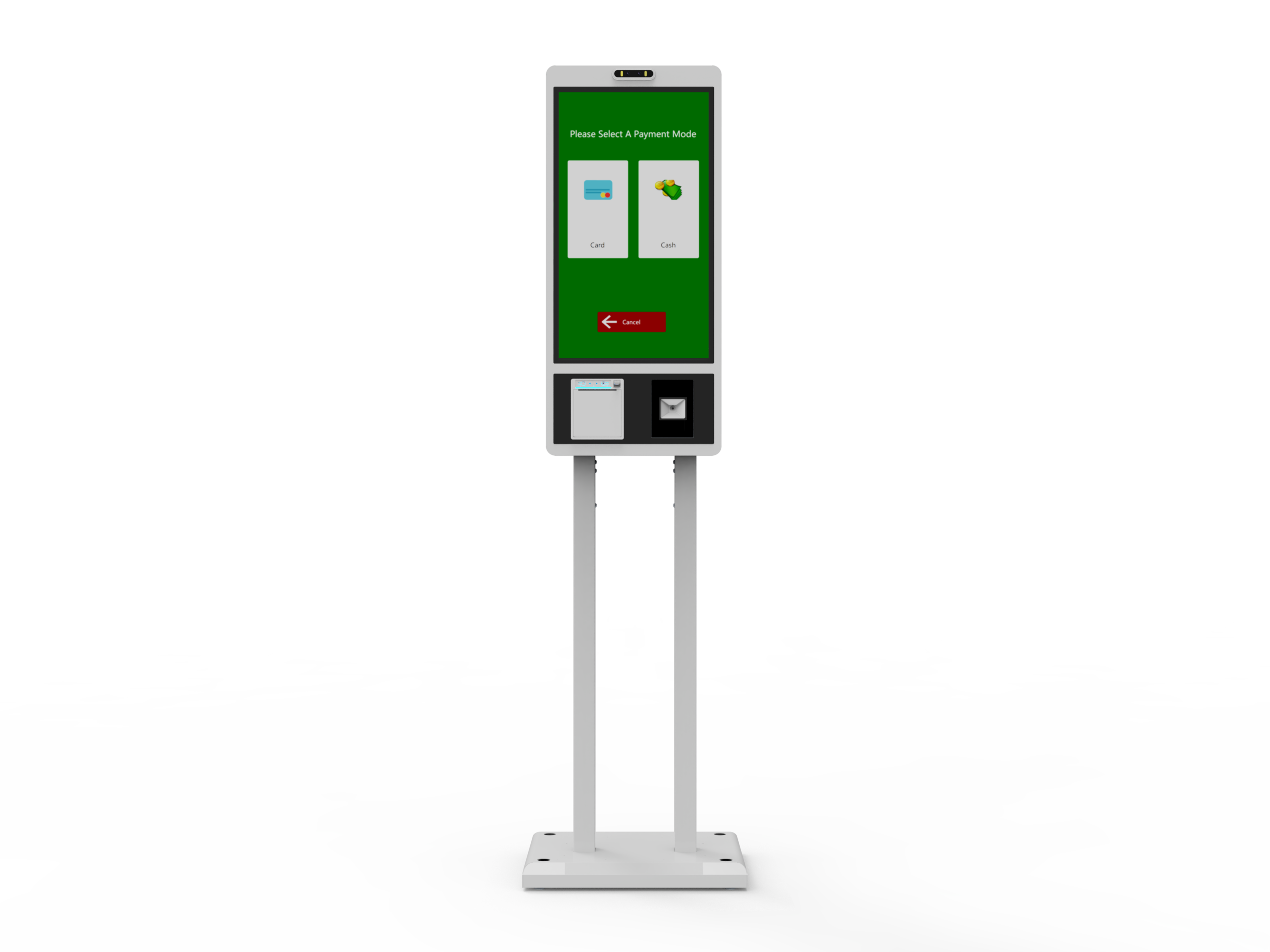
A scanner beep is not proof that a checkout system has identified the right product, charged the correct amount or produced the expected receipt. Ask a self checkout kiosk manufacturer to demonstrate each handoff through the actual application: capture the code, interpret it, match the catalogue item, complete the authorized payment flow and create the final order record. Keep the physical peripheral and the business result separate in the acceptance plan.
LINGHUFOX’s combined ordering-and-checkout models describe scanner, thermal-printer and card/NFC arrangements around a touchscreen. Those functional categories help define a project, but the exact peripheral identities and software interfaces still need confirmation. This guide concentrates on integration evidence for the scanner, receipt and payment boundaries rather than assuming every device shown in a product photograph forms a ready-to-use retail system.
The 21.5-inch LINGHUFOX combined kiosk describes a touchscreen, an item area and an adjustable payment mount. Ask which scanner, printer and terminal are proposed for the actual quotation. A holder that can accommodate a device physically does not establish the software or provider approval needed to use it.
The 27-inch combined model lists a barcode scanner, thermal printer, card/NFC reader and an item tray. Keep the tray’s role explicit. The product description does not establish an included scale, automatic bagging verification, anti-theft function or item-recognition system. Any such requirement needs its own configuration and evidence.
Identify the computer, operating system and application as well as the peripherals. The integrator needs the supported interface and driver information for the exact devices. Do not assume an application developed for another kiosk will recognize the proposed scanner or printer simply because both connect through a familiar cable type.
For each test case, state what the application should receive and display. Use an approved test catalogue and payment environment. Include the expected product identity, quantity and order reference. This turns the demonstration into a comparison against known requirements rather than a sequence of successful-looking actions chosen by the presenter.
The customer-journey guide helps define the final business outcome. Keep that outcome visible when reviewing each peripheral. A device can operate correctly while the next application stage mishandles the data or leaves the customer uncertain about completion.
Prepare representative permitted samples from the intended product range. Identify which are ordinary retail item codes and which serve another purpose, such as a coupon or a digital reference. Include the relevant printed or screen-displayed form where supported use is required. Do not assume all barcodes carry the same information or should trigger the same action.
GS1 US explains that a UPC-A retail barcode encodes a product identifier used to retrieve product data from the trading partner’s database. Reading the symbol is therefore different from finding the correct catalogue record. The retailer and software provider must maintain the data relationship used by the checkout application.
GS1’s retail 2D-readiness information distinguishes recognizing a symbol, decoding it and delivering the required information. Ask whether the exact scanner and software support the barcode types and data processing needed by the project. A generic “scanner included” statement does not establish every 2D capability or certify the complete checkout system.
Keep different purposes in separate test cases. A product code may identify an item, while a loyalty or coupon code may require another application route. The operator should know which kinds of codes the kiosk accepts and how unsupported input is handled. Do not allow a code to be interpreted as an item merely because a scanner can read its characters.
Where packaging presents more than one code, ask the integrator how the intended one is selected or interpreted. Demonstrate the actual package through the proposed workflow. Avoid inventing a universal scanning distance, speed or accuracy rate from a short sample test. Those performance claims require the appropriate device evidence and test conditions.
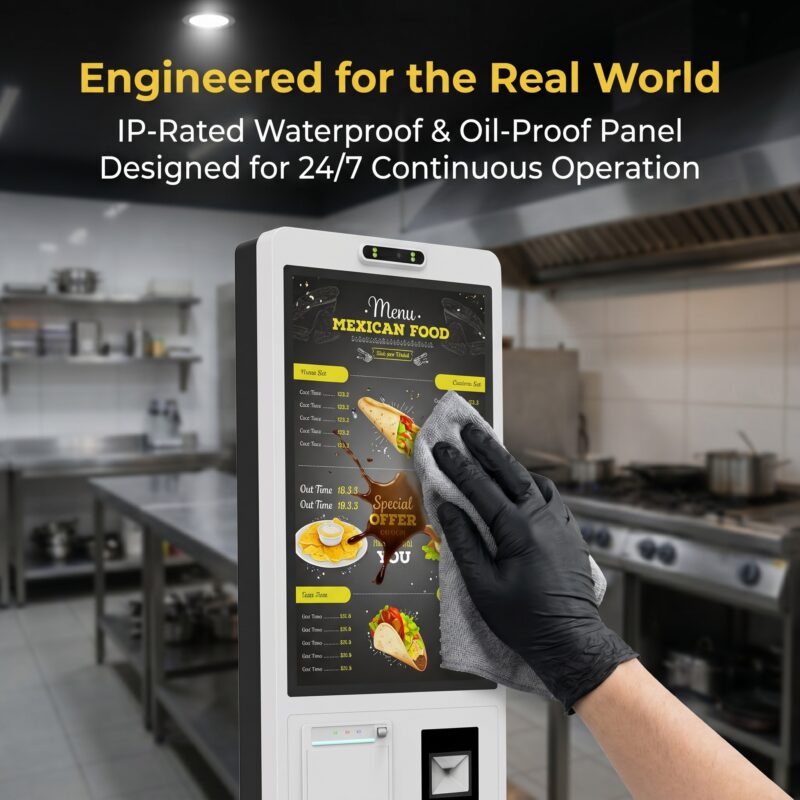
Ask the integrator to show the approved data path from the scanner to the kiosk application. Identify the configured interface mode and any relevant prefix, suffix or formatting rule. Keep those settings in the technical record. The same device can behave differently when configured another way, so an invoice model number alone may not reproduce the accepted result.
Scan a known test item and compare the displayed description, quantity and total with the expected result. If the code is read but the item is unknown, identify whether the problem belongs to the catalogue, mapping or application logic. Replacing a working scanner will not necessarily resolve missing product data.
Test what happens when the same item is deliberately added again through the approved customer sequence. Confirm how quantity is shown and how an authorized correction is made. The software provider should define the intended behaviour. Do not assume that a double beep, a held package or a repeated data message automatically represents two legitimate items.
Include an unknown or unsupported test code and confirm the assistance message. Keep the test non-disruptive and use the authorized sample environment. The kiosk should lead the user into the business’s approved exception process rather than leave staff guessing whether an item or payment was created.
| Boundary | Hardware observation | Business result to verify |
|---|---|---|
| Scanner | A permitted code is decoded and transmitted | The intended catalogue item is selected |
| Application | The configured input is received | Quantity and approved commercial data are correct |
| Payment device | The approved provider’s test flow responds | The application records the authorized result correctly |
| Printer | The receipt mechanism outputs the permitted test | The final order reference and customer information are correct |
A printer’s own approved test can show that its mechanism and media are functioning. An application-generated receipt should also be checked for the correct order identity, item details and intended layout. Keep those tests separate so a wrong receipt is not automatically diagnosed as a printer fault.
Ask for the actual printer model, supported driver or interface and approved consumable specification. A receipt slot does not identify paper width, maximum roll size or loading instructions. Obtain the correct manual from the equipment supplier, and have trained staff follow the permitted procedure rather than using a generic diagram from another printer.
Confirm how the application handles paper exhaustion or another supported printer state. Does the business provide an approved alternative, pause the station or request staff assistance? The answer depends on the application and operating policy. Do not assume a thermal printer automatically reports every condition or that payment should be repeated because a receipt did not appear.
Use the failed-transaction guide to keep completion status clear. The operator needs a documented way to establish what happened before taking another action. A missing piece of paper is not sufficient evidence that the customer’s transaction failed.
Check receipt readability with the actual output. Confirm that the order reference and essential information remain legible in the approved format. Have the business and its advisers determine any required tax or receipt wording. The kiosk manufacturer should not be treated as the authority for every destination’s commercial-document requirements.

Have the merchant and payment provider confirm the supported terminal, region, account and integration arrangement. Physical fit and the presence of NFC are not evidence of universal payment compatibility. The provider should identify approved testing, activation and replacement procedures for the actual deployment.
The PCI Security Standards Council states that a PTS-approved device alone does not guarantee PCI DSS compliance. Keep the complete payment environment and its responsibilities in the appropriate assessment process. This article does not certify the kiosk or instruct staff to alter a payment terminal’s protective configuration.
Agree the provider’s permitted test environment and data before the demonstration. Record the non-sensitive references needed to connect the application result to the provider’s result. Do not collect full card details, PINs or account credentials in ordinary acceptance screenshots or support emails.
Confirm the application’s behaviour for the test outcomes that the provider allows. Keep the expected customer message and staff assistance route documented. A payment device’s response should not be interpreted through an improvised assumption about whether an order exists. The integrator must show how the approved result reaches the final application state.
Run the agreed cases on the exact proposed kiosk, computer, peripherals and software build. A scanner working on one laptop and a payment device demonstrated elsewhere do not prove the assembled station. Keep device identities and configuration settings attached to the acceptance record, including any items still awaiting approval.
The OEM cabinet-planning guide helps connect the peripherals with their physical access and mounting requirements. Check the final sample in the intended arrangement. A cable or service panel that is accessible on a bench may not remain accessible after the unit is installed beside a counter.
Use the manufacturer’s approved restart procedure and confirm that the application and peripherals return to the accepted state. Record any manual step required. A technician’s temporary setup should not become an undocumented dependency that the restaurant or store discovers after opening.
Have trained operating staff follow the handover guide with permitted test data. They should be able to identify a normal result, recognize when assistance is required and use the correct support route. This is a proposed preparation exercise, not a claim of completed field testing or a measured reduction in staffing needs.
For production or replacement, compare the proposed device and software revisions with the accepted sample. A different scanner or printer may require renewed checks even when it fits the same enclosure. Keep those changes controlled so the business can support later units without guessing whether they behave like the original demonstration.
No. The scanner must decode and transmit the intended information, and the application must map it to the correct catalogue record. Verify the displayed item, quantity and commercial data using approved test cases. A beep is a hardware observation, not a complete business result.
No. Treat the tray as the physical feature described unless the quotation separately identifies and validates additional functions. Scales, item verification and loss-prevention systems require their own hardware, software and approval. Do not infer them from the shape of a checkout cabinet or a product photograph.
Keep the exact peripheral and computer identities, driver or interface settings, application version and accepted workflow cases. Attach any approved substitutions and the final order references used in testing. That record allows a later build or replacement to be compared with the actual accepted system rather than its appearance alone.
