


Get quote
Get Free Consultation!
We are ready to answer right now! free consultation.
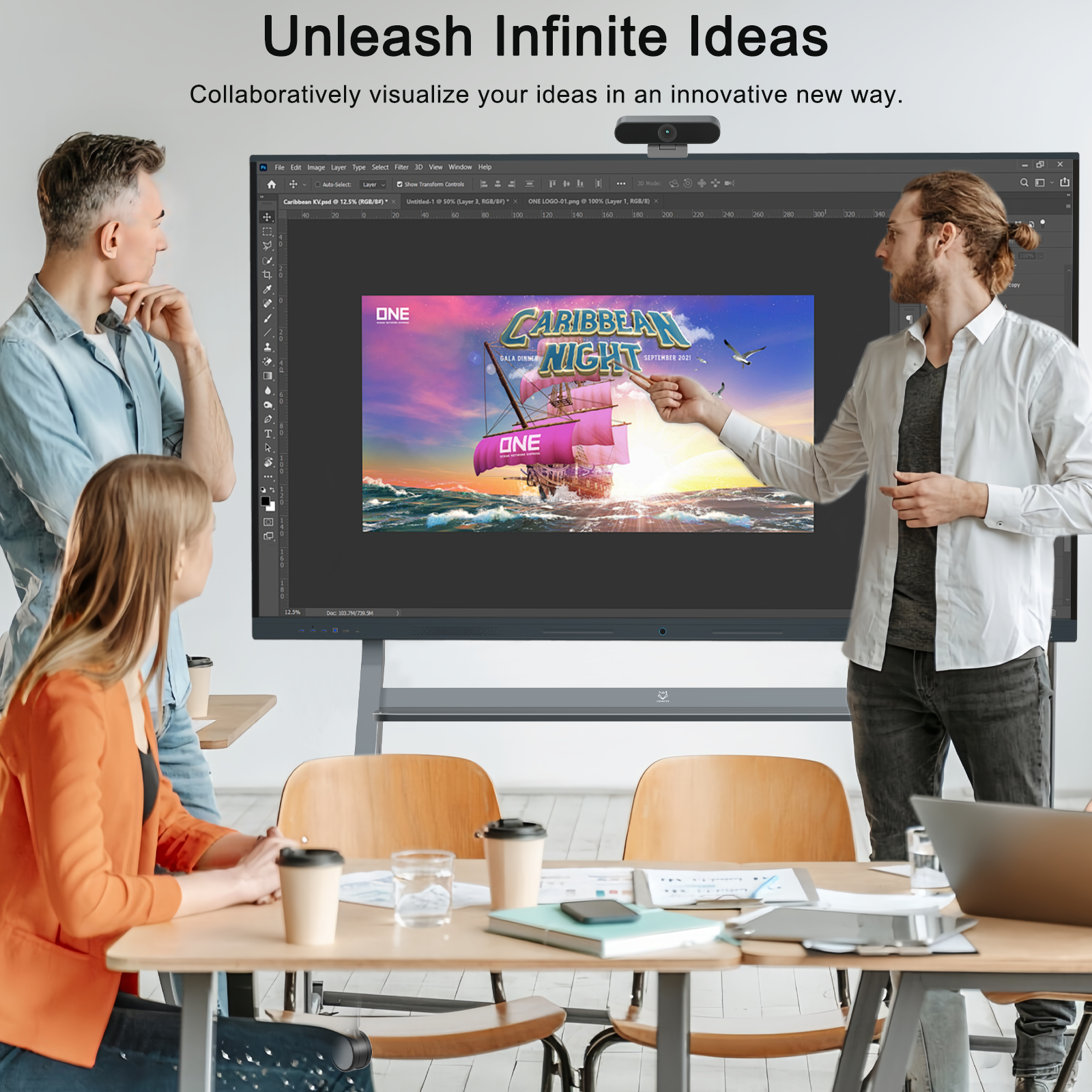
An OEM interactive whiteboard manufacturer needs a precise software brief before a branded classroom display can be evaluated. A startup logo, a different home screen, a preinstalled teaching application and a managed device policy change different parts of the product. Each needs its own agreed scope, responsibility and acceptance evidence.
Describe the requested change, the exact base configuration and what should happen after normal use, an update or a reset. This makes the software offer reviewable and helps the school understand what its staff must maintain after delivery. The planning examples below do not claim that a particular customization has already been developed or installed.
LINGHUFOX’s published customization service describes logo, casing, software and interface discussions. Use that as the starting point for a project-specific request. It does not establish that every software change is available on every model, or that a broad description includes development, application licensing and ongoing maintenance.
First identify the display being considered. The 65-inch smart board with camera lists Android 14, 8 GB RAM and 128 GB storage alongside its display and camera features. Those details identify one published starting configuration. Ask the supplier to confirm the actual model and software build proposed for your order before describing a modification.
Give the request an observable purpose. A distributor might want its brand shown at startup. A school might want teachers to reach a small group of approved applications from the home screen. These are different requests even if both are described informally as customized software. Write what the user sees and does, then ask which part of the product must change.
Identify the deliverables as well as the result on screen. Ask whether the offer includes only installation of an agreed configuration, development of a new interface, or additional documentation and support. If editable assets, source files or a reusable installation package are required, request them explicitly and have the supplier confirm the terms. The word customization does not settle what the buyer receives for later maintenance.
For branding, identify where an approved asset should appear: on the physical product, startup screen, home screen or an application page. Supply the approved artwork and the intended language. Ask for a preview that shows its placement and behavior on the actual display format.
State whether the asset should remain after an update or a factory reset. A photograph of a branded startup screen proves only that appearance in the photographed state. It does not establish how the branding is stored, whether all screens use the approved version or what a restored unit will show. Make those outcomes part of the request where they matter to the buyer.
A home screen containing selected shortcuts is different from a controlled environment that prevents users opening other applications. Android’s official lock task guidance describes a managed mode in which allowed applications are controlled by a device policy controller. It also distinguishes that behavior from ordinary screen pinning.
If restricted use is required, ask the proposed supplier or management provider to explain the supported mechanism and administrative ownership. Demonstrate the intended user actions and the authorised way staff regain control. Do not accept an attractive home-screen screenshot as evidence that device management, application restrictions and support access are all included.
The school should identify essential exceptions as well. Teachers may need a file picker, an input-source control or an approved network setting during ordinary work. A restriction that hides a needed function can create a new support burden. Ask for the expected lesson workflow to be demonstrated under the proposed restrictions, with the administrator’s recovery route documented separately.
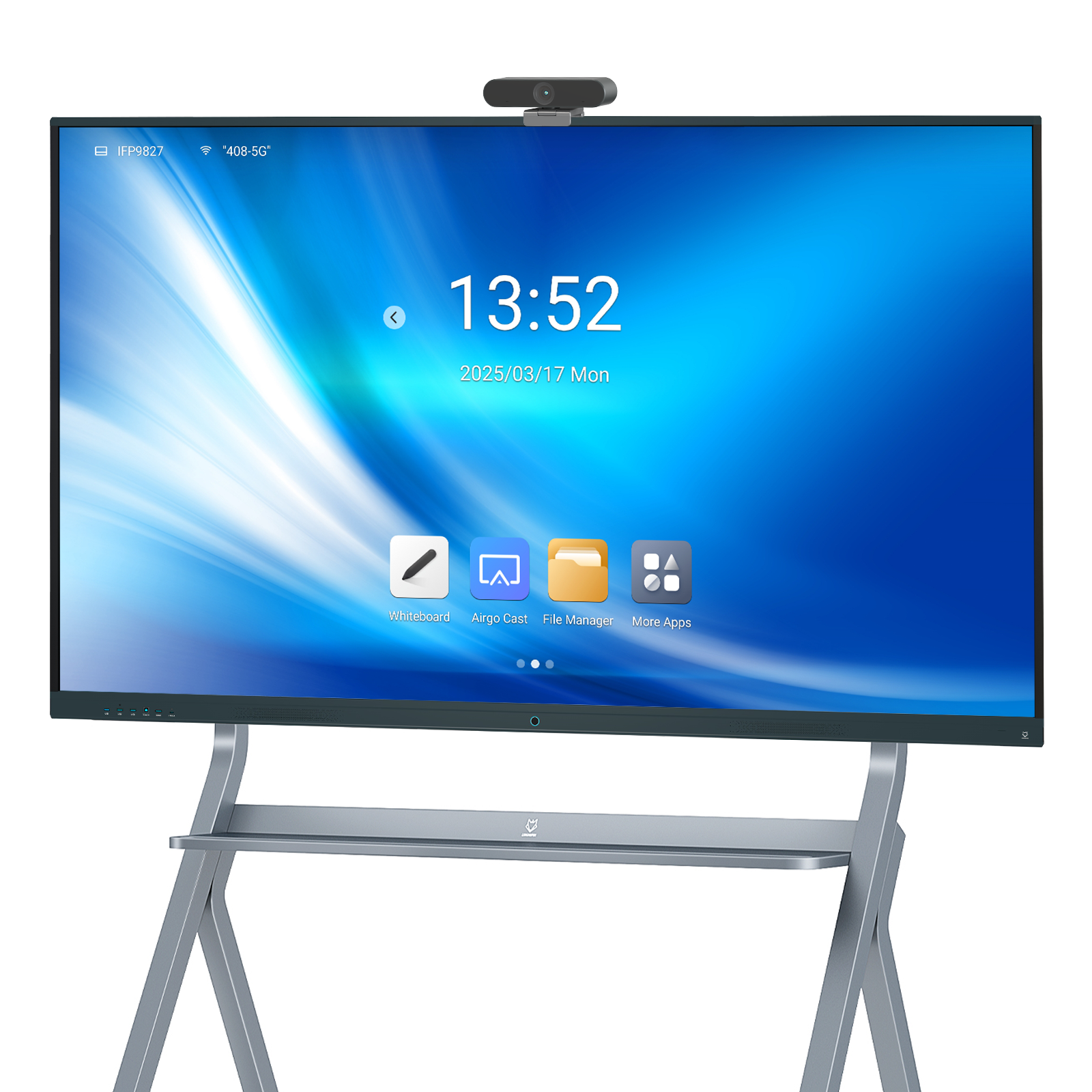
List the applications the classroom needs, the operating system each will use and who supplies them. Include the expected file types, login method and any external service involved. Ask which functions are included in the display offer and which depend on a school account, a separate licence or a third-party provider.
A preinstalled application is an installation state. The purchasing record should also explain the authorised supply arrangement, the account or entitlement required and how the school obtains support. If the school supplies the application, identify who verifies it on the proposed build. If the manufacturer supplies it, identify the supported version and what the quotation includes.
The Android Compatibility Definition Document describes requirements associated with Android compatibility and notes that a test suite cannot cover every hardware and user-visible behavior. A buyer should therefore distinguish a compatibility claim about a platform from successful operation of the school’s particular application and peripherals.
If compatibility evidence is part of the offer, ask which hardware, software version and configuration it covers. Then request the actual application workflow that matters: opening the chosen material, accepting input, saving the required output and accessing the permitted service. An Android version number alone does not describe every application, service entitlement or management feature supplied with the display.
Keep the difference between requested and confirmed functions visible. A statement such as “supports teaching software” needs the application and the supported task beside it. Where the application owner must answer a licensing or compatibility question, name that dependency. This gives both parties a useful next action without inventing an approval that has not been obtained.
For an order covering several schools, clarify how each school receives its own configuration and account instructions. Ask which preparation can be completed before shipment and which information should be entered locally by the school’s administrator. A demonstration account used to review an application should have an identified handover plan; it should not silently become the common operating account for unrelated customers.
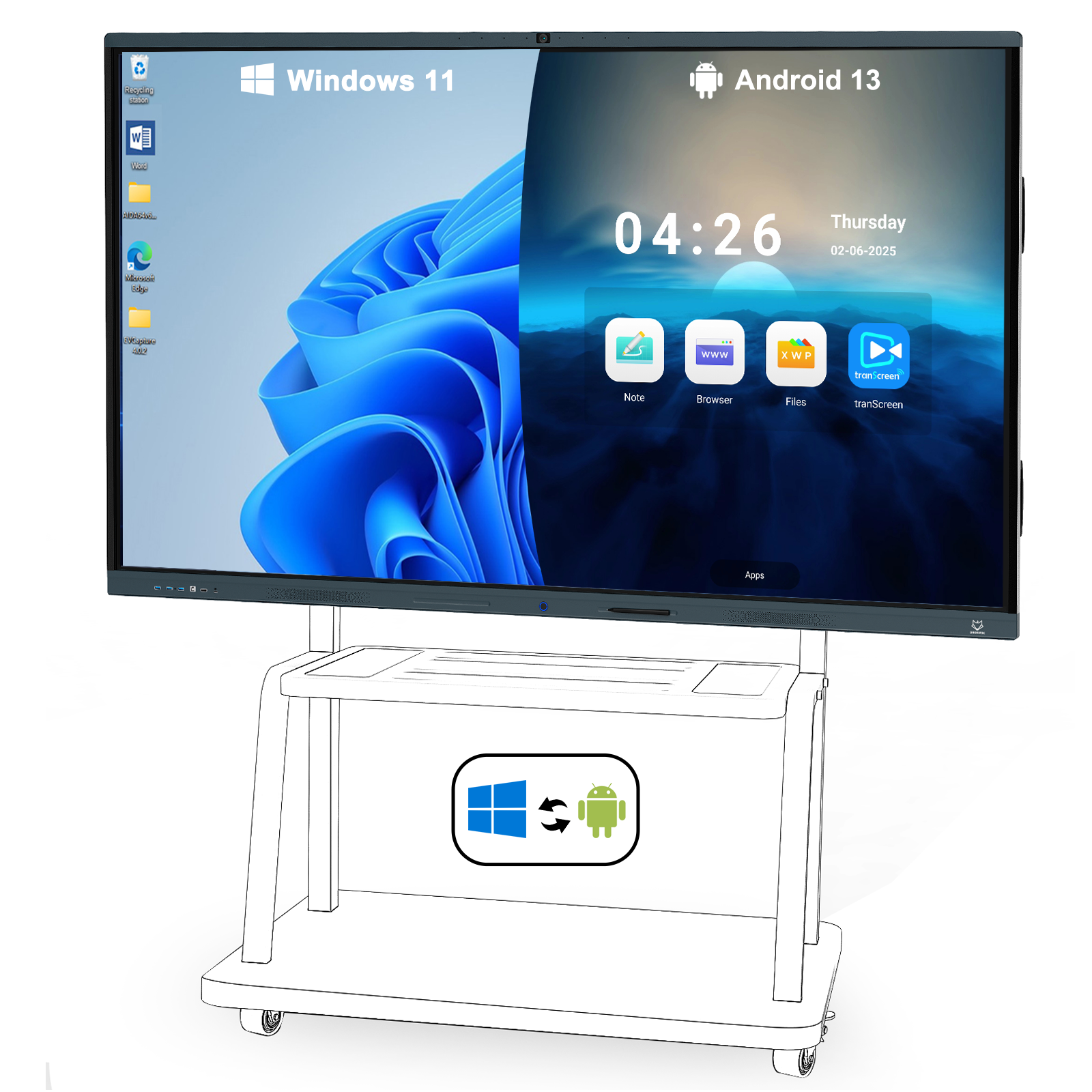
The 75-inch camera model describes plug-in OPS computing and dual-system switching. The 86-inch OPS model lists Windows 11 Pro support with 16 GB RAM and 256 GB storage. These listings describe different builds and should lead to separate configuration questions.
Specify whether a requested startup change or application applies to the onboard Android environment, the OPS computer or both. Identify which system receives camera, microphone and touch access in the intended mode. A software change on one computer should not be assumed to change the other environment merely because both use the same display.
The OPS mini PC accessory is also a separate product listing for compatible displays. Confirm the exact module, operating-system edition and supply terms. Microsoft’s Windows hardware-change guidance explains that significant hardware changes can affect activation. Ask how the agreed support arrangement handles an OPS replacement and the relevant software entitlements; do not assume a licence can simply move to any replacement module.
Custom software needs an owner after the approved sample. Ask who distributes updates, how the school learns what changed and which configuration remains supported. Distinguish an application update, a system update and a change to a branded interface. They may involve different providers and different approval decisions.
Ask the supplier to state the update channel and the period or conditions of support it is offering. Identify who decides when a school unit is updated and whether the school can review the change on an agreed pilot unit first. Record dependencies on a management service or subscription instead of assuming they are included with the hardware.
The Android security bulletin overview records security patch levels. For a proposed Android build, request the information needed to identify its supplied software and patch level, together with the manufacturer’s update arrangement. The existence of an upstream bulletin is not evidence that a particular display has received that update.
Ask how the supplier will describe a later change that affects the classroom. The useful record identifies the affected build, changed behavior and any action required by school staff. A broad promise of future updates leaves unanswered whether the approved application, branding and peripheral functions have been checked on the changed version.
Describe the state the school expects after an authorised reset or service replacement. Should the branded interface return? Which applications are restored, which need an account again and which settings must local staff reapply? Ask the supplier to identify the supported procedure and any material the school needs to retain.
Plan a recovery demonstration on an agreed review unit with the responsible technical team. Use suitable sample material, preserve anything needed before a reset and record the expected outcome in advance. The purpose is to confirm the proposed restoration process, not to erase an active classroom’s work during an informal sales demonstration.
Also agree how administrative access is handed over. Identify who controls the school’s accounts, the management service and any support access offered by the supplier. The school should know how to authorise assistance and recover control when staff or service providers change. Describe the arrangement in the project documentation without distributing reusable passwords in a general classroom guide.
Turn the agreed discussion into a concise change record before production approval. Keep each requested change attached to the base model and software revision. The following table is a proposed purchasing tool, not a list of completed LINGHUFOX customizations.
| Change area | Scope to agree | Evidence to retain |
|---|---|---|
| Brand appearance | Approved artwork, locations, language and persistence | Preview on the selected build and agreed post-reset behavior |
| Home screen or restrictions | Allowed tasks and authorised administrative route | Demonstration of ordinary use and recovery of control |
| Teaching applications | Version, operating system, supply rights and account needs | Required workflow and confirmed provider responsibilities |
| OPS integration | Module build, software edition and peripheral access | Working configuration and replacement support arrangement |
| Maintenance | Update source, support commitment and approval process | Build identification and a usable change record |
| Restoration | Expected reset state and school actions | Agreed procedure and outcome on the review unit |
Do not mark an unresolved requirement as included because a related function was demonstrated. For example, a branded launcher can be visible while its update process remains unconfirmed, or a teaching application can open while its saving workflow remains incomplete. State the observation, the remaining question and the party responsible for answering it.
Keep approval tied to the demonstrated revision. If the proposed system board, OPS module, camera or software build changes, ask which parts of the agreed evidence need to be checked again. This protects the meaning of the approved configuration without requiring the buyer to become the firmware developer.
Separate the proposed development schedule from the evidence needed to release the order. Identify who reviews the sample, who can approve a revised interface and which unresolved requirements prevent approval. If the school changes its application or restrictions during review, record the effect on the agreed scope before accepting a new schedule. This gives the manufacturer a stable target and the buyer a clear decision to make.
A clear OEM interactive whiteboard software brief describes the classroom behavior being purchased and the responsibilities that sustain it. Branding, applications, management and recovery can then be discussed as explicit deliverables, with confirmed capabilities and remaining dependencies visible to both the manufacturer and the school.
