


Get quote
Get Free Consultation!
We are ready to answer right now! free consultation.
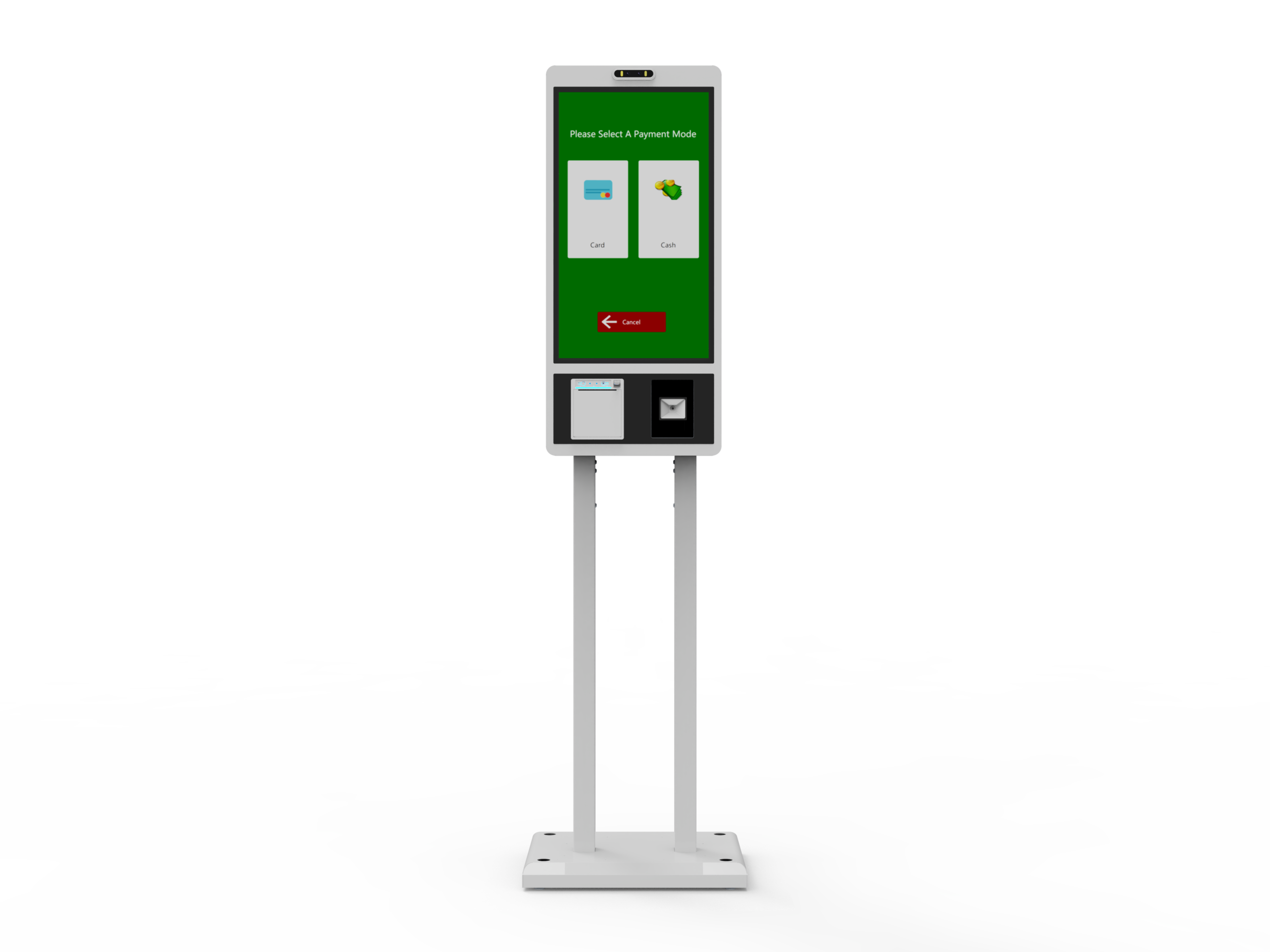
Ask a self service kiosk manufacturer to show how the station is replenished and returned to use, not only how a customer completes an order. A receipt roll, an accessible service panel and a clear staff procedure can matter as much as the touchscreen during ordinary operation. The buyer needs to know which tasks local staff may perform, which require authorized service and how the kiosk signals that assistance is needed.
LINGHUFOX offers freestanding ordering terminals, wall-mounted formats and combined ordering-and-checkout stations. Their peripheral arrangements differ. This guide focuses on the operational handover around those arrangements: consumables, service space, fault reporting and a controlled return to customer use. It does not assume a specific printer brand, payment provider or software package is included in every kiosk.
List the actions that staff will perform during an ordinary shift. Examples include checking consumable availability, replenishing receipt paper through the approved procedure, cleaning permitted exterior surfaces and reporting a problem. Separate these from internal electrical work, component replacement and payment-terminal administration. The person responsible for customer assistance may not be authorized to perform all of them.
The 21.5-inch LINGHUFOX ordering kiosk describes receipt output and an integrated payment area in a slim freestanding format. Those are useful features to examine in a service demonstration. Ask for the actual printer and terminal identities, their placement and the approved access instructions for the quoted configuration.
The 27-inch ordering-and-checkout model describes a scanner, thermal printer, card/NFC reader and an item tray. Its service map should distinguish those components. A printer needing paper, a scanner not identifying an item and a payment device requiring attention have different owners and recovery procedures.
Create three clearly named task groups in the handover. Routine tasks are those the supplied instructions permit trained site staff to perform. Restricted tasks require a designated supervisor or administrator. Specialist tasks belong to qualified technicians or the relevant payment-service provider. Agree these boundaries with the actual equipment suppliers rather than deriving them from a generic kiosk photograph.
Keep the authorization process practical. Staff should know whom to contact and what information to provide when a task falls outside their role. Avoid a process that encourages them to open unfamiliar compartments or alter software settings merely because the queue is growing. A kiosk rollout should include a safe service alternative when the station cannot be used.
Ask for the printer’s exact manufacturer, model and approved paper specification. A visible receipt opening does not identify the permitted roll width, diameter, paper type or loading orientation. Record the consumable part or specification in a form the purchasing team can reorder accurately. Include a photograph of the approved roll packaging where useful.
Star Micronics’ thermal-printer guidance explains that unsuitable paper or incorrect loading can produce blank output, and that loading orientation varies by model. This is a manufacturer-specific illustration of why the actual printer instructions matter. It does not identify the printer supplied inside a LINGHUFOX kiosk or authorize the same procedure on an unrelated unit.
Have the supplier show the approved loading method on the sample and document it for the operator. Keep the procedure with the correct printer revision. Do not publish a generic loading diagram inside the kiosk’s handover pack if it could be mistaken for instructions for a different mechanism. The safest useful instruction is the one matched to the installed equipment.
Ask whether the installed printer and application report low paper, paper out, an open cover or a cutter problem, and how those states reach staff. Do not infer a low-paper warning from a thermal-printer description. The sensor, driver and application must support the intended behaviour, and the notification route should be demonstrated on the proposed system.
Record which states prevent a transaction and which allow an approved alternative receipt method. That decision belongs with the business and software provider. A printer issue should not cause staff to repeat a payment simply to produce paper. The system should provide a documented way to determine the order and payment state before any further customer action.
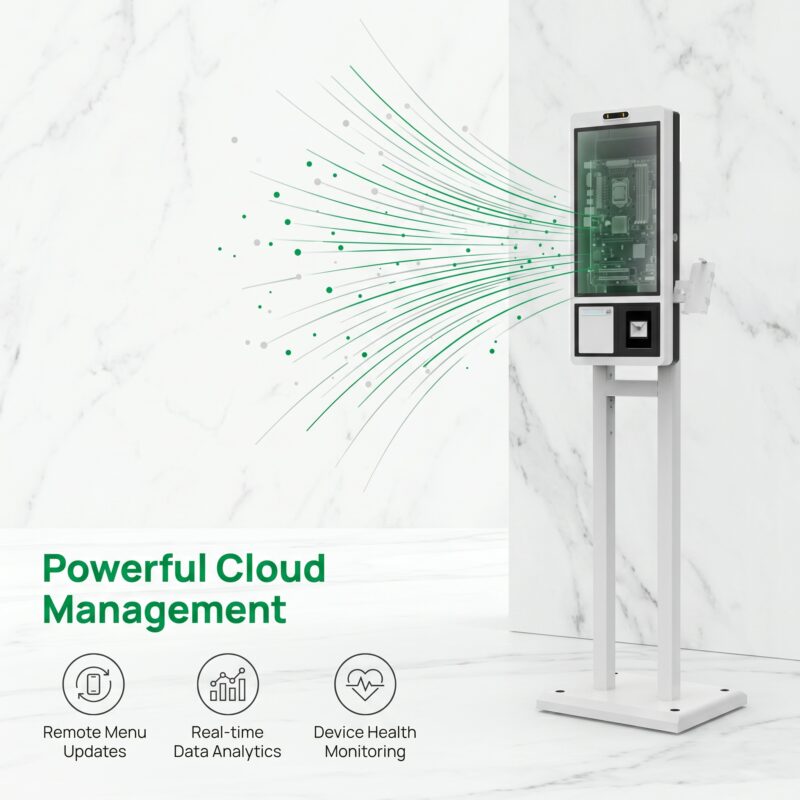
A maintenance action that is easy on an isolated sample can become difficult beside a wall, counter or queue barrier. Ask the manufacturer which panels open and what space is needed for permitted service. Show those movements on the site plan. The final arrangement should let an authorized person perform the approved procedure without improvising around surrounding furniture.
The 27-inch wall-mounted kiosk describes an integrated receipt printer and payment options in a compact format. Its wall installation needs a service review distinct from the freestanding version. Freeing floor space does not remove the need for a user position, authorized access and an appropriate supporting structure.
For the combined checkout model, consider the item tray and the space occupied by goods during normal use. Ask how service is performed without leaving a customer’s items or payment interaction in an ambiguous state. A tray shown in the product description is not evidence of a scale, loss-prevention system or automatic item reconciliation.
Request approved exterior-care instructions and identify the surfaces to which they apply. A screen, scanner window and payment device can have different requirements. Do not treat one cleaning recommendation as permission to apply the same liquid or tool throughout the assembly. Keep liquids away from electrical components in accordance with the relevant product instructions.
Star’s maintenance guidance emphasizes powering down, allowing the printer to cool and consulting its specific manual before maintenance. The kiosk handover should likewise use instructions for its actual printer. This article does not prescribe a solvent, interval or internal repair method for an unidentified mechanism.
| Record | What it should identify |
|---|---|
| Consumable specification | Installed printer and approved media |
| Access procedure | Permitted operator action and required service space |
| Notification behaviour | Supported fault states and who receives them |
| Transaction boundary | How staff determine whether an order or payment completed |
| Return-to-service check | Approved test that confirms normal operation |
Agree the message and alternative service route with the business. A screen should not continue inviting a customer into a workflow that cannot finish, but the exact response depends on the application and failure. Ask the integrator to demonstrate the supported assistance state rather than assuming the hardware automatically chooses an appropriate message.
Distinguish a deliberate service pause from a fault. A supervisor may need to take a station out of use while paper is replenished or a check is performed. Confirm the authorized process and whether it affects transactions already in progress. Do not instruct ordinary staff to kill the application or power-cycle the whole station as a universal first step.
The customer-journey guide helps identify where a transaction should end and where assistance begins. Extend that journey with the staff’s actions. The handover is incomplete if the customer sees an error but nobody at the site owns the next step.
Physical access to the kiosk does not grant permission to alter the payment terminal. Have the payment provider identify approved checks, tamper concerns and escalation procedures. Staff should not reseat, replace or reconfigure a payment device without the appropriate authorization. The hardware service plan and the payment-service plan should identify their boundaries clearly.
Use non-sensitive references in a support report. Record the order or transaction reference permitted by the business, the time and the observed message, but do not collect full card details or credentials in ordinary photos and emails. The business and payment provider should define the approved support channels and information-handling process.

Keep an approved consumable reference where the person ordering supplies can find it. A substitute roll should be reviewed against the installed printer specification rather than chosen only because it fits inside the compartment. If the consumable changes, record the reason and verify the permitted output check. This connects routine purchasing with the service record and prevents the same unidentified paper issue from returning on the next shift.
Include the kiosk model, serial number, software version and affected peripheral identity. Describe the expected result and the observed result separately. Note whether the issue occurs before order submission, during receipt output or elsewhere. A report that simply says “the kiosk does not work” makes it harder to assign the problem correctly.
Record the permitted steps already taken and any changed consumable or setting. Keep the original observation available rather than replacing it with a vague statement that a restart did not help. A photograph of the approved error screen or a non-sensitive sample print can support the report when the relevant policies allow it.
LINGHUFOX’s project-support information describes technical assistance after delivery. Confirm the actual service contacts, response arrangement and replacement authorization for the order. Do not assume a general support description establishes a fixed on-site repair time or includes every third-party software issue.
Define the check that confirms the station is ready again. It might involve an approved printer test or a sandbox order through the application. Use the equipment and payment providers’ permitted test methods; do not create an unnecessary live charge or duplicate customer order simply to see whether the system responds.
Record the consumable or component changed, the responsible person and the result. If a replacement introduced a new part or driver revision, have the integrator confirm compatibility before treating the kiosk as unchanged. The OEM kiosk planning guide explains why component and enclosure decisions belong in the same project record.
At shift handover, make any unresolved issue visible. Identify stations intentionally paused and the available assisted-service route. Keep the process simple enough that operating staff will actually use it. A complete routine-service plan connects the physical kiosk, software state and human responsibility without making unsupported promises about unattended operation.
No. The installed printer has its own approved media and loading requirements. Request the exact model and consumable specification, then have authorized staff follow its supplied instructions. The receipt opening or screen size does not identify a paper roll, and an instruction for a different printer should not be substituted.
No. First identify the affected function and follow the approved service procedure, especially when an order or payment may already have completed. A restart is not a universal resolution for missing paper, configuration problems or payment-device concerns. Keep transaction status and authorized escalation separate from ordinary equipment checks.
Demonstrate routine access and replenishment, supported notifications, the assistance state and an approved return-to-service check on the exact configuration. Record the operator’s permitted role and specialist boundaries. That evidence turns a general maintenance promise into a process the receiving business can actually operate.
