


Get quote
Get Free Consultation!
We are ready to answer right now! free consultation.
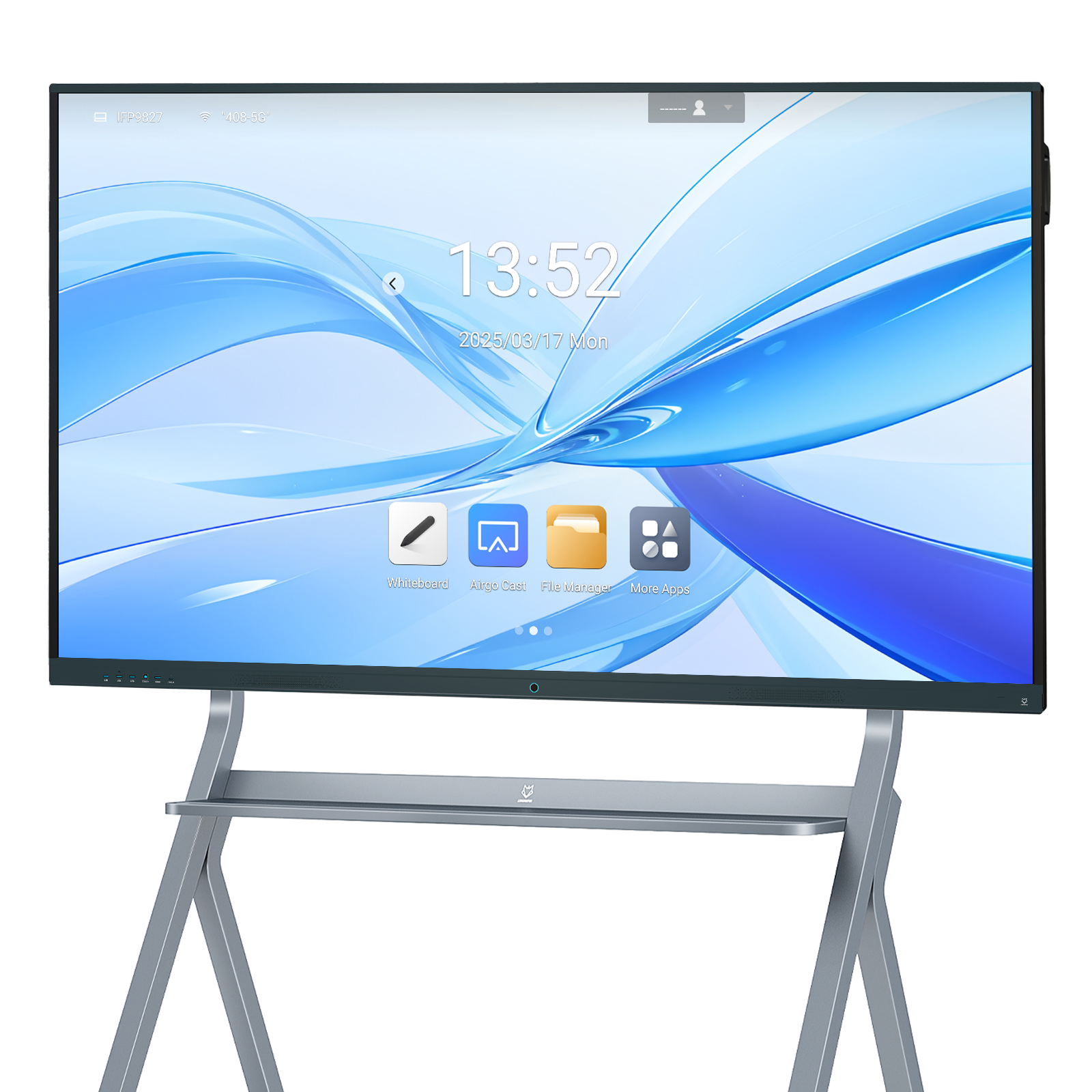
An interactive flat panel display supplier should help you decide where the work will run: inside the board, on a connected laptop or on an OPS computer. These are different operating arrangements, even when the screen size is identical. Select the arrangement from the required applications, account policy and support ownership before comparing a single headline price.
LINGHUFOX offers standard Android-based boards, camera-equipped variants and an 86-inch model with OPS computing. A buyer can use that range to build several kinds of collaboration system. The important purchasing step is to name the complete configuration and its responsibilities. A panel with a computer slot is not necessarily a panel with a computer included, and a computer does not automatically include every application the room needs.
Describe the tasks people perform rather than requesting a vague “dual-system board.” The list might include local writing, a browser-based lesson, a desktop presentation, a document that requires a particular application or a video meeting. Identify which tasks must work without a personal computer and which are expected to use the presenter’s own device.
For each task, record the application, file type, account requirement and network dependency. Ask the application owner to identify supported platforms and any required licences. The display supplier can then evaluate a hardware configuration against a concrete workload. It cannot reliably confirm an unspecified collection of school or business applications from the word “Android” or “Windows” alone.
Separate daily use from exceptional use. A room that normally opens local teaching material but occasionally hosts a guest laptop may not need the same installed computer as a room used throughout the day for a specialist desktop application. Decide which exceptions need a permanent capability and which can use an approved connection method.
The standard 65-inch LINGHUFOX board lists an Android 11 platform, with memory and storage ranges shown as configuration options. Its display specification includes 4K resolution and infrared touch. Read those facts separately: the screen characteristics do not identify the exact installed application package or the memory option included in a particular quotation.
The 65-inch camera-equipped board describes Android 14, 8 GB RAM and 128 GB storage. That is a different platform description. A supplier comparison should therefore distinguish standard and camera variants instead of assuming that every 65-inch model has the same computer because the physical size is shared.
Ask the supplier to demonstrate the approved writing and file workflow on the proposed configuration. Open the required file, annotate it where supported, save through the agreed method and confirm that the saved result can be used afterward. Record what happens when the network is unavailable if local operation is a requirement. Do not assume that a cloud-dependent application becomes offline simply because it is installed on the board.
Confirm who manages updates and accounts. A shared classroom should not rely on an undocumented personal account belonging to the installer. Ask which settings can be controlled by the organization and how recovery is handled. Where management or security requirements are important, the customer’s IT team should approve the exact build and management arrangement before quantities are ordered.
A platform version also does not establish an application-store or service licence. The Android compatibility overview distinguishes the open-source platform from compatibility requirements and participation in the wider application ecosystem. Keep any required licensed services as explicit, model-specific procurement items rather than inferred benefits of an Android version number.
A connected laptop can keep documents, applications and accounts in the user’s familiar environment. The trade-off is that the room must support the approved connection route and the range of devices it intends to accept. Define the route with the supplier: which connection carries the image, how touch returns to the laptop and which cables or adapters are part of the installation.
The standard 65- and 75-inch boards list HDMI, USB, touch and Type-C connections. A list of connectors does not by itself establish a one-cable experience for every laptop. Confirm the exact functions of the quoted ports and the supported cable arrangement. Keep charging, video, touch and access to a camera or microphone as separate questions.
Use the image and touch-path guide when preparing the sample check. Test the actual laptop configuration, including any approved dock or adapter. A successful image from one laptop is useful evidence for that arrangement; it is not proof that an unrelated connector or operating system will behave the same way.
A meeting room may have several presenters in succession. Check how the first user disconnects and how the next user selects the correct source. Confirm whether touch and any required audio devices follow the intended computer. Leave clear instructions at the connection point, using the actual port names and approved accessories rather than a generic drawing of a cable.
For a classroom, decide what happens when the teacher’s laptop is absent. The built-in platform may provide an approved fallback for a limited lesson task, or the organization may provide another device. Document that fallback explicitly. Buying a panel does not resolve account access, document availability or application licensing on a missing computer.
LINGHUFOX’s 86-inch board with OPS lists a Windows 11 Pro configuration with 16 GB RAM and 256 GB storage. It also describes a camera, an eight-microphone array and two 15 W speakers. Treat these as the published starting configuration and confirm the exact order details, including processor, storage type, software supply and recovery arrangement.
Memory and storage capacity are not a complete compatibility assessment. Microsoft’s Windows 11 requirements also address processor eligibility, firmware and security-related hardware. Ask for the actual computer identity and the appropriate support evidence; a generic processor family name or RAM value cannot establish the whole configuration.
Confirm whether the OPS module is installed and tested with the board before shipment. Ask which power, cooling and interface requirements apply to that combination. Do not substitute a module merely because it belongs to the OPS category. The supplier should confirm compatibility with the delivered board revision and the proposed computer.
An installed computer also needs an owner after delivery. Decide who creates accounts, deploys applications, applies updates and holds recovery information. For an organization-managed installation, involve IT before the sample is approved. The computer may be physically integrated into the display while still belonging to the organization’s ordinary endpoint-management process.

| Arrangement | What must be approved | Ownership question |
|---|---|---|
| Built-in platform | Exact build, local applications and file workflow | Who controls updates, accounts and recovery? |
| Connected laptop | Image, touch and peripheral routes for approved devices | Who supplies and supports the laptop and adapters? |
| OPS computer | Complete module identity and board compatibility | Who manages the installed computer and licences? |
Keep these responsibilities visible on the quotation comparison. A lower panel price may exclude the computer or application that another offer includes. Conversely, a bundled computer may be unnecessary for a room that already has an approved laptop workflow. Compare complete systems for the intended task, without assuming that the option with the most hardware is automatically better.
Separate one-time supply from ongoing service. Ask which application licences, management services or support arrangements require renewal, where relevant. Record the term and responsible supplier rather than assuming all software is permanently included. No universal subscription cost or licence entitlement can be established from the screen model alone.
The existing classroom package comparison helps identify accessories and installation items that can sit outside the computing quotation. Bring the two records together before approval. The final scope should explain not only what is shipped, but also what the customer must provide for the system to work.
A quoted memory or storage value is useful, but it is not a demonstration of the customer’s workload. Ask what happens when the intended document, writing tool and meeting application are used in the approved sequence. Record the file sizes and application versions that were evaluated. Do not describe a larger memory option as a guaranteed performance improvement for every task without supporting evidence.
For the OPS route, identify the actual processor rather than only a broad family label. For the built-in route, identify the installed build and the chosen memory and storage option. A configuration record makes those differences visible when the same board is quoted again. It also helps the customer avoid approving a sample with one computer and receiving an order with another.
Define what constitutes an acceptable substitution. A different component may be suitable, but the buyer should know which tasks need to be checked again. Keep approval with the organization responsible for the application and management requirements. This is particularly important where the classroom or meeting room must remain consistent with an existing supported environment.
Choose a representative task and perform it on each computing arrangement being considered. Keep the intended output the same, while recording the different steps needed. A browser-based document, for example, may involve different login, file and peripheral behaviour on the built-in platform and on a managed Windows computer.
Include a restart and a user change in the sample plan. Check whether the room returns to the agreed starting state and whether the next user can work without finding the previous user’s material. These are proposed acceptance checks, not claims that a particular product automatically removes accounts or files. Confirm the supported behaviour and the organization’s policy.
Document exceptions instead of hiding them behind “works with most applications.” Identify the task that needs a laptop, the peripheral that requires an approved route or the application that remains outside the supplied package. A precise exception lets the buyer make a controlled decision; a broad compatibility claim makes the problem harder to recognize after delivery.
No. It depends on the applications and the way the room will operate. A built-in platform or connected laptop may satisfy the approved workflow. OPS is worth evaluating when an installed computer is needed, but the module should be specified and supported as a computer rather than treated as an automatic upgrade for every room.
Not from the connector name alone. Confirm the functions of the exact board port, laptop and cable, then test the intended arrangement. Image, touch, charging and camera access should be listed separately. The approved sample record should show which functions were demonstrated and which remain outside the supplied connection route.
Name the board variant, computing arrangement, exact module or platform configuration, included cables and applications, licence responsibilities and support owner. That description gives the supplier and customer a shared definition of the system. It also makes later substitutions visible instead of allowing a familiar screen size to conceal a different computing setup.
