


Get quote
Get Free Consultation!
We are ready to answer right now! free consultation.
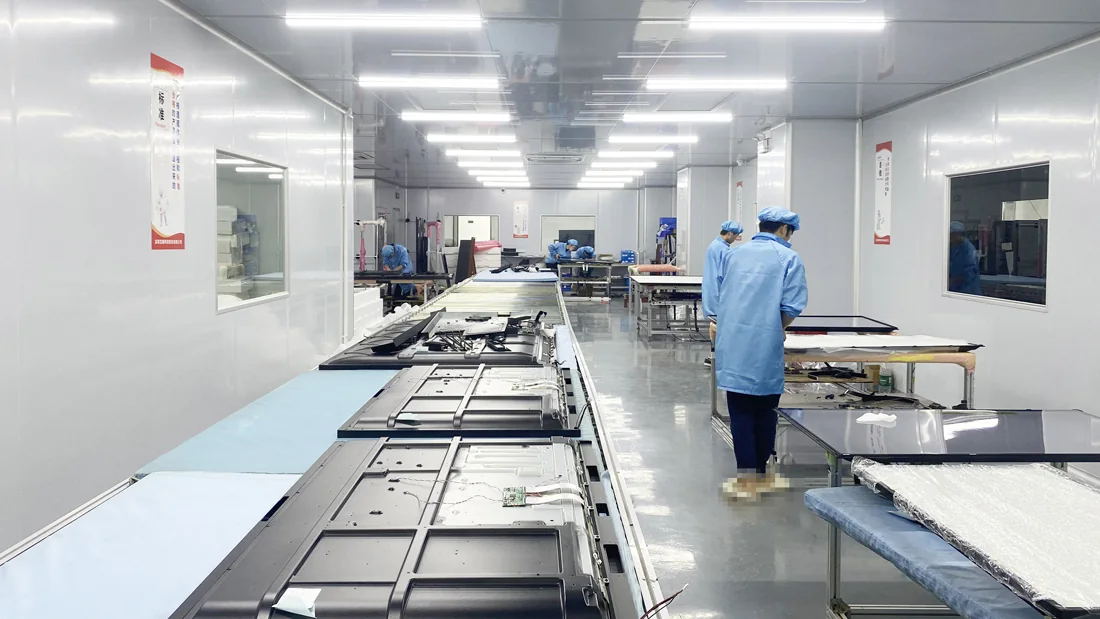
A custom surround can make a display fit a brand’s interior, but it can also block connections, restrict service access or change the conditions around the equipment. An OEM digital signage manufacturer needs more than a front-view rendering to evaluate that request. The brief should show the display, decorative enclosure, mounting arrangement and intended environment as one complete installation.
LINGHUFOX describes customization for appearance, logo, software and interfaces. Those categories provide a starting point for a project discussion, not automatic approval of a fully enclosed cabinet or outdoor installation. Use an identified standard model as the reference, then ask which changes are feasible and what evidence is required before the custom version can be accepted.
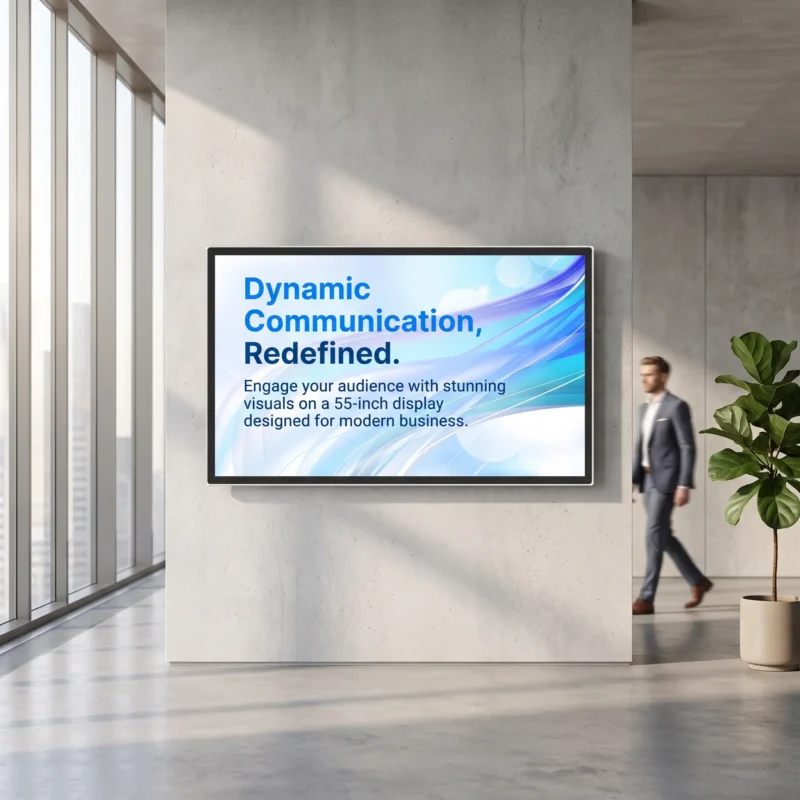
The 55-inch wall-mounted LINGHUFOX display lists an outside size of 1258 × 728.8 × 50.7 mm without the rack and an active display area of 1209.6 × 680.4 mm. Those dimensions answer different questions. The active area guides the visible content opening; the outside dimensions help define the equipment envelope.
Do not derive a finished enclosure drawing from those two measurements alone. Obtain the current mechanical drawing, including attachment locations, tolerances, connector positions and required clearances. The difference between the active and outside widths does not prove that every border is symmetrical or that the full border can be covered by a decorative frame.
The 55-inch floor-standing display is a different starting point. Its description identifies a slim frame, freestanding base, indoor commercial use and built-in cooling. A custom wrap or shell around that product should be reviewed against its own enclosure and service arrangement, not adapted from the wall-mounted model because the diagonal is shared.
Explain what the customization must achieve: match a reception interior, conceal an approved cable route, carry a brand mark or align with a fixture. Identify which parts of the appearance are essential and which can change during engineering review. This gives the manufacturer room to propose a practical solution without losing the commercial objective.
Supply views that show the rear and sides as well as the front. Include surrounding furniture, the intended floor or wall relationship and the direction from which service personnel will approach. A rendering that hides these details can be visually persuasive while leaving the most important installation questions unanswered.
The active-image boundary shows what the viewer must see. Confirm that the proposed opening does not cover important content or create an unintended crop at the edges. Use a reference file with clearly marked borders during prototype review. Do not rely on a promotional photograph that contains no information near the edge of the screen.
The support boundary identifies what carries the display and any attached equipment. Have the qualified installer and relevant suppliers assess that arrangement. Decorative panels should not be assumed to carry the load unless they are part of the approved structural design. This guide does not provide anchor, fastener or wall-construction instructions.
The decorative boundary includes the visible frame, skin or surrounding furniture. Identify how it is attached and removed, and whether its finish affects access to the display’s controls or labels. A removable decorative part may simplify service, but its actual design still needs approval for the installation. Do not add an unreviewed attachment directly to the display enclosure.
| Layer | Question | Evidence to request |
|---|---|---|
| Visible image | Is the required content fully visible in the final opening? | Current active-area drawing and border test file |
| Structural support | What supports the complete installed assembly? | Approved support and installation documentation |
| Decorative surround | Can the equipment breathe, connect and be serviced? | Section views, access sequence and manufacturer review |
Keep these layers identifiable in the approval file even if one supplier provides the entire assembly. A later branding change may affect only the decorative layer, or it may intrude into another boundary. The record should make that difference visible before a new finish or panel is approved for production.
Ask the manufacturer for the thermal and clearance requirements of the selected configuration. Identify where air enters and leaves, which surfaces must remain unobstructed and what operating conditions are permitted. The description of built-in cooling on the 55-inch floor-standing model does not establish that it can operate inside any customer-designed cabinet.
Show the proposed location of other equipment in the surround. A player, network device or power component may share the available space. The responsible engineering team should evaluate the combined arrangement. Do not assume that unused-looking volume behind the screen is a suitable storage space for adapters or accessories.
Describe nearby lighting, windows, heating outlets and the expected ambient conditions. A display inside a controlled room and a display facing a sunlit storefront can experience different surroundings. Ask for a configuration assessment based on the actual location rather than replacing the indoor product description with an unsupported claim of outdoor suitability.
Agree what evidence will support the custom design’s thermal approval. That may require engineering calculations, prototype evaluation or other information specified by the manufacturer. This article does not claim that such evaluation has already been performed, and it does not prescribe a universal temperature test or clearance dimension for all LINGHUFOX products.
Keep the tested or reviewed configuration identifiable. If the approved prototype used one player, mounting gap or decorative material, a later change may need reassessment. A successful front-view demonstration does not validate an altered rear enclosure that the customer never saw during approval.
Ask the service provider to describe how the installed unit will be inspected, disconnected and removed when authorized work is required. Show that sequence on the design review rather than assuming access can be solved later. A cabinet may look clean from the front while leaving a connector or fixing inaccessible from every practical direction.
The wall-mounted product listings identify interfaces and storage options, but the exact location and function of each port should come from the current configuration. For the 43-inch wall-mounted model, for example, the listed Full HD and 4K panel configurations do not establish the same player or input arrangement for every quotation. Confirm what the chosen version actually contains.
Provide space for the approved connected plugs and cable route, not only the bare enclosure depth. The local installer should assess the complete arrangement using the relevant instructions. Avoid forcing a cable around a decorative edge or placing an access panel where it cannot be opened after the furniture is installed.
Keep the equipment labels and service references accessible through the approved procedure. A technician should not have to guess the model from the visible screen size. If the customer uses a private-label name, retain its mapping to the manufacturer’s model and serial identity in the service record.
Decide which controls users may access and which belong to authorized staff. A public display may need protection against casual changes, but enclosing a control is not the same as securing the operating system or management account. Ask the software and IT owners to define their own controls. Mechanical appearance should not be used as a substitute for a complete access policy.

Use a precise description of the installation environment. “Near the entrance” can mean an indoor lobby, a covered external area or a location exposed to wind-driven rain. Those are different requirements. Give the manufacturer photographs and relevant site information, then request a configuration-specific response instead of asking for a general weather-resistant appearance.
IEC 60529 concerns degrees of protection provided by enclosures through the IP Code. An IP claim therefore needs evidence for the relevant enclosure configuration. A decorative cover or a general company certificate does not establish a verified IP classification for the completed custom display.
Keep ingress protection separate from brightness, temperature, corrosion, mounting and other site requirements. This guide does not assign an IP rating to the LINGHUFOX models discussed. Ask the responsible engineers and compliance advisers which evidence is required for the intended destination and installation, and confirm the exact configuration covered by any supplied documentation.
Where the requested environment is outside the standard model’s stated application, treat the request as an engineering question. Do not approve an indoor unit on the assumption that a canopy or a new front glass makes it equivalent to a purpose-designed outdoor system. The supplier should identify the limits of the proposed solution before commercial approval.
Use the actual display, player and support arrangement in the prototype review. Check the visible opening with the border reference file, inspect the controls and labels, and walk through the authorized service sequence. Confirm that the intended content and orientation remain correct after the surround is fitted.
The custom-build scope guide helps separate mechanical, electrical and software changes. Apply that separation to the approval record. A revised logo can be accepted through an artwork proof; a changed enclosure opening or cooling path may require additional technical evidence. Do not let approval of one item imply approval of every related change.
Record the prototype revision, drawings, materials and finish reference agreed by the parties. Keep unresolved matters in a short exception list with an owner. This gives production a clear release condition and gives the buyer a way to recognize the approved result when the first shipment arrives.
The final surround may be supplied or installed by a local contractor rather than the display manufacturer. Give that contractor the approved boundaries and require proposed changes to return for review. An extra decorative strip, blocked access panel or relocated vent can change the arrangement even though the display itself has not changed.
Keep the LINGHUFOX project team, installer and customer aligned on the final revision. The useful handover includes what was approved, what was installed and how it is to be maintained. A rendering alone cannot provide that continuity through production, installation and later service.
No. The exact enclosure must be reviewed for support, ventilation, connections, service access and the intended environment. Obtain the manufacturer’s current requirements and the qualified installer’s assessment. A decorative cabinet is part of the operating arrangement, not an automatically harmless addition to the standard display.
No. Request relevant evidence for the complete enclosure configuration and its intended use. An appearance change or isolated component does not establish the classification of the finished assembly. Keep environmental requirements and documentation explicit, and do not infer outdoor suitability from the presence of glass or a general company certificate.
Provide the exact model and configuration, approved drawings, visible-area and service boundaries, finish reference, software scope and resolved exceptions. Include the revision identity used for acceptance. That package lets production reproduce the approved design and helps the receiving team identify changes instead of relying on a front-view rendering alone.
