


Get quote
Get Free Consultation!
We are ready to answer right now! free consultation.

An interactive flat panel display manufacturer can supply a clear specification, but room readability must be judged with the content and lighting that people will actually use. Start with the farthest occupied seat, the writing position and the daylight pattern. Then compare candidate panels using the same material. A higher diagonal or a 4K label is not a substitute for that evaluation.
For LINGHUFOX classroom and collaboration projects, the standard 65-, 75- and 86-inch boards offer useful comparison points. Their published specifications include 3840 × 2160 resolution, anti-glare tempered glass and brightness listed at 300–350 cd/m². Because those headline values are similar, the buying decision needs to examine physical image size, reflections, text treatment and the way the screen fits the room.
A room photograph taken from the doorway is useful, but it does not identify the most demanding viewing position. Mark where people will sit and where the presenter will stand. Include side seats, wheelchair positions where relevant and any area used for group work. The evaluation should consider the intended users rather than an empty room viewed from the center.
Record the windows and lights that can be reflected in the screen. Note whether shades are normally available and whether people can control the lighting during a lesson or meeting. A proposed display location that works only with every light switched off may not suit the activity. Participants still need to read paper, move around and see each other.
Ask for the exact product dimensions and the proposed installation height. Screen diagonal does not show where the active image begins, where controls will sit or whether the presenter can comfortably use the writing area. The local installer and accessibility adviser should assess the physical arrangement where those requirements apply. A panel specification alone cannot establish that an entire room is accessible.
The 65-inch standard board, 75-inch standard board and 86-inch standard board each list 3840 × 2160 pixels. At the same full-screen layout, a larger active image makes the displayed elements physically larger. It does not automatically add more pixels or make a crowded spreadsheet easier to navigate.
The published effective display areas are approximately 1428 × 803 mm for the 65-inch model, 1646 × 925.5 mm for the 75-inch model and 1892 × 1064 mm for the 86-inch model. Use the current mechanical drawing to confirm the dimensions for the supplied revision. These figures help explain the size difference, but they are not a recommended viewing-distance formula.
| Decision | Question to answer | Evidence to use |
|---|---|---|
| Physical size | Can the intended seats read the material? | Same reference file on candidate sizes |
| Rendered layout | Is text large enough without hiding necessary information? | Application zoom and scaling settings |
| Installation position | Are reflections and viewing angles acceptable? | Room trial at the intended location |
Keep computer output settings consistent during the comparison. A laptop sending a lower-resolution signal, an application using different zoom levels or a mirrored display with changed scaling can alter the result. Record the source, resolution and application settings. Otherwise, the team may attribute a software-layout difference to the panel itself.
Text-heavy teaching, photographs and a simple meeting agenda impose different demands. A layout that is comfortable for a short headline may not support a detailed engineering drawing. Select the smallest information that participants genuinely need to read, then test it from the relevant seats. This is more useful than approving the room from a screen-size chart without the actual material.
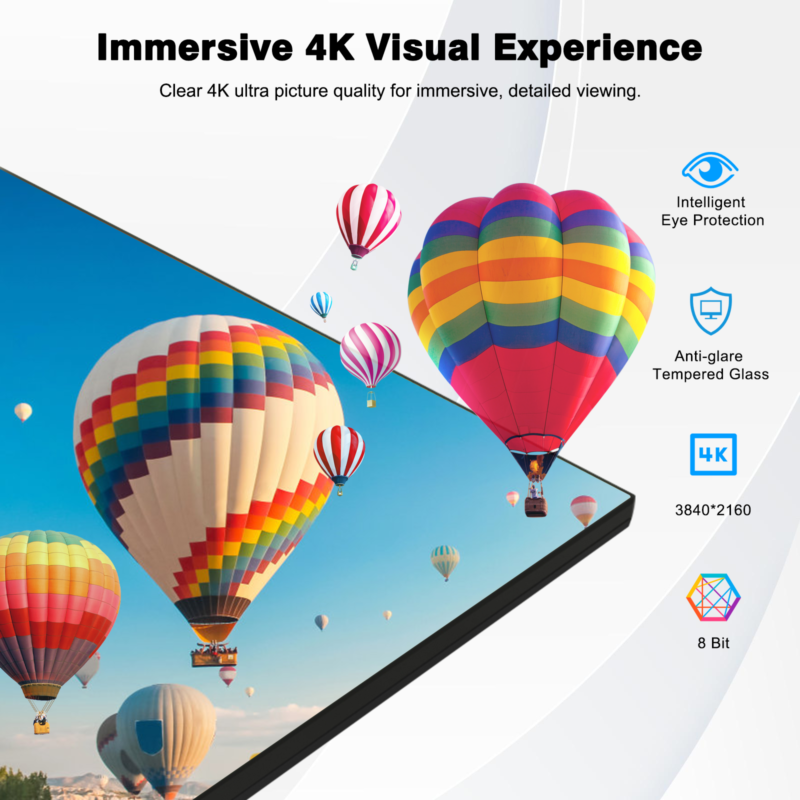
The standard-board descriptions identify anti-glare tempered glass. Treat that as a surface characteristic to evaluate, not a promise that windows or overhead lights will disappear from the image. Examine the screen from side seats as well as directly in front. A reflected bright area can affect one part of the audience more than another.
Try the material under the conditions in which the room is expected to operate. A classroom used in the morning may receive different daylight from the same room during an afternoon demonstration. Record the conditions and the available controls. The result should describe a usable room arrangement rather than an unusually favorable demonstration setting.
The listed 300–350 cd/m² brightness range is a published model specification, not an on-site luminance measurement. Ask for the exact quoted configuration and any relevant operating limitations. Do not reinterpret the value as an outdoor or direct-sunlight rating. Where the intended location is unusually bright, the supplier needs the application details before a suitable configuration can be discussed.
When a slide is difficult to read, keep the source file unchanged while checking the room position, lighting and display setting in a controlled sequence. Then test the content treatment separately. Changing the panel size, brightness, text size and background at once may improve the image, but it does not reveal which change made the difference or whether the result can be reproduced.
Keep a photograph as a location record, not as a calibrated representation of the image. Camera exposure and processing can alter how a screen appears. The purchasing record should include the observers’ agreed acceptance decision and the settings used. A photograph of a bright screen is not an independent measurement of panel brightness or contrast.
Some readability problems belong to the material rather than the display. Small labels, pale lines and dense tables can remain difficult on a larger board. Prepare reference content that resembles real teaching or meeting work. Include the smallest meaningful label, a chart legend and a document paragraph instead of relying exclusively on colorful photographs.
The W3C contrast guidance addresses text against its background, with 4.5:1 for ordinary text and 3:1 for qualifying large text. Those content-design ratios are different from a panel’s hardware contrast specification; they do not certify readability in a particular room.
For presentation material, use distinct line weights and labels so information does not depend only on color. Check whether a chart can still be understood when viewed from the side or at the back. This is an evaluation recommendation, not a claim that a particular panel provides an accessibility feature or guarantees a learning outcome.
When an external computer is involved, examine whether the application can increase the content size without losing the task. A large spreadsheet may need a different view or a focused worksheet section. A board purchase should not be expected to repair a document that was designed only for close-up desktop use. The content owner belongs in the acceptance discussion.
The standard models list infrared touch and support for 20 touch points on a connected PC. For readability, the important next question is what the writing looks like to the audience. Select an appropriate pen width and background in the actual writing application. Check whether the presenter obscures the critical part of the explanation while interacting with the board.
Compare writing near the center and near the edges of the active area. Observe the result from the intended seats, not only from the writer’s position. Keep the application and settings recorded with the sample. A comfortable writing experience and a readable audience view are related but separate acceptance decisions.
The image and touch-path guide is useful when the demonstration uses a connected computer. Confirm the signal route before blaming a writing or scaling problem on the display. A source configuration issue can make the comparison unreliable even when the panel and touch hardware are operating as specified.
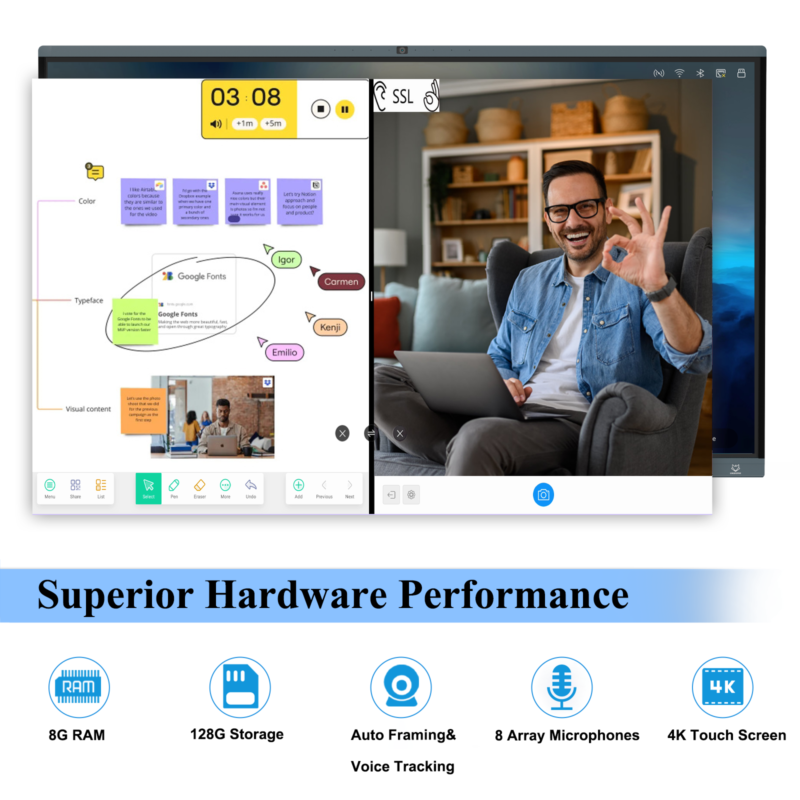
When two candidate sizes appear acceptable, list the work needed to make each configuration usable. One may require a different mounting position, another may require a revised seating layout, and both may need clearer presentation material. Ask the relevant installer or content owner to confirm those changes. Do not convert a panel-only price difference into a claimed whole-project saving without the associated work.
Include both solo presentation and shared activity in the decision. A slide that can be read from the back may still be awkward when two participants stand at the screen and discuss a detailed diagram. Conversely, a close-up collaboration task can work well while the same diagram is unreadable to the wider audience. Record which activity the room is intended to prioritize and whether the material needs a separate audience view.
For a repeatable comparison, keep the reference files under a simple revision name. When someone enlarges a label or changes the background, save a new version and note why. This separates improvement to the teaching material from a change in panel performance. It also prevents a later reviewer from comparing a revised file on one model with the original file on another and drawing an unsupported conclusion about the hardware.
Create one short record for each candidate configuration. Identify the panel model, source device, input route, application version, zoom level, reference files and room conditions. Add the viewing positions used and the issues observed. Avoid describing the result only as “good picture,” because that phrase gives the next installer nothing to reproduce.
Agree a practical acceptance outcome with the people who will use the room. The outcome may require a different location, a larger panel, revised content or a combination. Record the reason rather than selecting the biggest model by default. A well-supported smaller configuration can be more appropriate than a larger display installed where glare or access remains unresolved.
Use the lesson-based acceptance guide to extend the readability decision into normal classroom operation. The proposed evaluation in this article is not a completed LINGHUFOX field test. It is a way for buyers to produce their own project evidence before approving quantities and installation work.
No. Resolution describes the pixel arrangement, while the physical size of text also depends on the screen, source layout and application settings. The viewing position and room lighting matter as well. Test the smallest information that people need to read on the intended configuration rather than treating resolution as a seating-capacity guarantee.
Not automatically. A larger image may help with physical text size, but it does not remove reflections or correct low-contrast content. Evaluate the location, lighting controls and material before deciding. Ask the supplier to assess unusual environmental requirements against the exact model rather than assuming that screen size establishes suitability.
Keep the model identity, room map, reference files, source settings and acceptance observations together. Those records help the manufacturer understand the requirement and help local staff reproduce the approved setup. They are also useful when a later replacement or room change makes the original informal demonstration difficult to remember.
