


Get quote
Get Free Consultation!
We are ready to answer right now! free consultation.

A digital signage manufacturer should demonstrate what a display does when normal operation changes: a new campaign arrives, the network becomes unavailable, the store closes or the player restarts. A bright screen playing one video proves only that moment. For a commercial rollout, the buyer needs an agreed content-delivery and recovery sequence that can be repeated at every location.
LINGHUFOX’s range includes Android-based floor-standing and wall-mounted displays, with different published playback and remote-management descriptions. Those descriptions help identify candidates, but they should be translated into configuration-specific acceptance questions. This guide focuses on the states a display moves through during ordinary operation, rather than assuming that every model, player and content-management package has identical offline or recovery behaviour.
The 32-inch floor-standing model lists a Full HD panel, Android 9.0, 2 GB RAM and 8 GB flash storage. Its specification describes local and web information publishing, an RTC timing clock and a system watchdog. These are useful discussion points, but they do not establish the exact management application, available usable storage or recovery result of every supplied unit.
The 43-inch floor-standing display instead describes a 4K screen, cloud-based content management, split-screen layouts and optional touch. Ask which software and service are included in the proposed quotation. The product page’s management description is not a licence document or evidence that an unrelated CMS can be installed without qualification.
Record the exact board, player application, operating-system build and management service. Where a product page lists an older platform or optional configurations, request the current offered build and its support lifecycle. Have the customer’s IT team review network and update requirements before deployment. A familiar Android version number should not substitute for a supported configuration decision.
A screen can be powered while its content player is not presenting the expected material. It can also show a local source while the remote-management connection is unavailable. Describe these as separate conditions in the acceptance plan. The team investigating a blank or stale screen needs to know whether it is checking the panel, the player, the content or the management connection.
The manufacturer evidence guide provides the broader procurement context. Add the operating-state record to that evidence rather than replacing it. Production identity, supported configuration and the actual playback demonstration should refer to the same proposed equipment.
Ask the software provider how a new file moves from the publishing interface to the player. An upload confirmation may show that the management service received a file, not that the destination screen has downloaded it. A device being online may likewise indicate a connection without proving that the intended campaign is currently on screen.
As an example of this distinction, the Xibo display-management manual describes players receiving updated schedules and downloaded content. Its documentation explains local playback of previously received material when the connection is interrupted. This is an example of a documented CMS workflow, not a claim that Xibo is included with or validated on every LINGHUFOX display.
For the quoted system, ask what evidence confirms the destination player has the complete content package. That might be a documented download status, an on-device check or another supported verification method. Record the actual mechanism supplied. Do not invent a screenshot, playback log or proof-of-play feature merely because another software package offers one.
Prepare a short test campaign with a visible version label, such as a small date or revision reference in a corner. Include the media types the project intends to use. Keep the label distinct from a real promotion so no one mistakes the test for an approved public offer. This makes it easier to recognize whether the player is showing the new or previous material.
Send the package through the normal proposed publishing process. Observe the destination rather than relying only on the sender’s interface. Record when the player is ready and when the campaign is scheduled to appear. Those two moments can differ, and the difference matters when a launch has a fixed local start time.
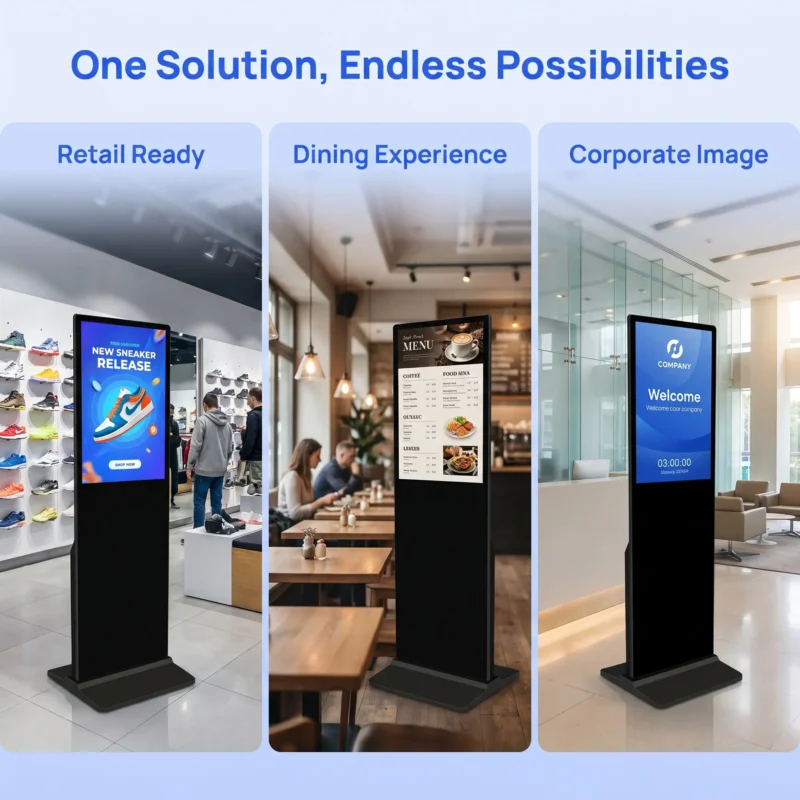
Decide which content must remain usable without a management connection. A locally stored image or video has different dependencies from a live webpage, streaming source or changing external data. Ask the supplier and software provider to identify those dependencies for the actual campaign. Do not describe an entire presentation as offline-capable because one downloaded image continues to display.
Define an acceptable fallback for each content type. A retail promotion might retain an approved evergreen message, while a time-sensitive price or service notice may require a different rule. The content owner should decide what remains appropriate. The hardware supplier should explain what the proposed player can do, without taking responsibility for the commercial validity of an outdated message.
The 32-inch wall-mounted display lists local and web publishing support and configurable storage options. Ask how the selected software uses that storage and what happens when a required asset is absent. A storage capacity in a specification does not tell the buyer how much is available after the operating system and applications are installed.
Arrange an authorized sample test with the responsible technical team. Allow the approved campaign to finish downloading, then interrupt the management connection through an agreed method. Observe the result and restore the connection. Do not disrupt an occupied store network or bypass security controls. The test should establish the intended behaviour of the sample configuration, not expose the wider system to unnecessary changes.
After reconnection, confirm whether the player receives the next approved update and returns to the expected schedule. Record any manual action required. A recovery that depends on local staff pressing an undocumented control may be acceptable for one installation but unsuitable for unattended locations. The purchasing decision should make that dependency visible.
The 32-inch floor-standing specification lists customized playback and power-on/off support, an RTC clock and a watchdog. Ask the manufacturer what those functions mean in the supplied build. A watchdog entry is not a guarantee that every software failure recovers correctly, and a power schedule is not proof that every content application starts in the desired state.
Use the normal restart procedure approved by the manufacturer. Observe whether the player returns to the correct source, orientation, layout and campaign. Confirm whether any network or account action is required. This guide does not recommend repeated abrupt power removal or testing electrical protection; those matters require the appropriate product instructions and qualified assessment.
Record the time zone and the source of the device’s time. Then test a schedule change at a known boundary using non-commercial sample content. The objective is to distinguish the intended local time from the actual device setting. A central publishing team and a remote store should agree which clock controls the event before a timed campaign is approved.
Keep display operating hours separate from content hours. The screen may be intended to turn off while a management service remains active, or the project may use another arrangement. Confirm the supported behaviour rather than assuming a content schedule controls electrical power. Ask what happens on holidays, after a delayed opening and when a scheduled event has already ended.
| State | Expected observation to agree | Evidence |
|---|---|---|
| Online and current | The approved campaign version is visible | Device identity and observed content |
| Update received | The complete package is available to the player | Supported download verification |
| Connection unavailable | The agreed fallback or cached content appears | Controlled sample observation |
| Normal restart | The approved source and player return | Recorded restart procedure and result |
| Schedule boundary | The intended local-time event changes correctly | Time settings and test content version |
Identify the exact display model and software build in the record. Add the campaign file names, dimensions, formats and the management package used. Note the network arrangement without exposing passwords or private access information. The next installation should be able to repeat the approved conditions through its authorized configuration process.
For a larger visual format, the 75-inch floor-standing display describes remote information publishing for lobbies and reception areas. Do not assume a successful 32-inch sample validates that model’s player configuration. Ask which components and software are shared and which need a separate check.
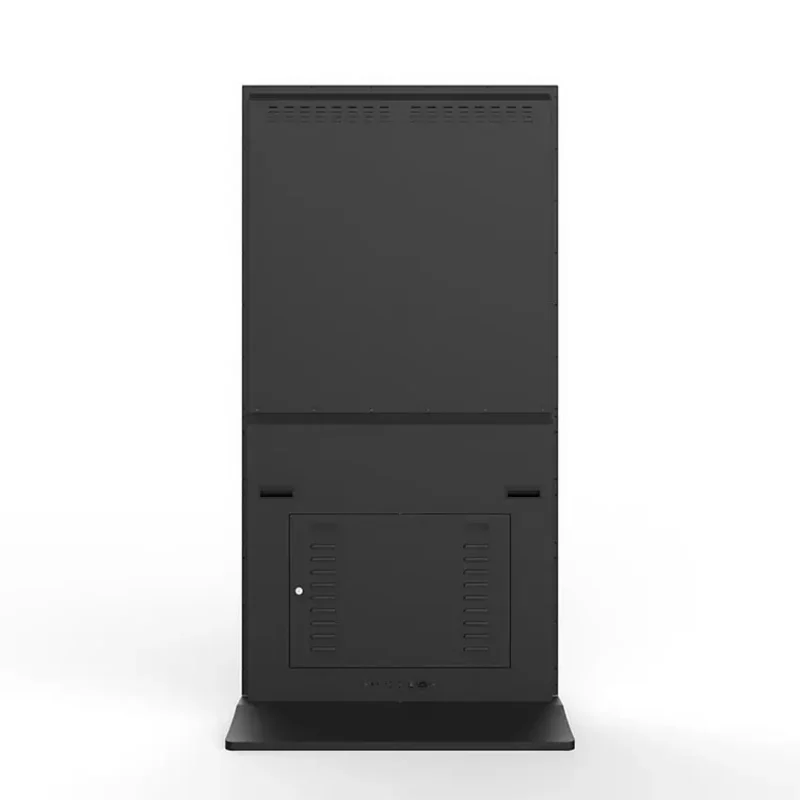
Keep unresolved conditions in an exception list. Examples include a live feed without an offline substitute, an application requiring a local login after restart or a feature awaiting licence confirmation. An exception is useful when it has an owner and an agreed resolution. Hiding it behind a general remote-management claim makes the eventual handover less reliable.
The content team should approve the message and its validity period. The device or integration team should maintain the accepted player configuration. The network owner should manage connectivity and authorized access. Ask the supplier to identify its support boundary and the information it needs for a fault report. These responsibilities can be held by one organization, but they should still be distinguishable.
The retail display-range guide helps connect different formats to their jobs. Add operating-state requirements when comparing those formats. A screen chosen for an entrance promotion may need a different fallback policy from one showing a live service message, even when both use the same management supplier.
Before a repeat order, review changes to the operating-system build, player application and supported media. Rerun the affected acceptance states rather than assuming a familiar enclosure means identical behaviour. The useful manufacturing partnership is one that keeps configuration changes visible and gives the buyer a clear basis for approving them.
No. The result depends on the player, downloaded assets and any live services used by the content. Ask for the exact offline behaviour of the quoted configuration and test a representative campaign. Keep locally stored media separate from live webpages, streams or data feeds when defining an acceptable fallback.
No. Ask what the function monitors and how the supplied system responds to the conditions relevant to the project. Use documented, authorized sample checks for restart and recovery. A specification entry does not replace evidence that the complete player and content arrangement returns to the agreed state.
Demonstrate the approved campaign, a verified update, the agreed offline state, the normal restart and a schedule boundary. Record the exact model, software and content used. That evidence gives the receiving and operations teams a repeatable definition of readiness rather than a single video that happened to play successfully during the first meeting.
