


Get quote
Get Free Consultation!
We are ready to answer right now! free consultation.

A restaurant ordering kiosk supplier should help the restaurant verify which menu is actually available on the customer screen. A central update, a changed price and a sold-out modifier do not necessarily reach every ordering channel through the same process. Before opening, confirm the catalogue owner, location mapping, publishing behaviour and the evidence that the kiosk is showing the approved version.
LINGHUFOX supplies ordering hardware in freestanding and wall-mounted formats, including 21.5-, 27- and 32-inch models. The restaurant’s application and integration provider determine how menu data reaches those stations. This guide concentrates on menu-state acceptance and daily changes, not on claiming that any named restaurant software is already bundled with or certified for the hardware.
Identify the system that owns the restaurant’s item names, prices, modifiers and availability. It may be the main point-of-sale platform, a restaurant-management system or a separate application. Ask the integrator which data is copied, synchronized or entered independently. Several screens showing a similar menu do not prove they share one source of truth.
As a primary software example, Square’s menu documentation separates menu visibility, item settings and sales-channel assignments. It also notes that modifiers can have their own channel visibility. Those distinctions illustrate the questions a restaurant should ask its actual software provider; they do not establish Square compatibility or inclusion for a LINGHUFOX kiosk.
Give the menu owner responsibility for approving the data. The hardware supplier should not be asked to decide a recipe, promotion or tax treatment from a demonstration file. The restaurant and its appropriate advisers should verify commercial and regulated information, while the integrator verifies how the approved data is represented and transmitted.
A customer-facing name may be designed for easy selection, while the kitchen uses a shorter internal name or preparation code. Confirm how the actual software handles that relationship. The receipt, kitchen ticket and reporting record should identify the same order even when their labels differ. Do not assume that a visually correct menu guarantees an understandable fulfillment message.
The menu-to-kitchen guide describes the wider transaction handoff. Add a version and approval reference to the menu data used in that handoff. This makes it possible to investigate a wrong item or missing modifier without guessing which configuration was active when the order was placed.
Record the kiosk’s serial or device reference, the physical restaurant and the location identity used by the application. Check the relationship on the real station before loading a live menu. A properly functioning kiosk can still show the wrong products or hours if it is assigned to another location in the software.
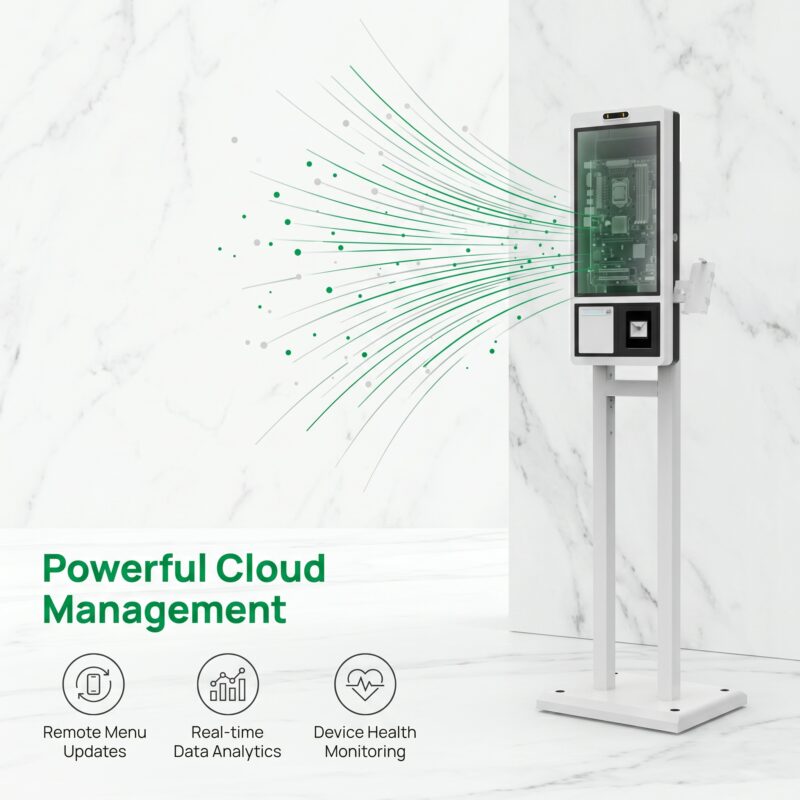
The 27-inch LINGHUFOX ordering kiosk describes remote management and an offline-capable application concept. Ask the actual provider which configuration is supplied and what the location assignment controls. Do not interpret a general remote-management statement as a complete multi-location menu service with every permission or synchronization feature included.
Where the restaurant has several ordering channels, list which items should appear on the kiosk specifically. A product available at the counter may be unsuitable for unattended selection, while another may require a staff explanation. Have the restaurant decide those boundaries and have the application provider confirm how they are maintained.
A restaurant may be open while a particular menu is unavailable. Breakfast, lunch or a limited promotion can have separate periods. Record the local time basis and the approved transition. Confirm what the kiosk shows outside a menu’s active period and what happens to a customer who started an order before the change.
Do not invent the software’s handling of an in-progress basket. Ask the provider to demonstrate it in the authorized test environment and record the result. The business can then decide whether that behaviour is acceptable or whether its operating procedure needs a clearer cutoff and customer message.
Prepare test cases for the required and optional choices in the menu. Include a size change, an optional addition, a required selection and an unavailable modifier where those exist. Confirm the visible instruction, permitted number of selections and resulting price. The restaurant should approve the commercial rules; the software provider should demonstrate that they are implemented correctly.
Read the final order as a customer and as a kitchen operator. The selection should be understandable in both places, with the approved wording and quantities. If the kiosk shows a choice but the kitchen ticket omits it, the touch interface may be working while the integration is incomplete. Treat that as an unresolved workflow issue rather than a successful hardware demonstration.
Square’s availability guidance distinguishes marking an item unavailable from counting stock and describes reset behaviour. The restaurant should ask its own provider how temporary availability is represented and restored. Do not assume a sold-out state is permanent, immediate across every channel or identical to removing the item from the menu.
Test both the unavailable state and its return to availability. Record who is authorized to make the change and whether a time-based reset is involved. A kitchen team may need a quick operational action, but the purchasing brief should identify how that action reaches the customer-facing kiosk and how its success is confirmed.
Handle ingredient, allergen and dietary descriptions through the restaurant’s approved information process. A kiosk can display supplied text, but the hardware supplier cannot establish its food-safety accuracy. Keep the responsible content owner involved when a recipe or modifier changes, and avoid presenting an unverified label as a guarantee.
| Case | What to compare | Owner of the expected result |
|---|---|---|
| Standard item | Name, price and fulfillment identity | Restaurant menu owner |
| Required modifier | Prompt, selection rule and order output | Menu owner and integrator |
| Optional addition | Displayed charge and final total | Commercial and software owners |
| Sold-out choice | Customer visibility and restoration process | Restaurant operator |
| Menu-period change | Current menu and treatment of an existing basket | Restaurant and application provider |
Ask the integrator to explain the stages between editing and display. A saved change may still need publishing, device synchronization or a documented refresh. The actual sequence and timing depend on the software. Do not promise immediate updates across all kiosks from a generic cloud-management claim.
Square’s kiosk troubleshooting guidance discusses synchronization delays and missing items caused by visibility settings. This is another example of a software-specific process to verify, not a timing promise for the LINGHUFOX hardware or a claim that Square’s application is the supplied solution.
During preparation, make a harmless, identifiable change in a non-live menu or authorized test environment. Observe it at the destination kiosk and verify the resulting order output. Keep real customer promotions and payment activity out of the test unless the business and provider have approved the procedure.
Record the device identity, software version and data revision used. If a kiosk does not update, report those details along with the observed state. Avoid repeatedly changing the menu in several systems at once; that can make it difficult to determine which action reached the station and which configuration is now correct.
Confirm what happens when connectivity is interrupted. A cached menu may remain visible while order submission, stock changes or payment depend on an online service. Ask the provider to define the supported offline boundary and the customer message. The ability to browse a local menu does not establish that a full transaction can finish offline.
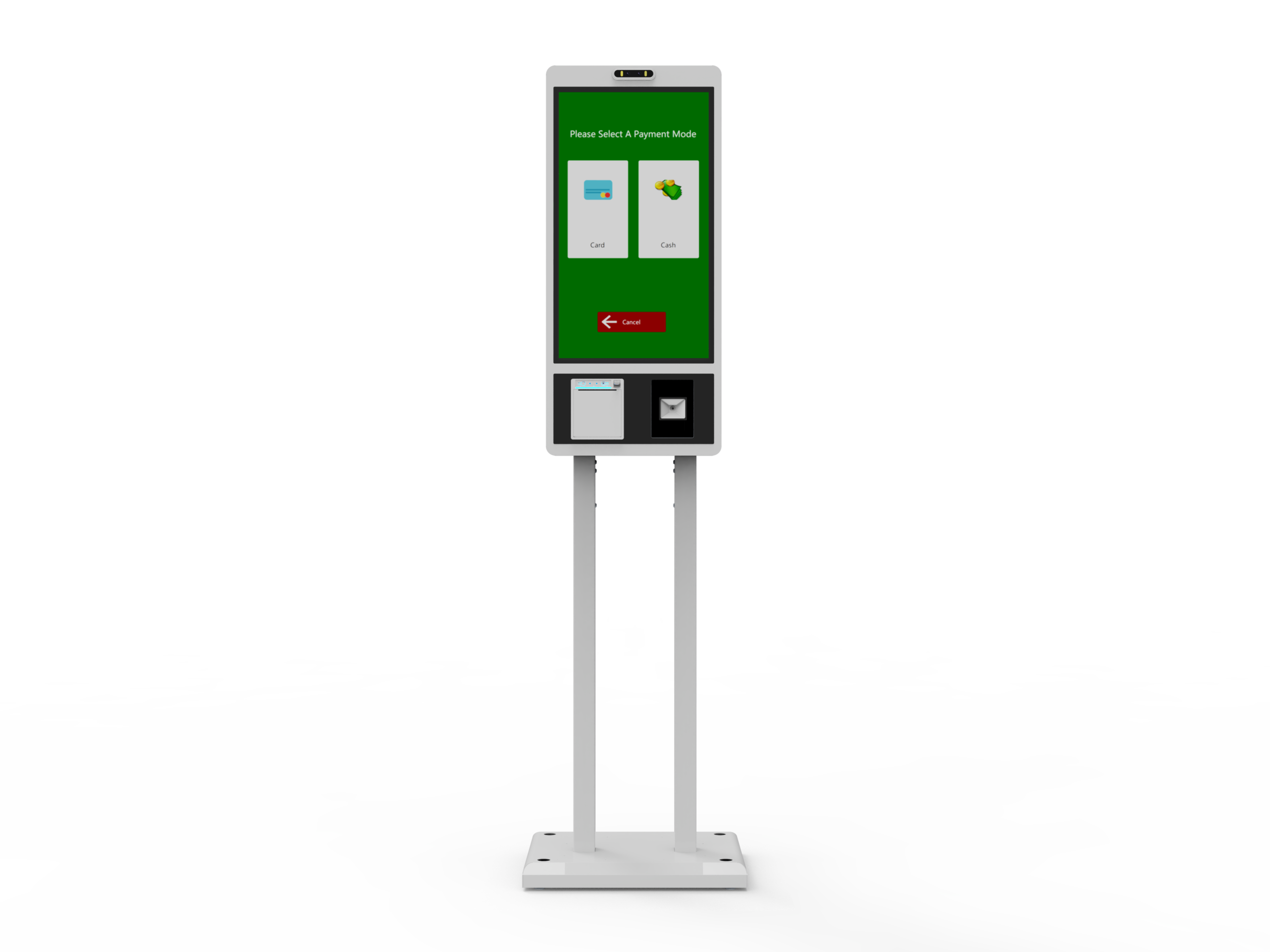
Use the proposed kiosk computer, printer and approved payment arrangement with the actual application build. A menu demonstrated on a separate tablet does not prove the final station. The 32-inch LINGHUFOX format and the smaller models should each be checked where their hardware or interface configuration differs.
Evaluate the menu’s physical usability at the intended operating position. Check the important controls, modifier lists, order summary and help route. A larger screen does not automatically fix a confusing category structure or an excessively dense menu. Ask the software provider to resolve application issues rather than treating every problem as a hardware-size question.
Choose an authorized test method that avoids unintended live charges or real kitchen production. Follow the order reference from the customer screen to the receipt and fulfillment destination. Confirm that the restaurant can distinguish test activity from normal operation. Payment testing must follow the relevant provider’s approved process.
Have the kitchen or fulfillment team review the result, not only the installer. Record missing information, confusing labels and the appropriate owner for each issue. A correctly printed receipt is not enough if the preparation team receives an incomplete or differently identified order.
Close the trial with a list of accepted functions and unresolved conditions. The software-handoff guide helps connect those conditions to hardware, integration and restaurant responsibilities. Do not call the project ready simply because the screen turns on and the demonstration menu can be tapped.
Define who can mark an item unavailable, approve a price change and publish a new menu. Keep permissions appropriate to the organization’s policies and the actual software. A shared administrator account is not a substitute for clear responsibility. Use authorized accounts and support channels rather than printing credentials in an operating guide.
Keep a short history of significant changes and their effective locations or periods. When a customer report arrives, staff should be able to identify which menu was intended to appear. A simple revision record can be useful without collecting unnecessary personal or payment information.
A replacement kiosk, application update or changed location assignment should trigger the relevant acceptance checks. Confirm the current catalogue, modifiers and fulfillment route before returning the station to service. The restaurant should not assume an unchanged enclosure means the same data and software configuration remain active.
For additional locations, reuse the tested process but verify the new location’s data and operating periods. The 27-inch wall-mounted option may serve a different physical layout, while still requiring its own device-to-location mapping. Keep both the physical and software identities visible in the rollout record.
No. Ask how the selected system publishes and synchronizes changes, then verify the intended station. Device identity, location assignment, channel visibility and application state can affect what appears. Keep the actual destination check separate from confirmation that the central editor saved a change.
No such assumption should be made. Local browsing, order submission and payment authorization are separate functions with different dependencies. Have the application and payment providers define the supported behaviour and approved customer message. A product page’s general offline description cannot establish the full transaction boundary.
Retain the approved menu version, device and location mapping, representative modifier and availability checks, and the authorized test order’s final output. Include the owners of unresolved issues. That record gives the restaurant a concrete starting point for daily operation and later changes instead of relying on a memorable but incomplete demonstration.
