


Get quote
Get Free Consultation!
We are ready to answer right now! free consultation.
Discuss failed and uncertain transactions with a self checkout kiosk manufacturer before approving the terminal configuration. A checkout station must give customers and staff a workable response when an item cannot be identified, a payment result is unclear or a receipt does not appear. Reviewing only a successful purchase leaves these important parts of the operating process unexamined.
The LINGHUFOX 21.5-inch and 27-inch checkout forms provide different screen, item-area and peripheral arrangements. Their suitability depends on the exact devices and application used. This guide proposes exception scenarios for a joint hardware and software review. It does not report completed tests, authorize payment actions or establish that any product already supports a particular payment provider.
Prepare a short exception record alongside the normal purchase demonstration. For each scenario, define the starting condition, the expected customer instruction and the evidence available to the authorized staff member. Name the system responsible for the result. This makes an unclear response visible before the project team treats it as a training issue after installation.
| Scenario | Customer needs | Staff must be able to establish |
|---|---|---|
| Item cannot be identified | A clear way to request help | Which item and basket entry need attention |
| Payment is confirmed unsuccessful | The provider-supported next instruction | The actual result and permitted next step |
| Payment response is missing | An explanation that the result is being checked | The original transaction’s authoritative outcome |
| Receipt does not appear | How to obtain assistance or the agreed record | Purchase state separately from printer state |
| Customer leaves an unfinished session | A safe, understandable return process | What happened to that basket and any initiated transaction |
Use a test environment or another controlled arrangement agreed with the integrator and payment provider. Do not generate uncertain live payments merely to demonstrate an error. The supplier can participate in hardware and output checks, while the transaction-system owner defines the permitted test method and expected records.
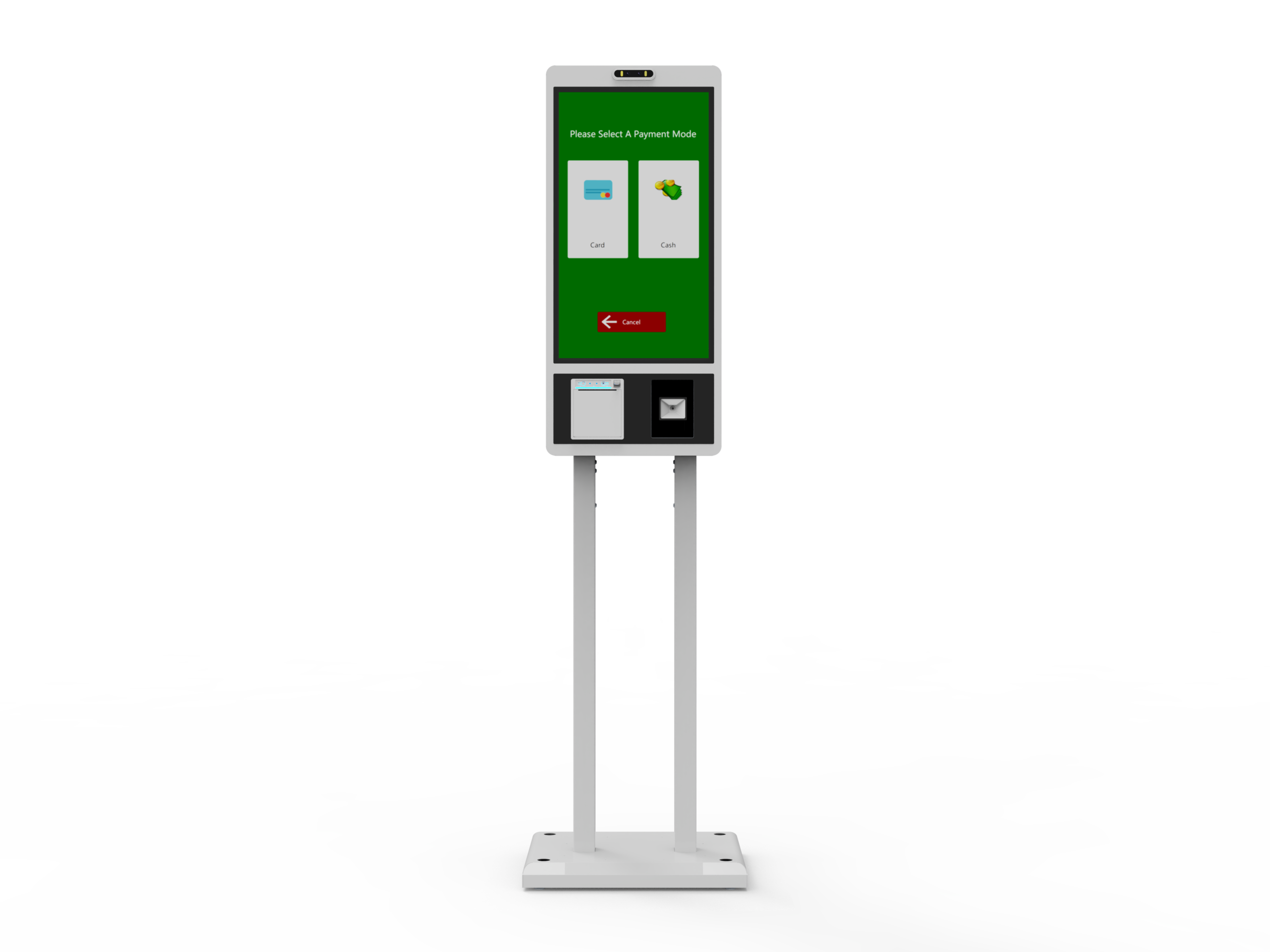
The 21.5-inch self order and checkout kiosk has a counter and item area, an adjustable payment mount, a tilted display and a freestanding base. Use representative retail packages when reviewing the arrangement. Identify where items wait before recognition, where they move afterward and where they remain when the customer asks for help.
For a proposed scanning configuration, ask the integrator to demonstrate a known item and an item the application cannot resolve. The second scenario should lead to the retailer’s approved assistance process. Staff need to identify the affected item without confusing it with another item already entered. The software provider should explain how an authorized correction is reflected in the basket.
The 27-inch self order and checkout kiosk lists a scanner, thermal printer, card/NFC reader and a wide item tray. Confirm the scanner model and supported input arrangement in the offer. The application must interpret the captured data using the retailer’s product information; a device indicating that it read a code does not establish that the intended item and price have been selected.
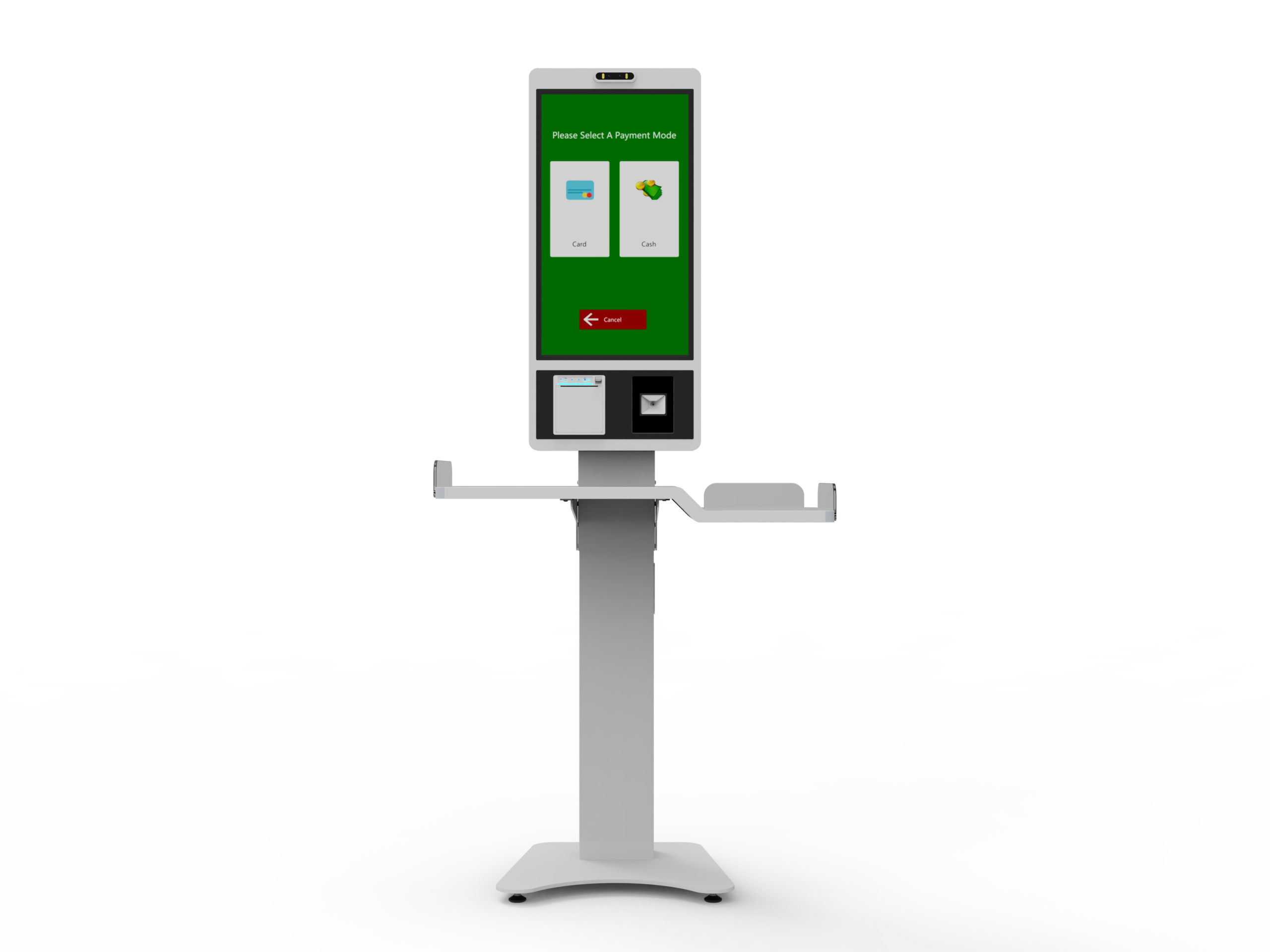
Also include an accidental extra entry in the proposed demonstration. Ask how the customer or authorized employee reviews the quantity and applies the allowed correction. Keep the physical goods visible during the check. A wide tray is useful space, but its presence does not establish weighing, bagging verification or another automatic control. Specify any required additional device separately.
These checks concern the exact checkout build. The 21.5-inch drawing and 27-inch product description should not be combined into one imagined specification. Obtain the selected assembly information and peripheral schedule before approving the sample arrangement for production.
A frozen customer screen or missing response can create pressure to start again. The integration must first establish what happened to the original transaction. Adyen’s transaction-status guidance explains that a communication issue can leave the point-of-sale application without the result even when processing has occurred. Its documented approach checks the original transaction’s status rather than assuming that the absence of a response means failure.
In the agreed test arrangement, have the provider demonstrate how an uncertain result appears on the kiosk and in the staff view. The employee should be able to identify the relevant transaction reference and obtain the outcome through the approved system. The customer should receive a clear instruction while that check is taking place. The exact behavior belongs to the selected integration, not to a generic timeout copied from another platform.
Ask how the application distinguishes a completed status inquiry from an approved payment. Adyen’s documentation makes clear that a processed transaction can have different end results, including approval, cancellation or decline. The customer message must follow the actual transaction result. This is an example of why the software owner must interpret the provider’s records correctly; it does not imply that Adyen is included in a LINGHUFOX terminal.
Keep a confirmed decline separate from missing information. Adyen’s response-handling documentation distinguishes error conditions and payment responses. The payment provider should specify the allowed next action for its own integration. Staff instructions should refer to that process rather than recommend an automatic second payment, cancellation or refund whenever the kiosk appears unresponsive.
Include repeated customer input in the proposed application review. A person who sees no immediate change may touch the control again or present a card again. Ask the integrator to explain how the existing operation remains identifiable and what feedback the customer receives while it is unresolved. The acceptance record should show whether the application preserves the original basket and transaction reference. The provider must define the correct handling for its integration; the kiosk buyer should not infer duplicate prevention from a temporarily disabled button.
The adjustable payment mount on the 21.5-inch checkout form needs to be reviewed with the selected reader installed in the proposed position. Confirm that customers can see the reader’s instruction and the main screen without mistaking one for the other. For the 27-inch configuration, identify the exact listed card/NFC device and how it communicates with the application.
The PCI Security Standards Council’s PTS point-of-interaction information covers payment-device security categories, including unattended payment terminals. Ask the payment provider to verify the selected device and approval requirements for the intended deployment. A reader option or security document for another product does not establish approval of the complete kiosk installation.
If a customer sees a completion message but no paper appears, separate the two questions. First establish the purchase outcome through the authoritative system. Then identify the printer condition and the approved way to provide the required record. Staff should not need to create another order simply to obtain a copy of an existing result.
The 27-inch checkout page describes a thermal printer, while the 21.5-inch self order kiosk describes receipt output in its ordering arrangement. These statements identify a function to configure; they do not settle the printer model, status feedback or supported reprint behavior. Obtain those details for the specific device the project will use.
Epson’s TM-m30 documentation provides a model-specific example of indicators for conditions such as missing paper or an open cover. Use the documentation for the actual supplied printer to define its checks. Do not assume that another model has the same indicators, sensors or recovery behavior.
Include an agreed paper-unavailable scenario in the demonstration. Record the customer message, staff indication and supported recovery sequence. If a copy is issued afterward, it should relate to the original transaction under the application’s procedure. Confirm how the operator knows that paper service is complete and the terminal is ready for the next customer.
The 27-inch self order kiosk page also mentions offline capability. Clarify which functions remain available in the offered application. A menu being visible or a local printer operating does not establish that a payment was accepted or that a remote order record was updated.
An exception workflow has a physical part. On the 21.5-inch counter-equipped unit, identify where the customer and assisting employee stand while the goods remain in place. Review the selected payment-mount position, receipt outlet and screen angle together. The employee should be able to follow the approved procedure without asking the customer to move goods into an undefined area.
On the 27-inch checkout form, use the intended item tray and exact peripheral arrangement in the same review. Consider how another customer waiting nearby affects access to the screen and service controls. Obtain the final assembly and installation information for the selected build. Product imagery cannot establish the necessary circulation or reach at a particular store.
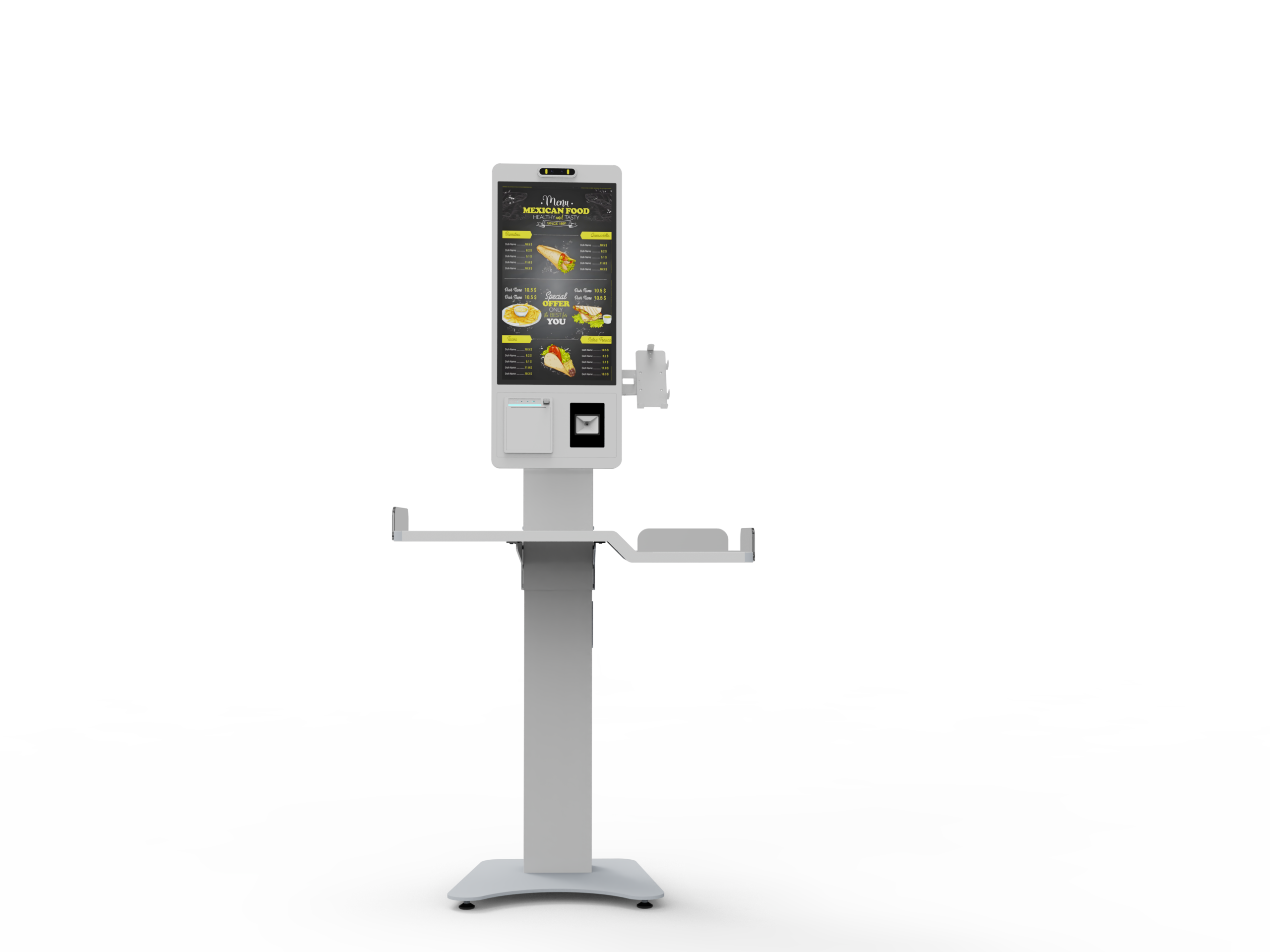
Agree how an authorized employee enters and leaves the assistance function. Keep that action separate from unrestricted computer access. After the intervention, verify the basket and transaction state, then return the terminal to the intended customer interface. The procedure should also explain what happens if the customer has walked away before the issue is resolved.
Review that abandoned-session case on the actual offered screen. The next shopper needs a fresh customer interface, while staff may still need to resolve an earlier transaction in the appropriate business system. Ask how the application keeps those two responsibilities separate. Check whether an assistance message remains visible, which reference the employee uses and who authorizes the final return to service. A new welcome screen should not erase the team’s ability to understand an unresolved previous event.
Record only the information needed to identify and investigate the event through the approved business systems. A support note can name the kiosk, application version, peripheral, time and transaction reference. Keep payment credentials and sensitive card details out of ordinary hardware support material. The retailer and its provider should define the permitted records and access.
For each proposed scenario, retain the actual customer message, staff-visible state and final result from the agreed demonstration. Record which terminal and peripherals were used. If the printer changed or the payment integration was simulated, say so. A successful result on a different build should remain a separate piece of evidence until the offered configuration has been reviewed.
LINGHUFOX’s project review and order-confirmation process can be used to settle the hardware and interface scope. The integrator and payment provider need to close the transaction-state questions, while the retailer confirms the staff procedure. Leave unresolved behaviors visibly assigned to an owner instead of treating them as implied features.
A buyer evaluating a self checkout kiosk manufacturer also needs evidence from the application and service owners. The objective is a checkout arrangement that can explain what happened, preserve the relevant record and guide the customer through the permitted next step when the normal path is interrupted.
