


Get quote
Get Free Consultation!
We are ready to answer right now! free consultation.
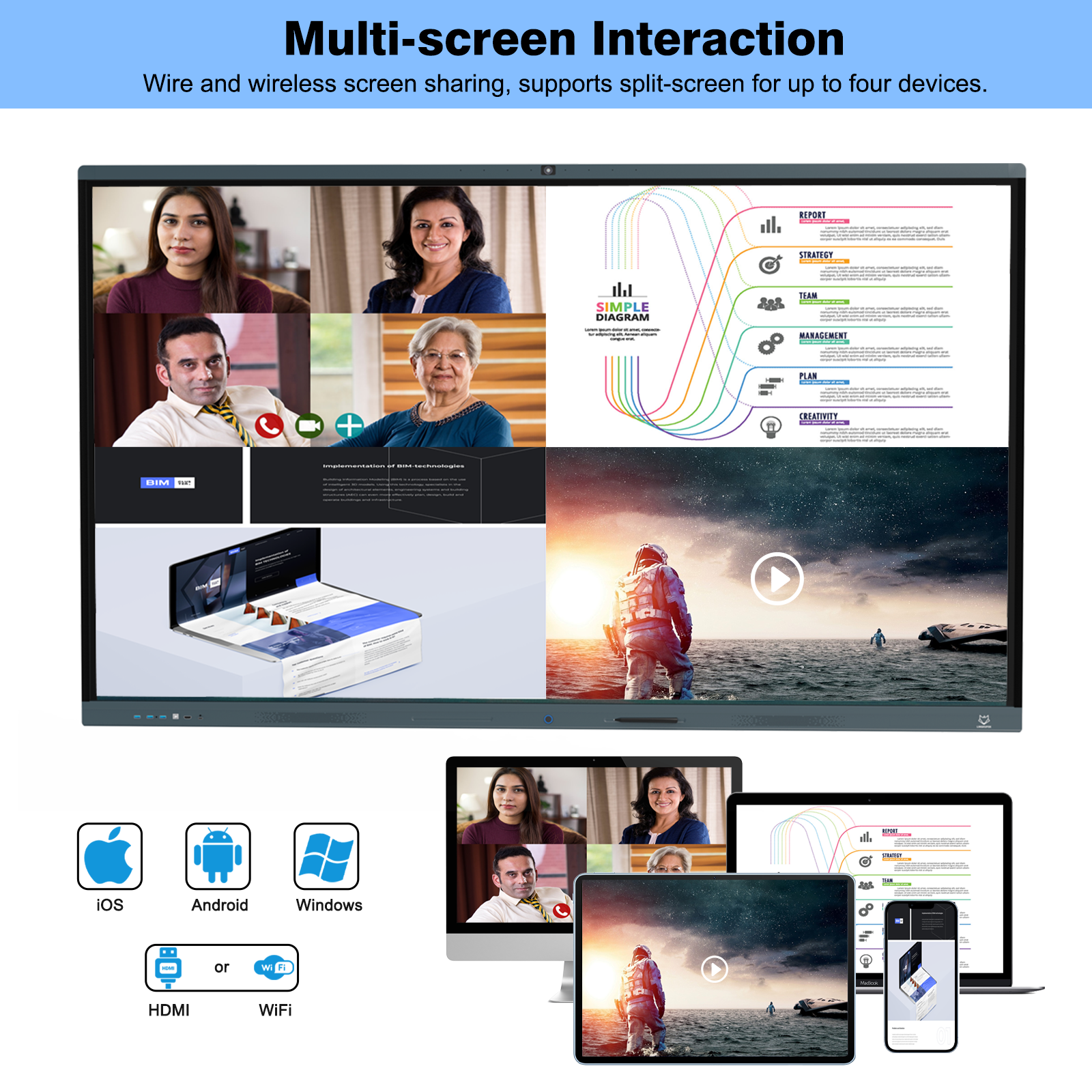
An overseas school order becomes easier to coordinate when the interactive whiteboard manufacturer in China, the purchasing team and the local installer work from the same model and room schedule. A screen specification alone cannot tell the receiving team which carton belongs upstairs, whether a bracket drawing is current, or who must resolve a missing cable before a classroom opens.
Build the handover around four agreed records: the approved display configuration, the local installation information, the shipment and room allocation, and the evidence needed at receiving. Keep each record tied to the order revision. That gives the manufacturer a clear production reference and gives the school a practical way to prepare its site.
A room schedule is a short purchasing record that connects a location to its intended equipment. Give every room a stable reference, such as a building and room number, before discussing carton labels. Include the selected screen, computing arrangement, mounting approach, local contact and any access restriction that affects installation. Use real school information when preparing the order; the situations in this article are planning examples.
Consider a school that wants one display size for its ordinary classrooms and a larger screen for a training room. An order described only as a quantity of interactive whiteboards leaves the allocation open to interpretation. A schedule showing each room and its approved model lets purchasing check the total while the installer checks the different physical requirements.
LINGHUFOX’s 65-inch smart board listing describes a 3840 × 2160 display, infrared touch and 20 touch points on a connected PC. The 75-inch listing also describes those features. This shared headline specification does not make their installation envelopes interchangeable. Record the exact model and drawing revision for each room, even when the planned teaching software is the same.
Give a proposed substitution its own decision. A different size, added computing module or revised mounting accessory may affect the drawing pack, carton contents and local setup. Ask the manufacturer to explain the consequences before purchasing accepts the change. Then update the room schedule and the order documents together, so an installer does not prepare for one version while production builds another.
Screen diagonal is a poor description of what a school must move through a doorway. The receiving plan needs the actual packed dimensions, gross weight, handling instructions and any additional shipping protection. The following figures come from the named LINGHUFOX listings. They are useful for preliminary planning; the final packing list must describe the shipment being supplied.
| Screen | Published package dimensions | Net weight | Gross weight |
|---|---|---|---|
| 65 inch | 1600 × 205 × 1001.5 mm | 37.7 kg | 46.5 kg |
| 75 inch | 1846 × 215 × 1180 mm | 51.5 kg | 64.6 kg |
| 86 inch | 2092 × 215 × 1319 mm | 68.5 kg | 86.5 kg |
| 98 inch | 2357 × 1478 × 215 mm | 89 kg | 113.2 kg |
The dimension sequence is reproduced as published; ask for an oriented packing drawing before deciding how a carton will pass through a restricted space. The 86-inch model and 98-inch model have separate physical specifications. Additional crates, pallets or ordered accessories may change the shipping dimensions and weight.
Have the receiving team inspect the unloading area, entrance, turns, lift and final classroom approach. Record measured clear openings and any booking or access restrictions. Share photographs where they help explain a corner or a loading point, but do not treat a photograph as a measured clearance. The local handling provider should choose suitable equipment and a safe method for the actual load.
Plan where the displays can remain in their protective packaging before installation. For its own displays, SMART’s transport and maintenance guidance includes returning a removed display to its original shipping box. For a LINGHUFOX shipment, obtain the applicable handling and storage instructions instead of transferring another manufacturer’s procedure to it. Ask when packaging can be discarded, particularly if rooms will be completed in stages.
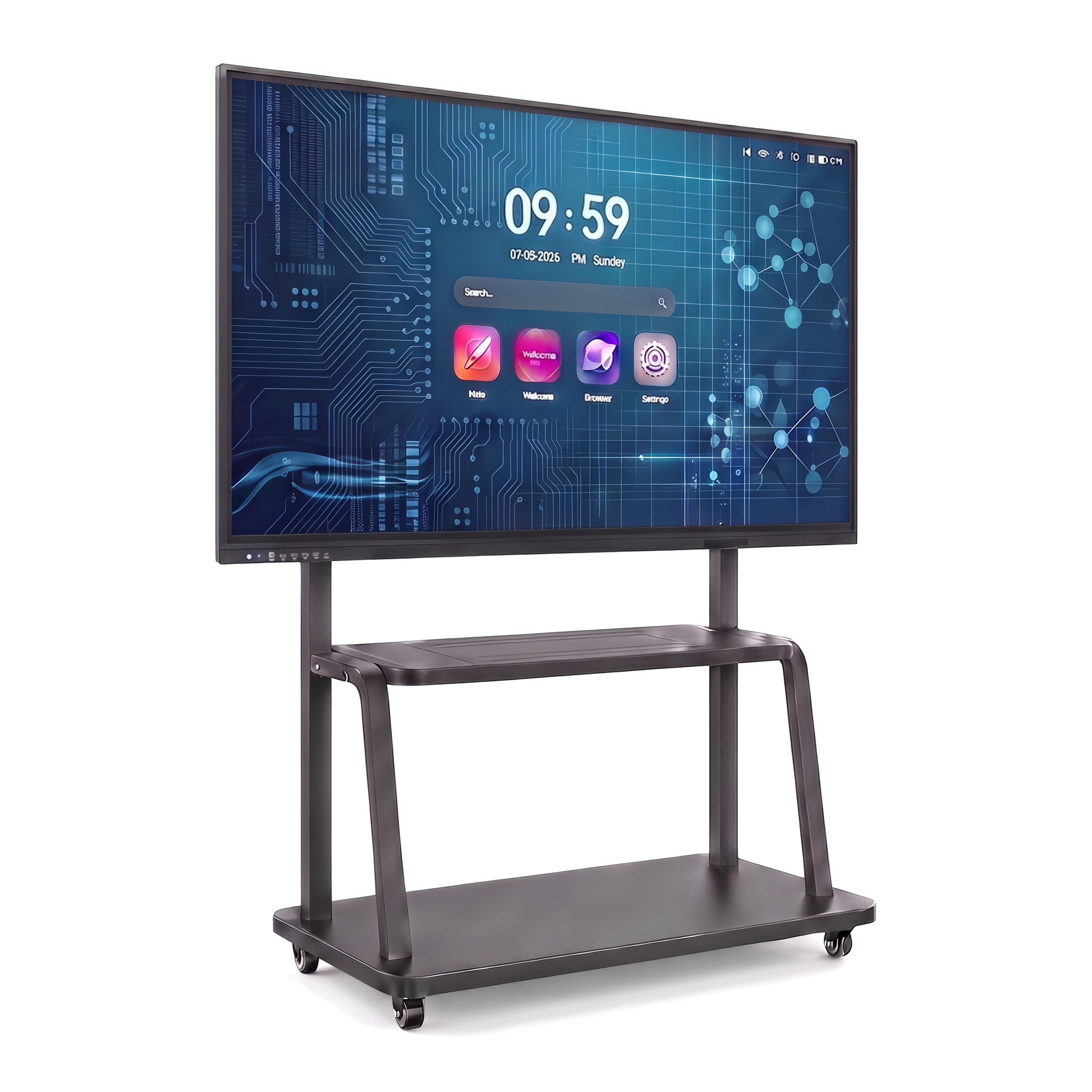
The manufacturer’s drawing and the school’s site information answer different questions. The drawing identifies the equipment’s dimensions, attachment points, connections and service needs. Site information describes the wall or stand location, available power, cable route and surrounding space. The installer needs both before confirming a method.
Request the drawing for the chosen build, its mounting accessory instructions, relevant weights, connection positions, required ventilation and access for service. Identify whether dimensions describe the cabinet alone or the display with its bracket. A catalogue measurement labelled as a hanger hole distance is not, by itself, a statement that any mount with a similar screen-size label is suitable.
Ask the local installer to assess the supporting structure, fixings and complete installed load, including accessories. As a useful industry reference, SMART’s wall installation guidance calls for a mount that accommodates the display’s dimensions and weight together with attached accessories. Its model-specific clearances and mounting hardware should not be applied to a different brand.
The school should return the proposed location and access conditions to the supplier when these affect the configuration. A decorative recess, for example, raises questions about ventilation, cable access and later removal. Resolve those questions using the approved LINGHUFOX instructions and the local installation assessment; do not have a contractor cut an opening from a product-page photograph.
Also allocate the ordinary finishing work. State who supplies the local power connection, data outlet, cable containment and any work needed to restore the wall. Ask the installer which connections must remain reachable after mounting. These decisions can be recorded before shipment without pretending that the manufacturer has surveyed the building.
Make the document pack understandable to the people who will use it. Put the order reference, model and revision on drawings and instructions, and agree the language needed by the local team. If someone translates an instruction or adds a site note, retain the original reference and identify the change. A contractor should be able to distinguish a manufacturer’s equipment requirement from a school’s preferred cable route without searching through a long message history.
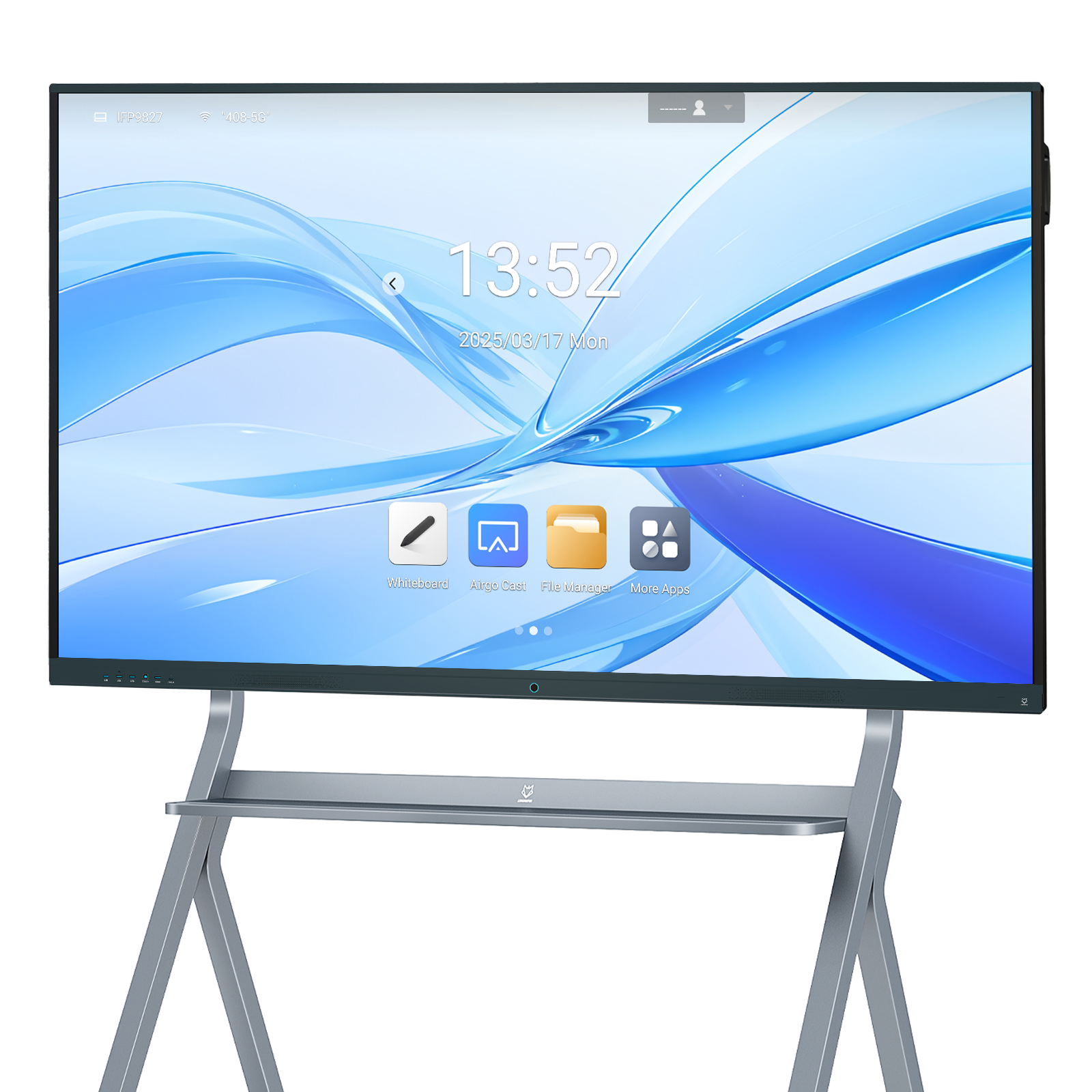
The commercial delivery arrangement needs more detail than a school name. Identify the agreed location or point, receiving contact, access hours and the work included around unloading and onward movement. The International Chamber of Commerce explains that Incoterms® rules allocate tasks, costs and risks associated with delivery between sellers and buyers. Ask the parties responsible for the transaction to select and record the applicable rule and edition.
ICC’s introduction to Incoterms® 2020 also explains why naming the place matters: its role depends on the selected rule. A destination and a point of delivery can have different meanings. Have the supplier and logistics provider align the wording in the quotation, order and transport instructions, including who arranges the next movement into the school.
For example, a school may have a central receiving warehouse and several campuses. Decide whether the manufacturer prepares one consolidated shipment, labels goods for later distribution, or supplies an agreed split. Identify who books each onward journey and who communicates a changed campus date. A port or warehouse arrival should not be presented internally as a classroom installation appointment.
Give the supplier the destination and the importer or receiving organisation’s documentation requests early. Ask the responsible local parties to confirm what they need for the actual goods, including the exact model identity and configuration. Where product conformity evidence is required, request documents that can be matched to that supplied build. A general certificate image on a website does not settle its scope.
Keep open questions visible in the order record. If a requested document, label language or configuration confirmation is still outstanding, assign an owner and a date for resolution before the shipment release decision. This article does not assign a tariff code, calculate import charges or promise approval in a destination market; those depend on the actual transaction and applicable requirements.
LINGHUFOX’s published project workflow describes requirement review, configuration discussion, production checks, packing and export coordination. Use that sequence to ask for evidence tied to your order. Agree which identifiers will connect the approved configuration, inspection records, carton labels and packing list.
A useful release review can include the following records, with the exact scope agreed by the parties:
Production photographs can help identify the build and packaging, but their value depends on what they show. Ask for enough context to match an image to the order and the relevant check. A photograph of a powered display is not evidence that every classroom connection or the local installation has been tested. Keep production inspection and site commissioning as separate records with separate responsibilities.
If a room becomes unavailable, update its delivery allocation deliberately. Decide whether that display stays in approved storage, joins a later delivery or moves to another approved room. Check any resulting change in packing, labelling and local support arrangements. Avoid solving the schedule problem by silently substituting equipment or leaving the receiving team to infer the new plan.
Build the working timetable from identified milestones: configuration approval, the supplier’s confirmed production readiness, the logistics provider’s movement plan, site access and local commissioning. Give each milestone an owner and record whether its date is confirmed or still proposed. When one moves, review the dependent appointments. This is more useful to a school opening a new teaching block than an unsupported total lead-time promise that hides the work between shipment and a usable classroom.
Prepare the receiving record before goods arrive. It should capture shipment references, carton quantities, visible condition, model or serial identifiers when accessible, and any exceptions. Follow the agreed carrier and supplier procedures for recording and reporting damage or shortages. Keep photographs and packaging where those procedures require them; do not assume a general receiving signature resolves every inspection question.
After installation, let the local team record the actual room, display identity, installed accessories and basic commissioning result. Then have the school’s designated user confirm the agreed classroom setup. A missing input cable, an incomplete local data connection and a display fault belong to different owners. Describing the observed issue and its location helps the right party respond.
Close the order with a room-level handover record, the applicable instructions and the support route the school will use. The purchasing file should show what arrived, what was installed and what remains open. This makes an interactive whiteboard manufacturer in China part of a coordinated delivery process, while preserving the local decisions that only the school and its installer can make.
Product measurements above are attributed to the linked LINGHUFOX listings and require confirmation for the ordered configuration. The room schedules and release records are proposed planning methods, not reports of completed school installations. External references explain their own guidance and do not certify this equipment.
