


Get quote
Get Free Consultation!
We are ready to answer right now! free consultation.
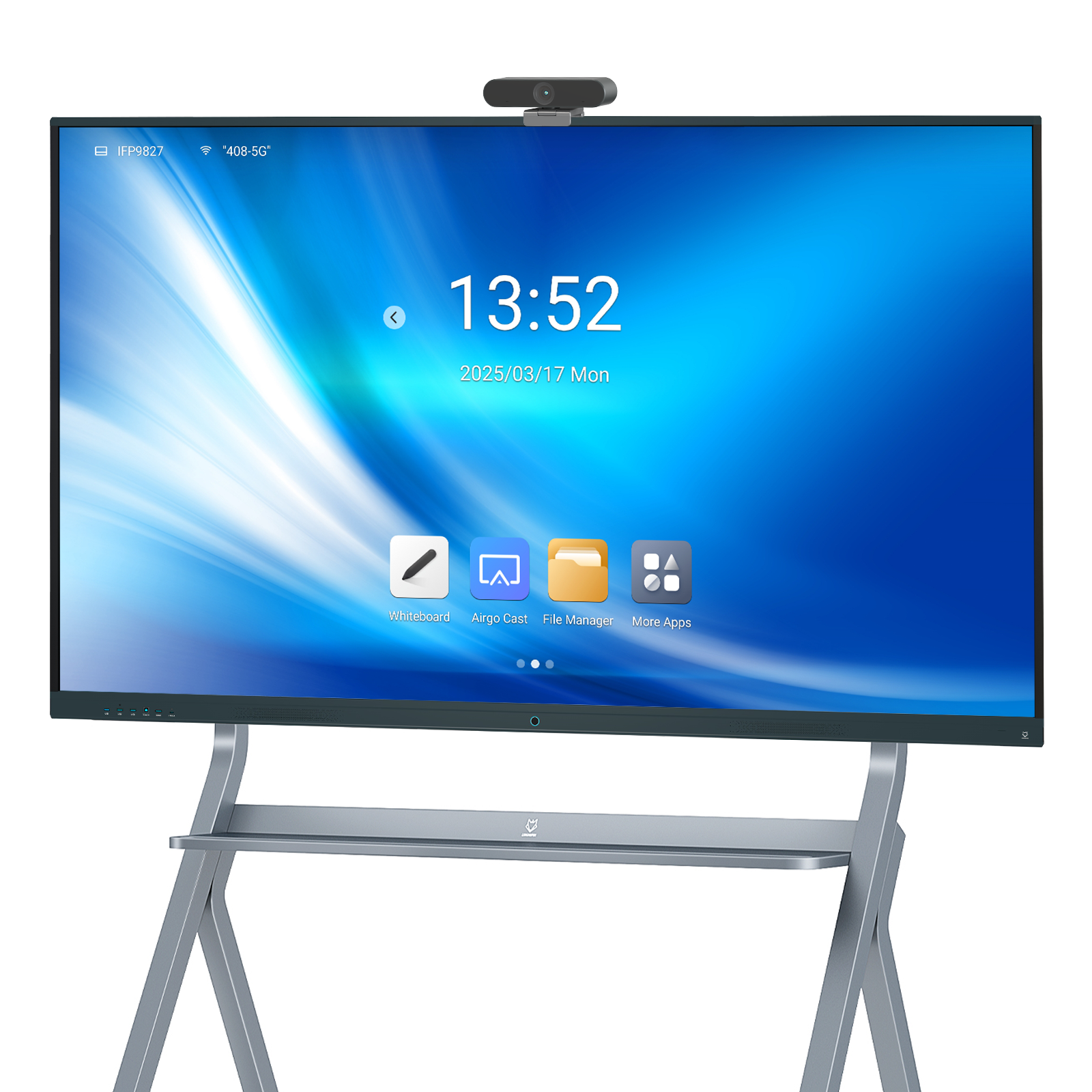
A conference room smart board supplier should be able to show what happens at both ends of a meeting. The people in the room need readable content, responsive writing and a clear way to run the call. Remote participants need intelligible speech, useful camera framing and access to the same working material. Approve those experiences together on the proposed configuration. A sharp picture on the board does not establish what a colleague receives through the meeting application.
This is a practical evaluation for an office buyer or systems integrator planning hybrid meetings. LINGHUFOX’s corporate and office display solutions include presentation, annotation and remote-collaboration applications. Turn those intended uses into a demonstration that names the board, computing system, camera, audio devices and meeting platform. The result should identify which functions have been shown and which still need a decision.
Consider a design review in which several colleagues sit around a table, one person marks up a drawing at the board and an external participant joins from a laptop. The supplier needs more than a requested screen size. Explain where people sit, where the presenter stands, what is shared and who operates the meeting. This is an illustrative project brief, not a claim about a completed customer installation.
Include a room sketch with the table, display position, doors and likely camera view. Identify the content that must remain readable from the furthest working seat. A drawing with small labels creates a different assessment from a slide containing a few large figures. Use representative material during the demonstration so the buyer is evaluating the intended task rather than a supplier-selected video.
The remote participant should have a separate role in the evaluation. Ask that person to report whether faces, voices and shared annotations are understandable, while someone in the room checks writing and meeting controls. These observations can differ. A presenter may be satisfied with the local display while the remote participant receives a small camera image of content that was never shared digitally.
Keep the required software route explicit. Decide whether the meeting will run from an attached laptop, the board’s proposed computing environment or a dedicated room system supplied by an integrator. A display order and a managed meeting-room installation can have different scopes. Identify who will provide the application, account, licensing, updates and network configuration before treating either offer as complete.
Start the remote assessment with ordinary conversation. Have participants speak from the seats they expect to use, then have the presenter speak while facing the board. Ask the remote evaluator to describe what is intelligible and where the experience changes. The purpose is to identify a room or configuration problem while it can still be investigated, not to manufacture a performance score from an informal call.
LINGHUFOX’s 86-inch smart board with OPS lists an AI camera, an eight-microphone array and two 15 W speakers. Those are configuration details for discussion. They do not specify how well every seat in an arbitrary room will be captured. Table layout, placement and the actual audio path still belong in the acceptance demonstration.
Zoom’s room-audio guidance recommends a test call with other people to hear the space and validate microphone performance. Apply that principle using the platform selected for the project. Let the remote evaluator ask a question while someone in the room is speaking, and check that both sides can follow the exchange without repeatedly changing volume or moving closer to equipment.
Camera framing deserves a separate observation. Check a seated discussion and a standing presenter, including the transition between them. If automatic framing is part of the quoted build, ask the supplier to demonstrate the offered behavior. Do not assume that a camera’s sensor resolution establishes its field of view, framing controls or the size of each participant’s face in the received call.
Microsoft’s meeting-room planning guidance treats camera placement and the participants’ positions as room-design decisions. For the buyer, the useful question is whether the proposed location captures the people who must be seen. Have the installer and supplier review any mounting or furniture constraint that prevents the camera from occupying the demonstrated position.

Next, trace a real working document from its source to both audiences. Open a presentation, share it to the room display, make an annotation where the proposed system allows it and confirm what the remote participant receives. Record the application and connection used for each action. Wireless casting to a local screen and sending content into a meeting are separate steps unless the demonstrated workflow explicitly connects them.
Use a document with a detail that the remote evaluator can identify, such as a revision label or a small drawing note. Then change that detail or add a short annotation. The evaluator should report the received change rather than simply confirm that a screen is visible. This makes the assessment specific enough to reveal whether the meeting is sharing the intended application, a different window or only the camera view.
The 86-inch OPS model lists a 3840 × 2160 display and a computing configuration with 16 GB RAM and 256 GB storage supporting Windows 11 Pro. Preserve that distinction in the quotation: the panel provides the displayed image, while the computing environment runs the chosen applications. Confirm the supplied operating-system license and meeting-software entitlement separately. Hardware specifications alone do not establish that those licenses or a managed room account are included.
If a supplier proposes a dedicated Microsoft Teams Rooms installation, compare that proposal with the requirements of the intended platform. Microsoft describes a separate device-certification program covering meeting-device quality and compatibility. A smart board that supports Windows is not, on that fact alone, a certified Teams Rooms system. Request evidence for any certification claim attached to the exact offered equipment.
Keep the outcome of the writing test equally precise. A mark visible in the board’s local whiteboard application may need a defined sharing or export step before a remote colleague can use it. Ask how that step works on the selected configuration, where the resulting file is saved and who can retrieve it after the meeting. Do not assume that every locally available whiteboard feature is integrated into every conferencing application.
A 4K panel and a 4K camera also describe different parts of the system. Neither label should replace an observation of the received meeting. If the remote picture is unclear, record whether the problem affects the camera stream, shared content or both. Zoom’s meeting-statistics guidance separates audio, video and screen-sharing information. Where the chosen platform provides similar diagnostics, let the integrator use them to investigate the affected path rather than replacing the display on the strength of one unclear call.
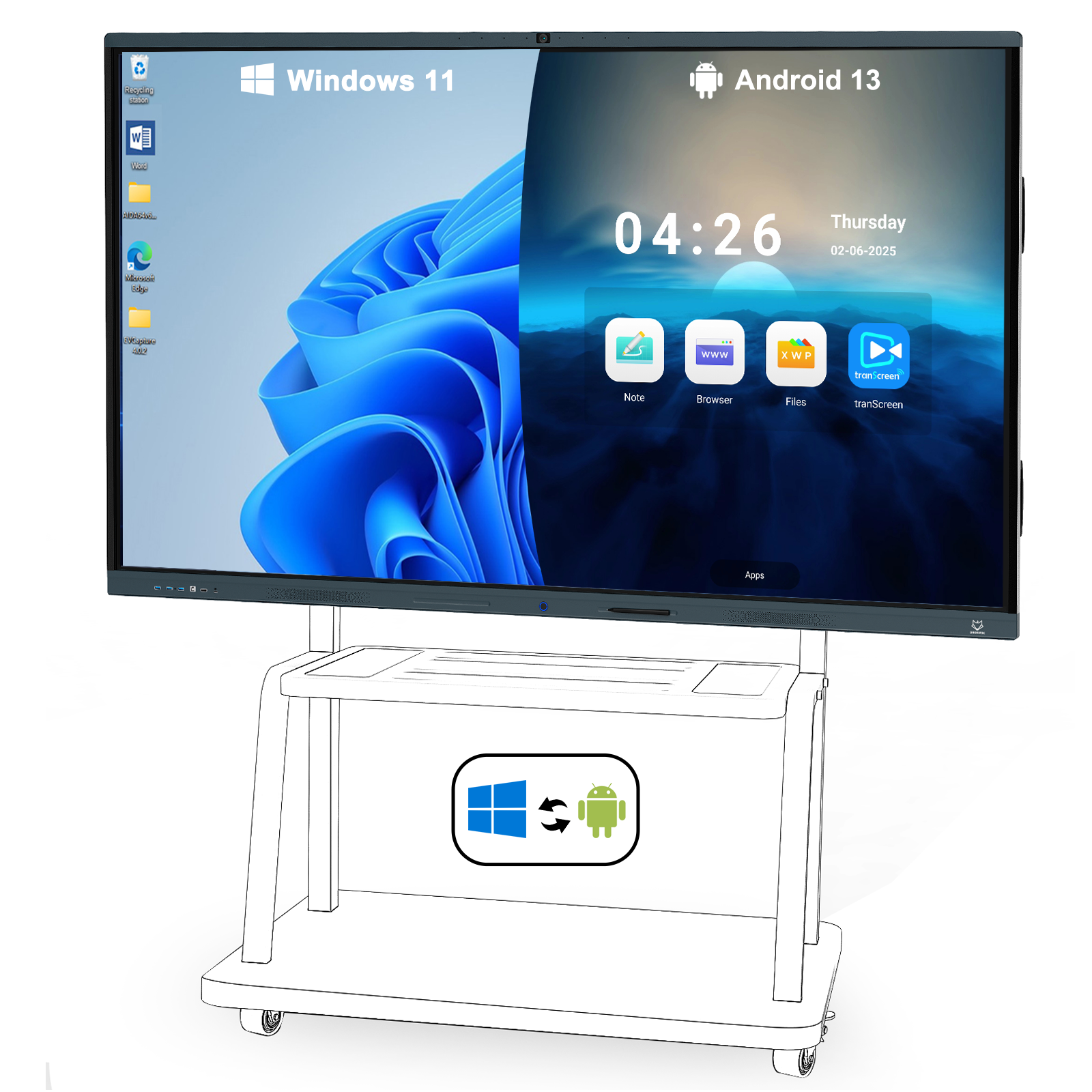
The 65-inch smart board with camera lists a 4K touchscreen, a camera with a 4K sensor and automatic framing, Android 14, 8 GB RAM and 128 GB storage. This gives a buyer a specific configuration to ask about. It does not establish that the next size in the catalogue has the same operating system, memory, camera behavior or included software.
The 75-inch camera version separately lists a 4K UHD display, anti-glare glass, 20-point multi-touch, a 4K camera, wireless casting and plug-in OPS support. Confirm which computing option is actually in the offer. Support for an OPS arrangement should not be read as confirmation that a particular OPS module is included in every order.
An integrated camera can keep the installation compact, but its final position follows the board and its mounting arrangement. The buyer should test that position against the intended seating. If the presenter or room layout needs a different camera location, discuss the available configuration rather than assuming that any integrated camera can be repositioned independently.
LINGHUFOX also lists an interactive-whiteboard camera accessory with 4K capture, adjustable mounting support and a tripod-mounting alternative. The listing describes use with a compatible display. Ask the supplier and integrator to confirm compatibility with the proposed host and application, the required connection and the mounting parts supplied. The accessory’s existence does not make it a universal upgrade for every board.
A daily user may start with the room in a different state from the supplier’s demonstration. Ask the evaluator to end the call, return to the agreed start screen and begin another meeting using the proposed procedure. Confirm how the user selects the intended camera, microphone and speaker if the application exposes those choices. The instructions should identify the accepted devices, not rely on somebody remembering an unexplained default.
Zoom’s test-meeting instructions provide a way to check video, speakers and microphone controls. Such a check is useful preparation, but keep the project’s shared-content and room-participant evaluation as well. A successful device check does not by itself prove that an annotated drawing reaches a remote attendee through the planned meeting workflow.
Include an orderly response to a failed connection. Ask which local presentation method remains available, how the user reaches support and what information should be recorded. The supplier can identify the hardware configuration; an IT team or platform provider may need to resolve account or network issues. Agree that responsibility split before a meeting failure is handed between parties who each assume the other owns it.
Finally, review how staff leave the room ready for another team. Identify where meeting files remain, how accounts are signed out when necessary and which updates belong to the designated administrator. These are operating decisions to agree with the buyer’s IT team. Do not publish shared passwords in a handover sheet or treat a permanently signed-in personal account as the default room-management plan.
The acceptance record can be short if it identifies the actual equipment and the observations that matter. Record the board model, computing option, camera and audio route, application version, mounting position and unresolved issue. Where a demonstration uses equipment different from the proposed production order, identify the difference and decide which observations require confirmation on the final build.
Separate an evaluator’s observation from the proposed remedy. “The far seat was difficult to hear” is an observation; “add another microphone” is a design proposal that needs compatibility and placement review. Keeping both entries prevents the purchaser from turning an untested suggestion into an assumed included feature when the quotation is revised.
| Meeting action | Evidence to keep | Who confirms it |
|---|---|---|
| Discussion from the intended seats | Remote listener’s notes on intelligibility and any missed positions | Remote evaluator and room integrator |
| Presenter moves to the board | Accepted framing mode and camera position | Buyer and supplier |
| Drawing is shared and annotated | Application route and the change received remotely | Meeting operator and remote evaluator |
| Meeting ends and the next one starts | Start procedure, device selection and file handling | Buyer’s IT or room owner |
A conference room smart board supplier can then quote against an intelligible result: people in the room can work with the content, remote colleagues can participate and the next user can repeat the procedure. Keep any unfinished camera, audio or software decision visible beside its responsible party. The order is ready for approval when the offered configuration can reproduce the agreed meeting, including the experience outside the room.
No. Ask a remote evaluator to confirm intelligible voices from the intended seats, useful camera framing and the same document changes. The room operator should separately confirm writing and meeting controls.
No. Confirm the operating-system license, meeting-software entitlement and any claimed certification for the exact offered equipment. A supported computing platform does not establish those supply terms.
Record whether camera video, shared content or both are affected. Keep the application and connection details, and ask the integrator to investigate that path before proposing different hardware.
