


Get quote
Get Free Consultation!
We are ready to answer right now! free consultation.

The decision between a standard 75-inch smart board and a camera-equipped version starts with the room’s work. A local training session may mainly need writing and shared documents. A hybrid meeting also needs a deliberate camera and application arrangement. Ask a 75 inch smart board manufacturer to identify the exact version being offered, then check its fit against the people, content and equipment in the room. The screen diagonal alone cannot settle either decision.
LINGHUFOX lists a 75-inch smart board and a separate 75-inch smart board with camera. Treat those as separate starting configurations. This comparison uses their published features and the adjacent 65-inch and 86-inch models to organize a buyer’s selection. It does not assume that every detail of one version carries across to another.
Imagine a training manager choosing a board for induction sessions and occasional meetings with another office. During training, the facilitator writes short notes and opens a procedure document. During the remote session, someone also needs to appear on camera and share the document. These are proposed uses to evaluate, not a record of a particular customer’s purchase.
Bring both types of material to the selection discussion. The procedure document should contain the smallest detail participants actually need to read, rather than an enlarged demonstration slide. Mark the intended seats and the position where someone will write. If people must move furniture or stand in an aisle to see a normal page, the supplier needs to understand that constraint before the size is approved.
Separate a current requirement from a possible future one. If video meetings are only a future idea, record the equipment and compatibility questions that would remain. If remote participation is essential from the first day, include its complete proposed configuration in the evaluation now. A camera-shaped opening in a product photograph is not a substitute for identifying the version, application and accessories in the offer.
The standard listing specifies a 3840 × 2160 display, infrared touch and support for 20 touch points on a connected PC. It also names an Android platform and HDMI, USB and Type-C connectivity. These facts establish a useful teaching and presentation configuration. Preserve the connected-PC condition when describing the touch count; it should not silently become a promise about every application and operating environment.
The technical table gives an Android 11 configuration and memory/storage ranges rather than one universally fixed memory package. Ask which configuration is in the quotation and which operating environment will run the intended software. A range in a catalogue is a selection boundary. It does not mean that the lowest-priced unit includes the largest listed memory and storage options.
The listing’s anti-glare tempered glass belongs in the viewing and writing discussion. Evaluate the actual screen with the room’s proposed lighting and representative content. A surface treatment does not remove the need to assess reflections from windows or lights. Keep any change to the mounting position connected to that evaluation so an accepted display is not later installed where the viewing conditions are different.
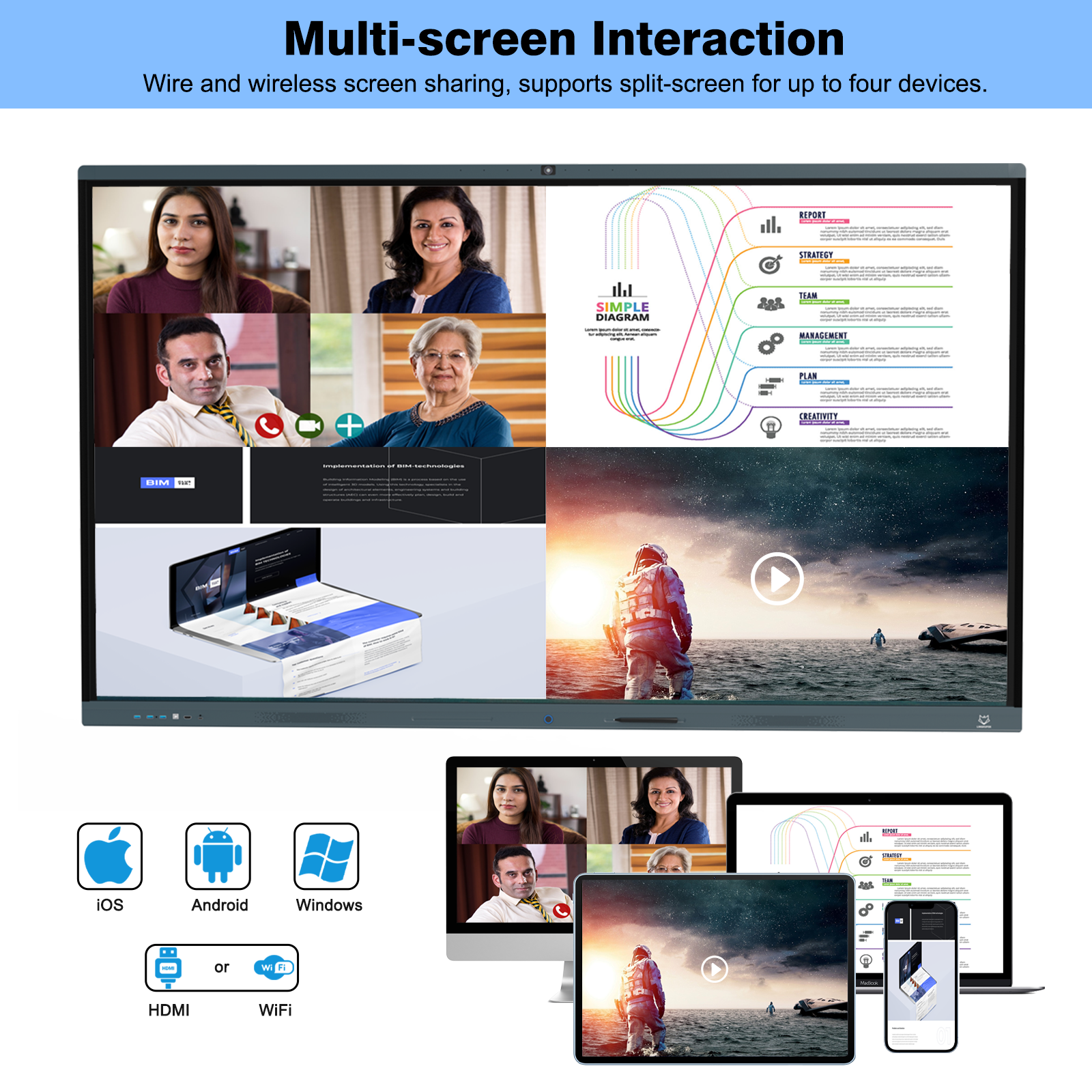
The camera-equipped 75-inch page lists a 4K UHD display with anti-glare glass, 20-point multi-touch and a 4K camera. It also describes wireless casting, plug-in OPS computing and dual-system switching. Ask the supplier to identify the camera and computing configuration actually supplied. OPS support and an included OPS module are different descriptions, and they should not be exchanged casually between a product page and a quotation.
The camera version may suit a buyer who wants an integrated starting arrangement for collaborative meetings, but its usefulness still depends on the room position and application. Establish where the camera sits relative to the people it must capture and whether the proposed software can use that camera. Do not transfer the standard model’s detailed Android configuration, dimensions or mounting information to the camera version without confirmation.
If the room already has a conferencing system, give its details to the integrator before choosing a new camera arrangement. The useful question is what the new board contributes to the existing system: display, touch interaction, local computing or camera capture. Adding another camera without assigning its role can leave the room with an unresolved device-selection problem rather than a clearer workflow.

Use the neighboring sizes when the room assessment leaves a genuine space or readability issue. The 65-inch smart board, standard 75-inch board and 86-inch smart board all list 3840 × 2160 resolution. Their active image and cabinet sizes differ. A larger diagonal therefore needs a room decision, rather than an assumption that the bigger model necessarily contains more pixels.
| Standard model | Active image, W × H | Cabinet, W × H | Net weight |
|---|---|---|---|
| 65 inch | 1428 × 803 mm | 1486 × 921 mm | 37.7 kg |
| 75 inch | 1646 × 925.5 mm | 1708.2 × 1013.8 mm | 51.5 kg |
| 86 inch | 1892 × 1064 mm | 1954 × 1185 mm | 68.5 kg |
These catalogue measurements are planning references, not dimensions for drilling or proof that a particular wall or mobile support is suitable. The cabinet figures above exclude a separately selected mounting arrangement. They also belong to the named standard listings, not automatically to the camera-equipped 75-inch product. Obtain the current drawing and weight for the exact version before the installer commits to it.
The active image tells the buyer where content appears. The cabinet envelope tells the designer how much physical space the equipment occupies. A recess that seems large enough for a 75-inch image may not accommodate the complete product, connectors and required access. Give the installer the complete product drawing instead of expecting an image-area measurement to answer installation questions.
The change from 65 to 75 or 86 inches can also alter where participants stand and move. Check the board’s proposed position in relation to a lectern, table or door swing. If a person cannot reach a frequently used control without leaning across furniture, the room arrangement needs attention. Do not select a size only from the available blank wall area while ignoring the people expected to use its touch surface.
A person watching from the back of a room and a person writing at the board have different needs. The distant viewer needs the relevant content to be legible. The writer needs access to the controls and working area. Confirm both with the intended material and a representative user position rather than assigning a universal room capacity to a 75-inch screen.
AVIXA’s display-image-size calculators relate viewing requirements to factors such as image height, the farthest viewer and the type of content decision. Their value here is to give an audiovisual designer a structured way to assess the room. This article does not calculate a certified viewing distance or replace the project’s content and seating assessment.
For a connected Windows PC, Microsoft documents text-size and display-scaling controls. Use the relevant settings when preparing representative files for the board. Then check that the layout, diagrams and controls remain usable. A demonstration that enlarges only one document should not be treated as proof that every application will appear correctly at the chosen setting.
Review readability and available working area together. Enlarging an interface can make individual controls easier to use while showing less of a detailed document at once. The buyer must decide whether that tradeoff fits a training session, a drawing discussion or a shared spreadsheet. If it does not, reconsider content design, seating or the larger screen option with the actual task still visible.
For the touch trial, use the intended application and computing route. Try writing, selecting a control and moving between documents, then confirm the same actions from the normal teaching or presentation position. The standard model’s 20-point connected-PC specification does not guarantee that every program offers a useful multi-user workflow. Approve the behavior the group needs, not only the maximum contact count.
Check the cable approach while reviewing the room drawing. The standard 75-inch listing names three front USB ports, an HDMI port, a TOUCH port and a Type-C port. Confirm the functions available on the final build and whether the presenter’s normal computer can reach the intended connection point. USB-IF identifies Type-C as a cable and connector specification; a port’s shape should not replace confirmation of its implemented functions. If the buyer wants one connection for several tasks, have the supplier demonstrate that exact arrangement rather than assuming it from the connector label.
The standard 75-inch technical table lists a 400 × 600 mm hanger-hole distance. Pass that information to the installer as part of the model documentation, then obtain the final drawing and bracket specification. Do not assume the old mount is suitable because it previously held a screen with the same diagonal. Hole geometry, product weight, bracket rating, supporting structure and service access all need the installer’s assessment.
VESA’s mounting-interface overview describes standardized interfaces between flat displays and mounting equipment. It is useful background for understanding why interface details matter. A reference to a mounting pattern alone is not a structural approval for the room, and this comparison does not claim certification of a particular LINGHUFOX installation.
Ask how the selected camera version affects the complete installed envelope and connection access. If a mobile stand is proposed, have the installer confirm the exact stand and its suitability for the final equipment. Keep cables, presenter movement and the chosen camera position in that same review. A display that fits the room visually still needs a practical way to be connected and used there.
The final description should distinguish the standard board from the camera-equipped version, identify the computing option and state the agreed accessories. Attach the room drawing and the content or interaction observations that determined the choice. For a camera-equipped order, identify the approved capture and application arrangement; for a local presentation room, identify the actual source and touch workflow.
Keep any unresolved item attached to that specific version. If camera placement remains uncertain, increasing the screen size will not answer it. If the distant viewer cannot read the working document, adding a camera will not answer that either. LINGHUFOX’s application solutions provide a starting point for those different room uses, while the order should describe the configuration the buyer has actually evaluated.
A 75 inch smart board manufacturer can give a more useful proposal when the buyer has separated screen fit, camera function and installation. Choose the 75-inch version that serves the demonstrated task, or move to a neighboring size when the room evidence supports it. Preserve the accepted configuration so the delivered board can be checked against the decision that justified the purchase.
