


Get quote
Get Free Consultation!
We are ready to answer right now! free consultation.
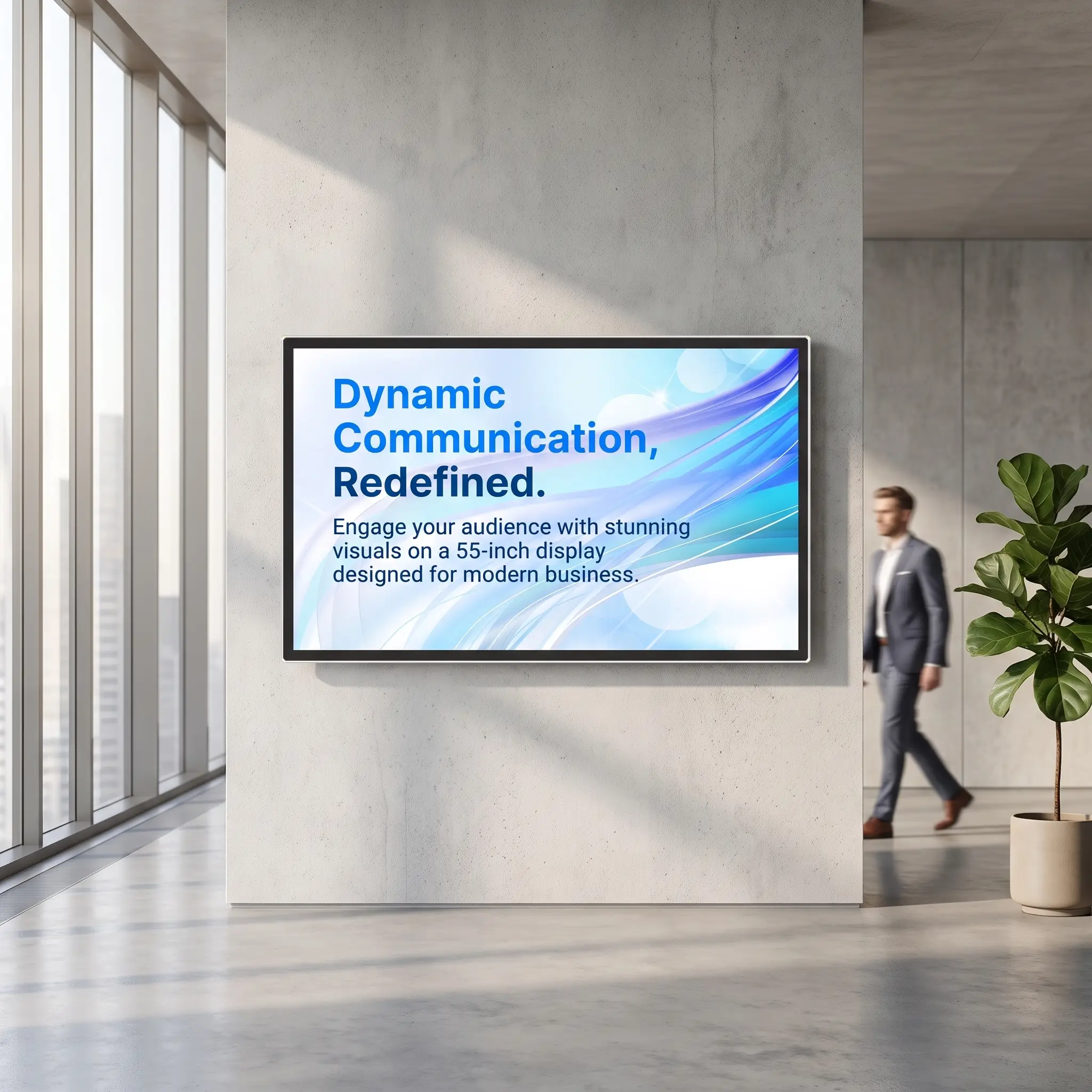
Send a wall mounted digital signage manufacturer a record of the existing installation before asking for a replacement screen. That record should identify the old display, bracket, wall opening, player, signal direction and power arrangement. Two screens with the same diagonal can have different mounting points, outer dimensions and connections. A replacement is ready when it fits the physical installation and plays the required content through the agreed system.
This article is for facilities teams, retail operators and installation contractors renewing indoor menu boards or information screens. LINGHUFOX’s 32-, 43-, 55- and 65-inch wall-mounted products provide useful examples of the details that need to be fixed in a replacement order. The process below is a proposed handover method, not a report of an installation already completed.
A front photograph shows the screen’s appearance but usually hides the information that determines replacement compatibility. Obtain the old product model and the bracket model from accessible labels or maintenance records. Ask the installer to document any concealed details safely during a planned service visit. Do not ask store staff to loosen a display simply to take a better photograph.
The useful photographs show the screen in the wall, the space around it and the relationship between the bracket and connections. Include adjacent screens, trim panels and any shelf below. A connector close-up should retain its label and enough surrounding detail to locate it later. Photograph the installed player and identify which cable leaves its video output and where that cable ends.
Record the present display orientation, visible image size and current content layout. If the replacement must preserve alignment with a row of menu boards, include the top and bottom edges of the complete row. A nominally equivalent new model may leave an uneven edge or a different gap. That is a fit issue to resolve on the drawing, rather than discover after the old screen is removed.
Describe that fault precisely. A cracked panel, intermittent video signal and a player that cannot load current content create different replacement requirements. For example, a functioning display receiving no signal does not establish that the panel is defective. Record what is observed and let the responsible technician separate the display fault from the player or connection fault.
VESA mounting refers to a standardized display attachment interface. It does not mean that every bracket fits every screen. Ergotron’s VESA mounting guide identifies the hole pattern and display weight as primary compatibility criteria, with the screen’s outer size also relevant where space is constrained. Obtain the exact hole spacing and supported weight range rather than use the diagonal as the match.
The LINGHUFOX 55-inch wall-mounted display lists VESA wall mounting, but the published specification does not state an exact hole pattern. Its approximate net weight is 27 kg without the stand. These details support an installation discussion; they do not establish that an unidentified existing bracket is suitable.
Have the manufacturer provide the selected model’s mounting drawing and the mount supplier confirm compatibility. Review the approved screw specification, spacers if required, locking arrangement and available access. The existing wall attachment also needs assessment for its condition and the new load. Matching holes on the screen does not establish that the wall or old fixing arrangement remains appropriate.
Some installations require vertical movement to engage or release a mounting plate. Others need access to a locking screw from below. This can conflict with a close-fitting decorative surround even when the display outline fits the recess. Request the actual installation and removal path for the selected assembly, including the space needed to reach its retention mechanism.
For a concrete example of why model instructions matter, Hikvision’s wall-mounted signage installation guide shows different mounting orientations and explicitly warns that products vary by model. Its hardware details should not be applied to a LINGHUFOX unit. Use the instructions supplied for the actual replacement and let qualified installers determine the wall-mounting work.
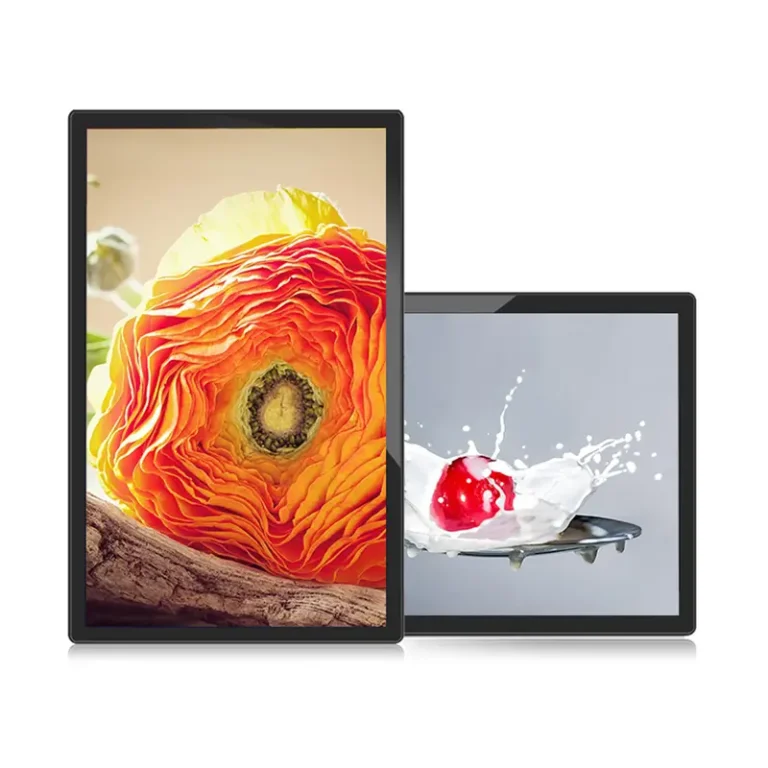
LINGHUFOX’s wall-mounted range gives four different physical sizes to compare with the existing position. The table below reproduces the listed outer dimensions without the mounting rack and approximate net weights. Treat these as product-page references for the initial comparison; the approved drawing for the ordered configuration should govern the installation.
| Display | Outer dimensions without rack | Approximate net weight | Listed typical brightness |
|---|---|---|---|
| 32-inch | 756.88 × 446.92 × 50.7 mm | 12.9 kg | 300 nits |
| 43-inch | 1000.5 × 590.4 × 51 mm | 18.6 kg | 350 nits |
| 55-inch | 1258 × 728.8 × 50.7 mm | 27 kg | 300 nits |
| 65-inch | 1467.2 × 845.3 × 53.3 mm | 40 kg | 300 nits |
The 55-inch product also lists 60.9 mm depth with its rack, compared with 50.7 mm without it. Neither figure should be assumed to include the projection of every plug, adapter or retained media player. Show the connector locations on the installation drawing. A rear-facing plug and a downward-facing plug can require different clear space even when they carry the same signal.
Where an existing recess must be retained, measure its usable opening at several points and record anything that projects into it. Include the trim overlap and the route for bringing the replacement into position. A cabinet that fits the opening on paper may still need additional space to attach cables or engage the bracket. Resolve any removable trim or access panel with the shopfitter before choosing the final display.
Do not pack spare cable or a power supply into the first available cavity behind the new screen. The selected display’s ventilation openings and service access need to remain usable. Hikvision’s installation and maintenance guidance explicitly treats unblocked ventilation and space for the device and mounting structure as installation concerns. The particular clearances for this project must come from the new model’s own instructions.
Access can be designed into a bracket rather than left to chance. Peerless-AV’s DST660 mount with media-device storage, for example, allows its player to be removed from below without removing the display. This illustrates a service arrangement to evaluate, not an included LINGHUFOX accessory or a compatibility recommendation for these models. If the old bracket lacks that access, decide how the retained player will be reached.

The LINGHUFOX wall-mounted specifications list HDMI input as an option, while listing one HDMI output. That distinction matters if the old installation uses a separate signage player. An output port is not a receiving input. The replacement order must explicitly include the input configuration required by that external player, with its operation demonstrated before dispatch or installation.
Send the player’s model, intended output resolution, frame rate and current connection arrangement. Include any intermediate adapter, extender or switch that will remain. Then test a complete path through the replacement screen using representative content. A short direct connection can help establish a baseline, but approval must ultimately cover the actual installed arrangement.
Display identification can also affect an existing player’s behaviour. BrightSign’s documentation on display information describes EDID—extended display identification data—received over HDMI and recommends checking the values reported by a particular display model. If the retained player uses such information, have its integrator verify the new combination. Do not copy an override from an unrelated screen merely because it produced a picture there.
Using the integrated Android platform changes the project from a screen replacement into a playback migration. The product pages list scheduled publishing, Wi-Fi and Ethernet, with platform and memory options. Confirm the exact operating-system version, application, credentials and update responsibility in the supplied configuration. The presence of Android alone does not establish compatibility with the retailer’s existing management software.
Panel resolution and decoding capability also need separate approval. The 32-inch wall model lists 1920 × 1080 native resolution. The 43-, 55- and 65-inch pages list Full HD and 3840 × 2160 panel configurations, while their listed decoding capability is up to 1080p. Specify both the selected panel and the tested playback path. A 4K panel option does not by itself demonstrate that the internal player decodes a particular 4K video file.
Use the current menu, price list or information layout to check cropping, text clarity, orientation and audio if required. Compare the image boundaries with the previous display, including any deliberately unused margins. If several screens remain alongside the replacement, review the result as a group. Different apparent brightness or colour can be an acceptance issue even when each screen works individually.
Agree the available interruption window with the site and installer. The record should identify who authorizes removal, who confirms the wall and bracket arrangement, and who verifies content after reconnection. Keep the current configuration and content files available to the responsible team. Do not schedule disposal of the old equipment before the replacement has passed the agreed checks.
Plan power and handling under the applicable installation instructions. LINGHUFOX’s published power figures differ across this range, so an existing arrangement should be assessed for the selected replacement rather than copied as a habit. Where access requires taking the screen down, the installer should specify the handling method, working area and required personnel. A buyer’s article cannot supply model-specific lifting or wall-fixing instructions.
Document any failed observation in terms the supplier and integrator can reproduce: the content file, connection used, selected input and visible symptom. For example, a cropped lower price line is more useful than “the new picture looks wrong.” Confirm a correction against the same observation before accepting the installation.
Update the site equipment record with the installed model and its configuration, the retained mount and player, and the new cable connections. Remove obsolete restart instructions from the local handover. If a replacement remote control or application now manages the display, identify it clearly for the next shift. A successful installation should leave the operator with one current set of instructions.
A wall mounted digital signage manufacturer can make a replacement decision concrete when it receives the old installation record and a clearly defined new configuration. The completed handover should show what was retained, what changed and how the result was verified. That gives the next maintenance team a dependable starting point instead of another unexplained screen on the wall.
