


Get quote
Get Free Consultation!
We are ready to answer right now! free consultation.
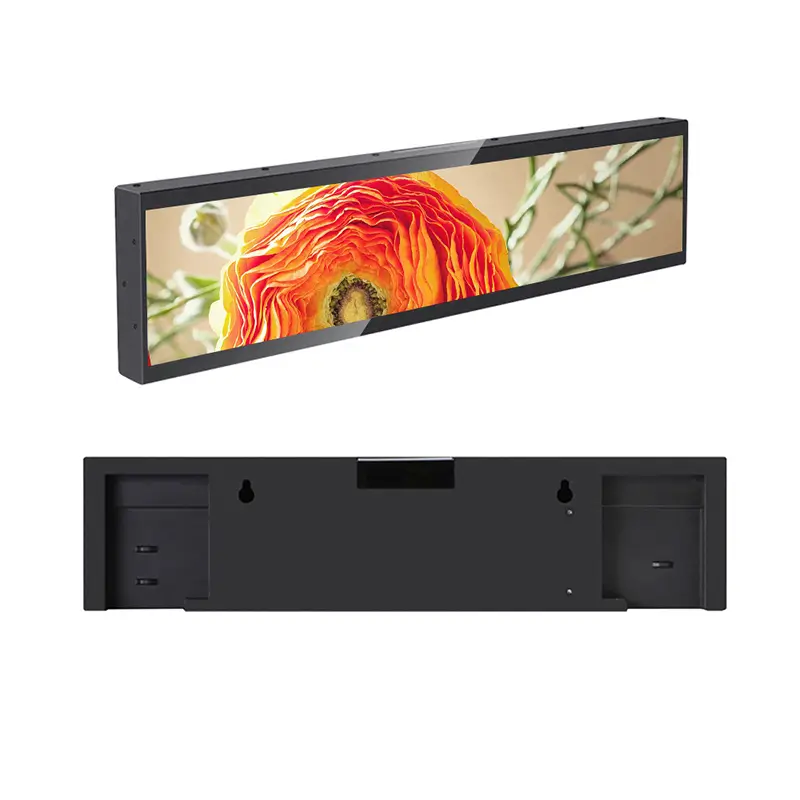
A stretched LCD display manufacturer can recommend a useful product only when the fixture opening is defined. A shelf edge, counter fascia or narrow information panel has limits that a screen diagonal cannot describe: the available width and height, the structure behind it, the visible window and the space needed to connect or replace the display.
Begin the brief with the fixture, then connect its drawing to the display’s mechanical drawing and the designer’s content canvas. This engineering handoff is especially important for a bar-format screen, where a small loss of visible height can remove a meaningful part of the message. The examples here use published LINGHUFOX product information and proposed review steps, not a completed installation trial.
Send a straight-on photograph and a dimensioned drawing of the shelf or panel where the display will sit. Label the clear opening separately from the full fixture width. Include the shelf lip, trim, dividers and other parts that may cover the screen or obstruct its cabinet. A drawing that only labels the overall shelf length leaves the most important fit question unanswered.
If the fixture already exists, record the opening in its finished state. A drawing made before trim, shelf labels or decorative panels were added may no longer describe the available space. If several fixtures are being supplied, identify variations rather than assuming the first measured opening represents every location.
For a new fixture, the designer and display supplier should agree which dimensions are fixed and which can still change. The fixture maker may be able to widen a recess early in the design, but changing an assembled retail unit can affect several finished parts. Mark that decision boundary before selecting the final display configuration.
A bar screen beneath a product should make its relationship to that product clear. Mark the product positions, shelf divisions and expected viewing direction on the fixture sketch. If the display spans several products, indicate whether it will carry one shared promotion or several separate messages. The content layout and the merchandise arrangement need the same reference points.
This information helps distinguish a shelf message from a general advertisement. A price directly below one item, for example, needs a more precise physical association than a brand animation running across an entire bay. The specification should make that intended association visible to both the fixture maker and the content designer.
LINGHUFOX’s stretched LCD display range includes 18.5-inch and 23.1-inch products. Their size labels identify models to investigate; they are not substitute cutout dimensions. The body must fit behind the fixture, the active image must remain visible and the content must map correctly to the available pixels.
The 23.1-inch stretched model provides the following physical reference values. Treat them as the starting point for a confirmed drawing, not as permission to manufacture a final opening without tolerances and mounting details.
| Published item | 23.1-inch reference | What it helps define |
|---|---|---|
| Active display area | 585.6 × 48.19 mm | The physical area where the image appears |
| Body without wall bracket | 597.60 × 59.60 × 15.20 mm | The listed cabinet envelope |
| Body with wall bracket | 597.60 × 59.60 × 16.40 mm | The listed bracket-inclusive depth |
| Typical brightness | 400 nits | An indoor display specification to assess in the intended light |
The active-area measurements are smaller than the cabinet dimensions. A fixture opening matched to only the active area could conceal the bezel while still leaving the body unable to pass through it. Conversely, a cabinet-sized visible opening may expose more trim than the designer expected. Decide how the display is inserted, supported and visually framed before finalizing either opening.
Other manufacturers also separate these fields. BenQ’s bar-display manual lists active area, native resolution and mechanical dimensions separately. Its model data is not interchangeable with LINGHUFOX data, but the document illustrates why all three belong in a complete brief.
The reviewed 23.1-inch specification uses pixel notation that needs clarification before a final width-by-height content canvas is approved. Do not infer that canvas from the physical measurements or a general aspect-ratio label. Request a confirmed pixel matrix and a matching demonstration file for the selected player configuration.
The 18.5-inch stretched display is described for shelf messaging, checkout information and narrow installation spaces. Its reviewed text does not provide the same complete dimensional information. Obtain its actual outline and active-area drawing before treating it as a smaller replacement for the 23.1-inch model.
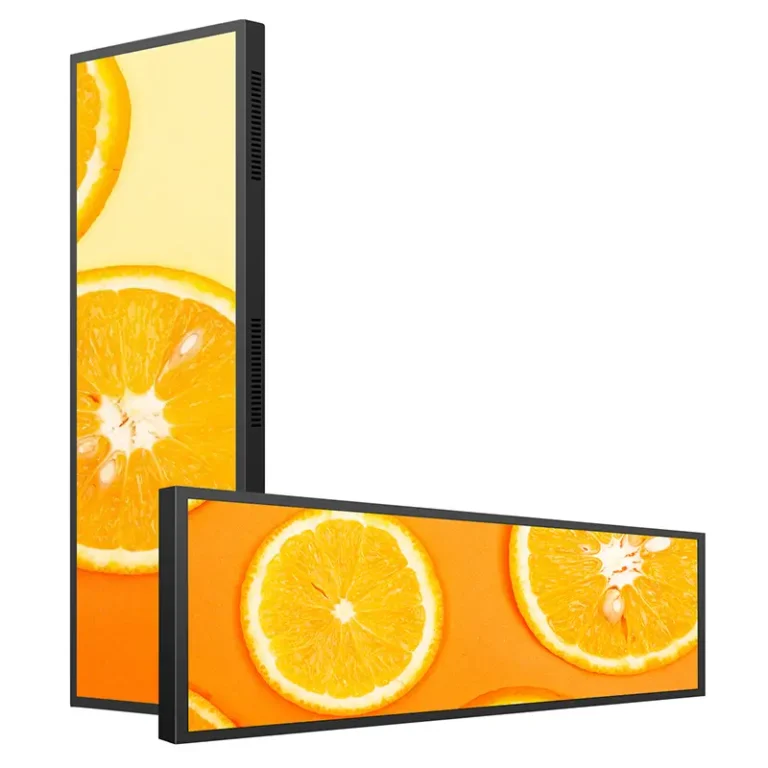
A shallow cabinet can still need useful space around its connectors, power supply and mounting arrangement. The 23.1-inch page lists a metal chassis, 12 V / 2 A DC output and maximum power consumption of 24 W. It also lists an adapter and bracket among the accessories. The fixture brief should locate those actual supplied parts, not reserve space for the screen body alone.
Include the cable exit direction and enough room to connect and release the chosen connector. Confirm where the adapter will sit and how qualified staff will access it. A connector that can be inserted on an open bench may become inaccessible once a shelf lip or rear panel is fitted.
Plan how the display leaves the fixture for service. Does a front trim panel come off, or is rear access required? Must nearby stock be removed first? The mounting method should support the display while allowing the intended service procedure. These decisions belong to the selected hardware and fixture design; a product photograph cannot settle them.
BenQ’s installation guidance is a useful reminder that ventilation, orientation and qualified installation are model-specific requirements. Apply the instructions for the supplied LINGHUFOX configuration rather than copying another brand’s screw sizes or clearances. In particular, a decorative enclosure should not be approved merely because the bare display turns on inside it.
The 23.1-inch product lists Android 8.1 on an RK PX30 platform, with 1 GB RAM, 8 GB flash storage and Wi-Fi. Its interface table shows no HDMI or USB ports and one TF card slot, while the accessory list includes an OTG adapter cable. Confirm the actual update method and accessible connections before the fixture closes around the equipment.
That configuration should not be treated as a conventional monitor awaiting any external HDMI player. Demonstrate the intended content update on the supplied unit. Establish how the operator identifies the correct shelf screen, changes its content and confirms the new message is visible. Where several bar screens share a fixture, a clear location label is useful even when their content is managed together.
Once the pixel matrix and physical window are confirmed, create the artwork for that canvas. The narrow format can work well for a short product message, a directional cue or a compact promotion. It is less forgiving when a conventional poster is reduced until all its text fits.
Exact pixel dimensions matter across stretched products. For example, LG specifies its own 86BH5F stretch display as 3840 × 600. Those are not LINGHUFOX specifications; they show why a broad resolution label does not define a conventional 16:9 canvas for every bar display.
A player may fit an image inside a zone, crop it to fill the zone or stretch it without preserving its proportions. BrightSign’s BrightAuthor 4.4 documentation describes these as distinct image behaviors. It is an example of playback choices, not a claim that this software is included with the LINGHUFOX products.
For shelf content, each behavior can change the message. Fitting may leave unused space; cropping may remove a product qualifier; stretching may distort the pack image. A purpose-built composition avoids asking the player to solve a design problem at the last moment. Confirm the chosen behavior with the exact approved file.
Keep critical text away from an uncertain trim edge until the assembled fixture has been reviewed. If the screen carries several product labels, line them up with the relevant merchandise divisions. Include the longest expected product name and the largest plausible price field in the sample artwork so a later routine update does not break the design.
For a proposed shelf layout with three product positions, show those three positions in the artwork review as well as on the fixture drawing. Decide whether the content remains fixed beneath each position or changes as one shared promotion. If stock is rearranged, identify who updates the screen’s product association. A correctly fitted bar can still communicate the wrong relationship when the merchandise and the digital layout drift apart. Keep a simple photograph of the agreed shelf arrangement with the approved file, and revisit that reference when a display bay is repurposed.
Some information needs more vertical space. LINGHUFOX’s 55-inch wall mounted display provides a conventional 16:9 format with Full HD or 3840 × 2160 panel options. It can be considered separately for larger promotional compositions while a shelf bar carries the short, nearby message. The selected playback configuration still needs confirmation.

The useful decision is how much information belongs beside the merchandise. If every detail must be squeezed into the bar, reconsider the message hierarchy before increasing the amount of animation or shrinking the type.
A proposed fixture review should settle three questions together: does the supplied body fit, does the finished opening reveal the intended image and can the equipment be operated and serviced? Review these with the trim, cables and merchandise in their normal positions. An exposed screen on a workbench cannot reveal every obstruction in a finished shelf.
Use the confirmed content canvas with a visible boundary and the real promotional layout. Look for clipped edges, misaligned product labels and reflections from nearby lighting. Check the chosen update method while the display remains installed. The published 400-nit value is a starting specification, not proof that every shop window or bright shelf location will be readable.
If the displayed layout differs from the approved artwork, record both the file and the player setting. BrightSign’s zone guidance also distinguishes borders already present in a video file from scaling performed by the player. That distinction helps avoid changing the fixture to compensate for a content or playback setting.
The final package should contain the fixture drawing, confirmed display drawing, pixel canvas, approved artwork, configuration details and service-access notes. Give each revision a clear date or version. If the bracket, connector arrangement or trim changes, identify which other files need review instead of leaving the designer to discover the change during installation.
A stretched LCD display manufacturer and a fixture maker should be working from the same approved boundaries. The content designer needs those boundaries too. When the physical opening and the image canvas are connected in one clear record, the narrow display becomes a defined part of the fixture rather than an unresolved screen-shaped space.
