


Get quote
Get Free Consultation!
We are ready to answer right now! free consultation.

Tell an LCD advertising display supplier whether the audience is inside the building or looking through a sunlit window. Those locations can require different display configurations even when the desired screen size is identical. Start with the light exposure, viewing position and intended message, then ask the supplier to confirm the exact model’s suitability. A commercial-display label alone does not establish sunlight readability.
LINGHUFOX’s wall-mounted range provides several indoor information and promotional formats. Its published 43-inch model lists 350 nits, while the 55- and 65-inch wall-mounted models list 300 nits. These model-bound figures show why a larger diagonal should not be assumed to mean a brighter screen. Evaluate the actual location before choosing from the range or requesting another configuration.
A photograph helps show the intended location, but it should be accompanied by a description of the normal conditions. Identify whether sunlight reaches the display directly, whether the audience looks through glass and which artificial lights remain on during operation. A picture taken on an overcast morning may not represent the most demanding period.
Mark the main viewing directions and the information people need to read. A short promotional headline and a detailed service table impose different demands. Identify the smallest important text and the time people have to view it. These are content and application requirements, not a universal formula that can be solved from a brightness number alone.
Record available controls such as shades, lighting adjustments or alternative mounting positions. The project may be able to improve the environment, but those changes should be realistic for daily operation. A demonstration that works only with lights turned off or a window covered is not evidence that the normal business arrangement will work unchanged.
“By the window” can mean a screen facing inward near daylight, a screen facing outward behind glass or an external screen exposed to weather. Use separate descriptions for these cases. The supplier needs to assess the actual conditions, and the buyer needs to know which conditions the proposed configuration has been approved to serve.
Where site measurements are required, have the relevant professionals define and record them. A phone photograph or automatic camera exposure is not a calibrated luminance measurement. This guide does not provide a universal instrument procedure or a fixed brightness threshold for every storefront. Its purpose is to make the supplier’s application assessment specific enough to be useful.
The 43-inch wall-mounted LINGHUFOX display lists a typical brightness of 350 nits and Full HD or 3840 × 2160 panel configurations. Ask which configuration is actually quoted. Brightness and native resolution are separate characteristics; selecting the higher pixel count does not automatically change the display’s light output.
The 55-inch wall-mounted display lists 300 nits, as does the 65-inch version. These are published specifications, not independent measurements of a supplied sample. Confirm the current model revision and the conditions under which any brightness claim applies.
| Model | Listed brightness | Separate question to resolve |
|---|---|---|
| 43-inch wall-mounted | 350 nits | Which panel and player configuration is supplied? |
| 55-inch wall-mounted | 300 nits | Does the location suit the approved indoor arrangement? |
| 65-inch wall-mounted | 300 nits | Can the intended audience read the actual content? |
Do not compare the figures as a complete quality score. The content, reflections, physical image size and viewing position also affect the result. A larger screen may make text physically larger while retaining the same listed brightness. Conversely, a brighter panel does not correct a layout that uses text too small for the intended audience.
The wall-mounted specifications also distinguish panel resolution from the listed decoding capability. Ask the supplier to confirm the complete playback path for the content you intend to use. A 4K panel option does not establish that every built-in player decodes every 4K file or that an optional external input is included.
The LCD specification guide helps organize those separate questions. Keep brightness, resolution, decoding and operating conditions in different fields on the comparison sheet. Combining them into a single phrase such as “high-definition bright advertising screen” makes offers harder to compare accurately.

Purpose-designed window displays illustrate how different the requirement can be. For example, LG’s 49XS4P specification lists a 4000-nit typical brightness for its window-facing product. That is a specification for that LG model, not a recommended universal threshold and not a capability attributed to the LINGHUFOX indoor models discussed here.
The useful lesson is to request application-specific evidence. Ask LINGHUFOX whether it can propose a configuration for the actual window exposure, and obtain the relevant specifications and validation scope. Do not relabel a standard indoor model as window-facing merely because it can be physically placed behind glass.
Consider the complete environmental arrangement, including heat, enclosure, ventilation and any exposure to moisture or weather. The required evidence should cover the actual system and installation. This guide does not assign an outdoor rating, ingress-protection classification or thermal limit to an unconfirmed custom configuration.
Increasing a setting during a demonstration may change the visible result, but it does not establish that the operating arrangement is suitable for the planned hours and environment. Ask for the manufacturer’s supported settings and limits. Keep the final accepted configuration documented rather than relying on an installer selecting the most intense-looking mode and leaving no record.
Where a custom enclosure or surround is involved, have that arrangement reviewed as well. A display’s published specification applies to a defined product configuration, not automatically to every cabinet built around it. A brighter image is not a substitute for adequate environmental and service planning.
Prepare a representative advertisement rather than a sequence chosen only because it looks vivid. Include the product name, important message and any terms that viewers genuinely need to read. Evaluate the smallest essential element. If the layout relies on delicate gray lettering or fine lines, revise the content and compare it again before concluding that the panel alone is responsible.
The W3C contrast guidance concerns text and its background in digital content. Its ratios are not the same as a panel’s hardware contrast specification. Use the distinction to keep content-design questions separate from hardware claims, without presenting a web-content check as certification of the complete signage installation.
Keep important meaning readable without depending only on color. A sale status, direction or service instruction should remain understandable when viewed from the expected position. Use clear labels and an appropriate information hierarchy. These are design recommendations to evaluate with the real audience, not a claim of a measured advertising or conversion improvement.
A passing visitor may see only part of a rotating campaign. Decide which message must be understood immediately and which information belongs elsewhere. A larger display can carry more visual material, but adding more content can make the important message harder to find. The business should approve the information priority before the creative team fills the available area.
For a screen that combines promotion and practical information, test the layout as a whole. The location-based display guide helps identify the job at each point. Keep a service instruction visible through an approved layout rather than assuming viewers will wait for it to return in a long playlist.
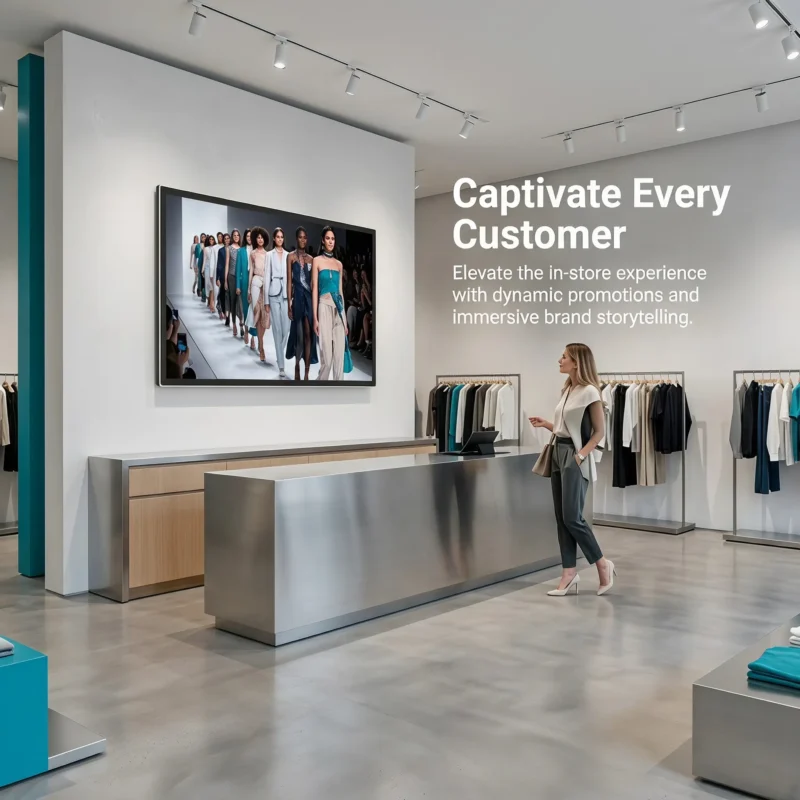
Identify the sample’s exact model, player, content version and settings. Observe it from the intended positions under representative conditions. Record what is readable, where reflections interfere and which changes were tried. Keep the observations tied to the configuration rather than describing the display simply as “good” or “bad.”
Change one relevant condition at a time where practical. For example, compare the same file at the same settings before and after an approved position change. Then compare an improved content layout separately. This helps the team understand whether the improvement came from hardware, placement or design, rather than assigning every difference to the supplier’s screen.
Photographs can document the setup and visible issues, but camera processing can alter the appearance. Use them alongside the recorded conditions and acceptance decision, not as independent proof of a luminance value. If the project needs measured performance, agree the measurement method and responsible party with the relevant specialists.
Save the accepted file and settings so that a replacement unit can be checked against the same task. A different campaign can obscure whether the new configuration behaves as expected. Record any later changes to the location or lighting, because the original acceptance may no longer describe the environment in which the display is being used.
Do not convert a short sample observation into a long-term service claim. It can support a decision about the tested conditions, but it does not establish a measured lifetime, failure rate or performance in every season. Ask the supplier for the additional evidence the project requires and keep any untested conditions explicit.
The final order should identify the exact panel and player, intended orientation, operating conditions and any required installation work. State the approved indoor or other application boundary. If the buyer requires a different environment, obtain a specific proposal and evidence rather than extending the standard model’s claim by assumption.
Include the content and operating owners in the handover. The supplier’s role is not to decide whether a promotion remains valid, and the creative team’s role is not to approve the electrical or environmental installation. Clear responsibilities make the accepted result easier to maintain after the original project team leaves.
No. Read the exact model specification. The LINGHUFOX wall-mounted examples list 350 nits for the 43-inch model and 300 nits for the 55- and 65-inch versions. A larger image can affect physical readability without increasing light output. Confirm the current offered configuration and evaluate it at the intended location.
No. Resolution and brightness are separate characteristics, and environmental suitability requires additional evidence. Describe the actual window or outdoor exposure and request a model-specific response. Do not infer sunlight readability, weather protection or thermal suitability from a pixel count or a general commercial-display description.
Request the current configuration specification, installation and environmental requirements, supported operating settings and a representative content demonstration. Keep the site conditions and any untested limits in the record. That gives the buyer a defensible application decision without turning a catalogue value or a favorable photograph into a universal performance guarantee.
